
WiFi Panorama Camera Guide: 360° Coverage Explained for CCTV Buyers (2026)
Table of Contents
A WiFi panorama camera promises one lens, one cable and a full 360° view. The catch: the camera that sees everything identifies almost nothing at distance. The classic failure story goes like this. A manager replaces four fixed cameras with a single 360 camera to cut costs. Then he tries to zoom into a license plate and sees a blur. Another manager installs a PTZ that pans away from the entrance right as the intruder walks in. A panorama covers the whole room at once. The question is whether its resolution survives the zoom.
This guide explains what a wifi panorama camera actually is. It separates the three designs on the market: fisheye, stitched dual-lens and true 360° multi-sensor. It walks through panoramic stitching and compares coverage area against fixed and PTZ cameras with typical numbers. It gives mounting positions that actually work and closes with a business buyer checklist. By the end you will know when one panorama security camera replaces four fixed units, and when it should sit next to a PTZ instead.
Keep reading for more!
The Snapshot
- One WiFi panorama camera covers a full 360° or 180° from a single mounting point. It typically replaces 2-4 fixed cameras for situational awareness at roughly 30-50% lower installed cost per square meter.
- Coverage and detail are inverse. A 4K 360° camera spreads 8MP over the full circle, about 10-11 pixels per degree. A fixed 4MP camera at 2.8 mm delivers about 25 pixels per degree. Identification distance is typically only 2-4 m.
- Fisheye and panorama are not the same thing. A fisheye camera uses one curved lens for 180°-360° with heavy barrel distortion. A stitched panorama flattens two or more lenses into a natural wide view.
- Storage stays modest. A 4MP panorama at 15 fps with H.265+ records about 10-14 GB/day. A dual-lens 5MP unit runs 12-18 GB/day, comparable to one good fixed camera.
- PTZ patrols have gaps. A PTZ on a 4-preset cycle spends about 75% of its time looking away from any single area. A panorama records everything at once with no moving parts to wear out.
What Is a WiFi Panorama Camera?
A wifi panorama camera is a network security camera that captures a 180° or 360° field of view in one unit. It connects over WiFi for video and remote access, which is why the "wifi" matters in the name. The 360 degree camera family includes three implementations: a single fisheye lens, two lenses stitched together, and multi-sensor arrays. Buyers searching "wifi panorama camera" are usually comparing these designs for one goal: covering an open area with fewer mounting points.
The panoramic camera delivers its wide view through either a hemispheric lens or a stitching engine. Typical specs across the category: 4MP to 12MP total resolution, H.265+ compression, dual-stream output, ONVIF conformance and P2P remote viewing. The 360 degree panoramic camera is the default for indoor open areas. The 180° design is the default for walls, aisles and perimeters. Most WiFi panorama cameras ship with 802.11n or 802.11ac radios, and a growing number add 802.11ax for higher stream counts.
The value proposition is coverage economics. One panorama security camera on a ceiling covers what typically takes three or four fixed cameras to cover. It records continuously with no patrol schedule. The trade: every pixel is spread over a much larger scene, so detail per object drops. Panorama for awareness, zoom for identification: understanding that trade is the whole game.
Fisheye vs True Panorama: 360° Versus 180°
The most common confusion in this category is the difference between a fisheye camera and a panoramic camera. A fisheye camera uses a single ultra-wide lens with a curved field, typically 180° across the hemisphere. Some models reach 360° with the lens facing the ceiling. The image is round and heavily barrel-distorted: straight lines bow outward, and a person at the edge of the frame appears stretched.
The fisheye security camera is a proven, low-cost design. Typical fisheye specs: 1.05-1.4 mm equivalent focal length, F1.6-F2.0 aperture and 4MP to 12MP sensors. Dewarping is built into the camera, the NVR or the client app. The four standard dewarp views are single panorama, dual panorama, quad view and corridor mode; operators switch between them per monitor.
A true panorama differs because the final image is flat by design. The 180 degree fisheye camera and the 180 degree panoramic camera look similar on a spec sheet. But the stitched panorama produces a natural wide rectangle with far less distortion. That matters when operators stare at the view for hours. For outdoor walls, a fisheye ip camera outdoor 180 install is common. For indoor ceilings, most integrators pick the fisheye for cost and the stitched unit for image quality.
Practical guidance: if buyers search "fisheye 180 camera wifi" or "fisheye wifi camera", they are asking for one-lens simplicity. If they search "180 degree panoramic camera", they want the flatter stitched view. Both are valid; the decision is distortion tolerance versus price. A fisheye lens camera is typically 20-30% cheaper than an equivalent dual-lens panorama at the same resolution.
How Panoramic Stitching Works
Panoramic stitching is the process of combining two or more sensor images into one continuous view. In a dual-lens camera, each lens covers roughly 180° and the two frames overlap by about 30-40° at the seam. The camera's image processor aligns the overlap, blends exposure and color, and outputs a single flat panorama, typically 180° wide at 4K or 5K.
Stitching happens in hardware inside the camera, which keeps the NVR and the client simple. The output is a normal RTSP stream, so any VMS that accepts standard IP cameras can record it. The seam is the weak point: objects crossing the overlap can bend or ghost for a frame. Exposure differences between the two sensors show up as a visible line in mixed light. Typical seam width is 30-40° of the frame. Quality stitching hides it almost completely in even light. A good stitch engine keeps the seam error under one pixel in even light and under three pixels in mixed lighting.
The stitched stream also powers the 360 degree view modes. Operators can watch one flat panorama, split the screen into two 90° panes or four quadrants, or use a virtual pan tilt zoom. The zoom inspects a section of the recorded image without moving a motor. Catalogs often write it as an "e ptz camera" feature. ePTZ is purely digital: it crops and magnifies pixels already captured, so typical usable zoom is 3-8× before the image breaks up.
Dual-Lens Panorama Cameras
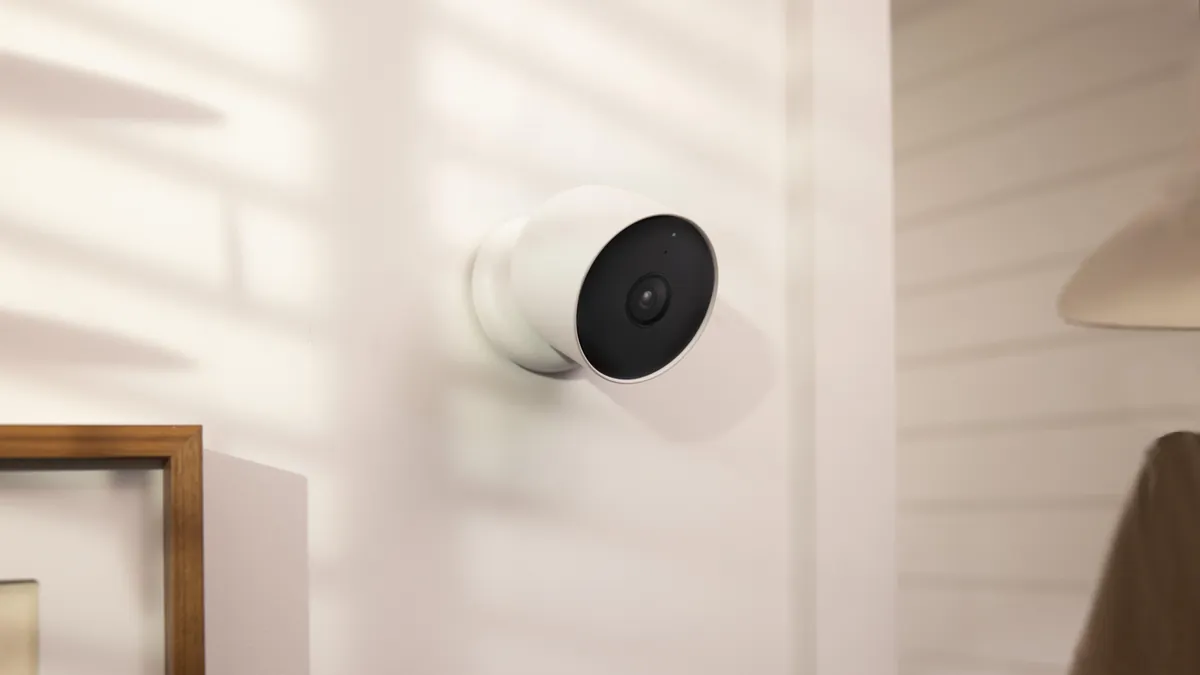
The dual lens security camera is the fastest-growing panorama design in B2B projects. It fixes the two weaknesses of fisheye: distortion and detail density. A dual lens camera pairs two sensors and two lenses, usually 180° each. It stitches them into one flat 180° view at typical 5MP×2 or 4K×2 resolution.
The dual lens wifi ip camera is the wireless version of that design. It is a strong fit for retrofit sites where running cable is impractical. Typical specs: IP66 housing, two 1/2.7-inch or 1/1.8-inch sensors, and F1.0 full-color lenses for night. Dual-stream H.265+ output runs at 15-30 fps over a single Ethernet or WiFi uplink.
Buyers see the same hardware sold under several names: "dual sensor camera", "ip dual lens camera", "cctv camera dual lens" and "dual lens panoramic camera". They all describe the same architecture: two sensors, one stitched output. A dual lens outdoor security camera mounted on a warehouse wall covers the whole aisle. The dual lens ptz camera variant adds motorized movement for sites that want both wide context and targeted zoom.
Where dual-lens wins: one dual lens security camera typically replaces two fixed cameras at the same resolution. It needs one mounting point, one cable and one recorder channel. Where it loses: the stitched seam, a higher price than a single fisheye, and double the sensor cost. For most indoor and outdoor B2B scenes, the dual-lens design is the best balance of image quality and coverage.
Coverage Area Comparison
Coverage claims in catalogs are marketing numbers. What matters is readable coverage. The table below compares the five camera types a buyer actually chooses between, using typical figures at a 3 m mounting height indoors.
| Camera Type | Field of View | Typical Readable Area | Identification Distance | Units for 1,000 m² |
|---|---|---|---|---|
| 360° fisheye on ceiling | 360° | 800-1,200 m² awareness | 2-4 m | 1-2 |
| 180° dual-lens panorama | 180° | 400-600 m² awareness | 3-6 m | 2-3 |
| Fixed 4MP at 2.8 mm | ~100° | 60-100 m² detail | 5-8 m | 8-12 |
| Fixed 5MP at 4 mm | ~70° | 40-70 m² detail | 8-12 m | 12-16 |
| PTZ on patrol | 360° over time | Full area, one direction at a time | 20-40 m at 25× | 1-2 plus awareness |
← swipe to scroll →
Three patterns matter. First, one 360 panorama camera covers the floor area of roughly 8-12 fixed cameras for awareness: that is the full 360 degree coverage pitch. Second, readable detail drops fast; panoramic coverage is for "who is in the room and where", not "what is the plate number". Third, a PTZ covers the same 360° only over time; the instant it looks elsewhere, that area is unrecorded.
A 360 security camera on a 4.5 m warehouse ceiling typically watches a 25-50 m diameter clear span for movement. The same scene needs a grid of fixed cameras for identification. A wide angle security camera covers more area, but the pixel-per-degree math is the same: every degree wider means fewer pixels on the target. At the same sensor size, a 180° panorama puts half the pixels of a 90° fixed camera on any given object.
For buyers comparing cost, use the panoramic cctv rule of thumb. One panorama replaces 2-4 fixed cameras in open retail, offices and lobbies. It replaces zero fixed cameras where license plates or faces at distance matter. There you keep fixed IP cameras or PTZ units and add the panorama as the awareness layer.
Where to Mount a WiFi Panorama Camera
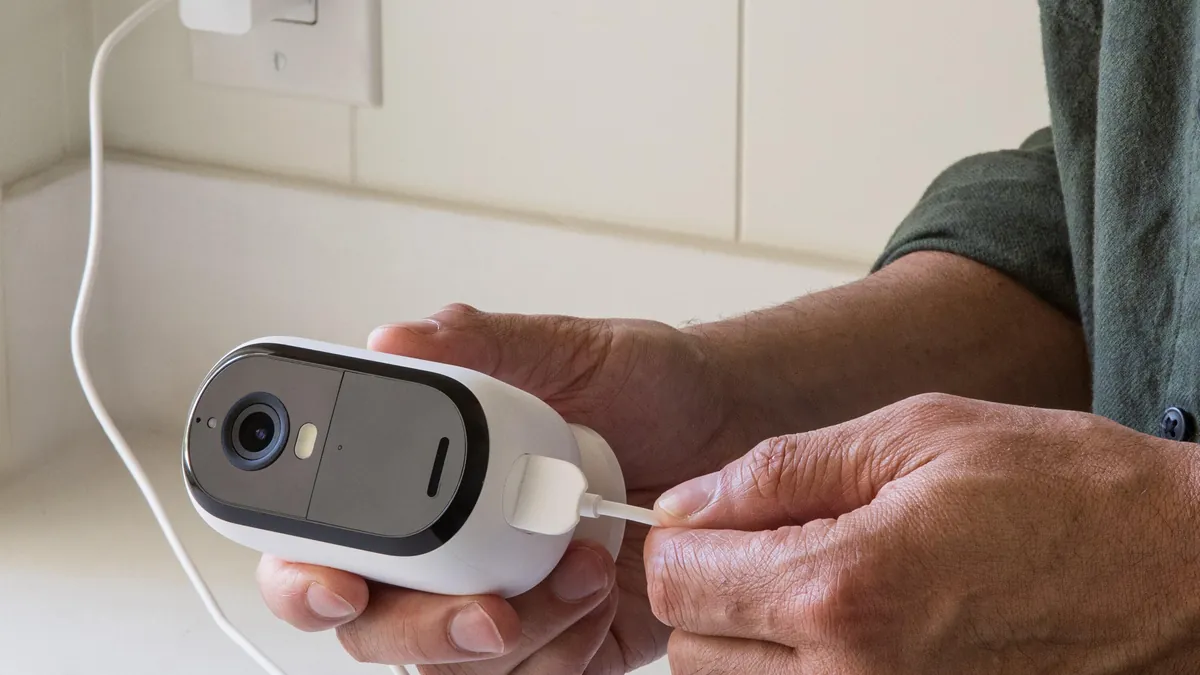
Mounting position decides 80% of a panorama camera's real coverage. For a 360° model, the center of the room is the only correct spot; every wall gets equal pixels. Typical mounting height is 2.5-3.5 m indoors. Keep the camera at least 1 m from any wall and 0.5 m below the ceiling. The dome must not clip its own view.
For a 180° model, mount it flat on a wall at 2.5-3 m, aimed down the aisle or across the wall you must watch. A wireless panorama camera needs one more check: signal. Typical WiFi reach is 30-50 m indoors on 2.4 GHz and 15-25 m on 5 GHz through two walls. Run a site survey with a phone app before fixing the bracket, and prefer 802.11ac or 802.11ax radios.
Power and network: most WiFi panorama cameras accept 12 V DC or PoE at a typical 7-12 W draw. If the site has cable, PoE plus wired backhaul is more reliable for 24/7 recording; reserve WiFi for retrofit locations. Check the camera's power budget first; a dome heater or wiper adds 3-5 W at night. The WiFi camera guide covers wireless planning in detail.
| Scene | Recommended Type | Mounting Position | Why |
|---|---|---|---|
| Open office or lobby | 360° fisheye, 4-5MP | Ceiling center, 2.5-3.5 m | Equal coverage in all directions, no blind corners |
| Retail floor | 180° dual-lens, 4K | Wall above shelving, 2.5-3 m | Flat wide view down aisles, low distortion |
| Warehouse aisle | 180° dual-lens, 5MP×2 | Wall at aisle end, 2.5-3 m | One camera per aisle, full-aisle awareness |
| Entrance or doorway | 180° panorama plus fixed 5MP | Wall beside door, 2.5 m | Panorama context, fixed camera for face ID |
| Car park bay corner | 360° outdoor dome, IP66 | Ceiling bracket, 3-4 m | Full 360° awareness of the bay area |
← swipe to scroll →
The single most common installation mistake is mounting a 360° camera on a wall or in a corner "to save ceiling work". That instantly cuts coverage to about 90°-180° and wastes half the sensor. The second mistake is skipping the WiFi survey until the recorder shows dropouts. Mount first, measure the view in the app, then lock the bracket.
Panorama vs PTZ: Which Camera for Which Scene
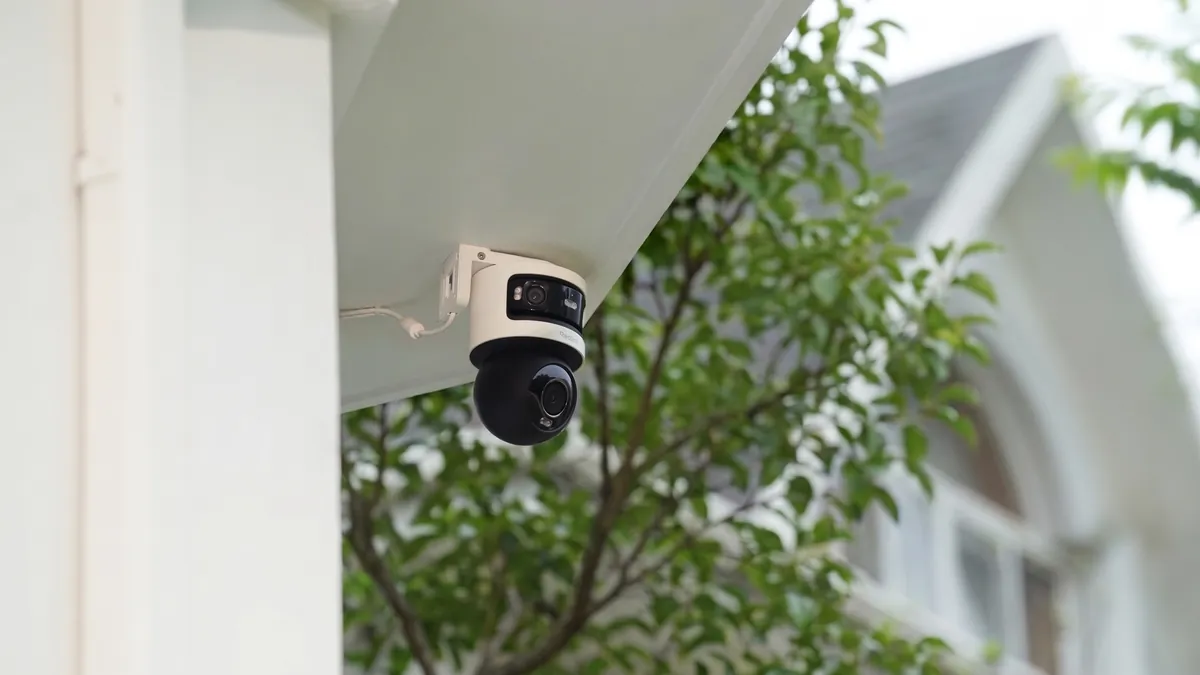
The ptz vs panoramic camera decision is the most common specification question in open-area projects. A PTZ adds motorized pan, tilt and zoom; a panorama adds simultaneous coverage. They answer different questions. A PTZ answers "what is that detail over there". A panorama answers "what happened everywhere at 02:14". The decision starts with the site plan: what must be seen, how far away, and whether the scene changes fast.
The honest comparison is sequential versus simultaneous. A PTZ on a typical 4-preset patrol spends about 25% of its cycle looking at any one preset. That means about 75% of the time, the scene you care about is out of frame. A panorama records the whole area every frame, so nothing is missed while the PTZ is elsewhere.
PTZ wins on identification. A wireless pan tilt zoom camera with 25-36× optical zoom typically identifies a person at 30-60 m. The "wifi ptz cameras" spec sheets quote the same numbers. The panorama's ePTZ is digital only, so identification beyond 4-6 m is not realistic. A PTZ also has moving parts; typical continuous-patrol duty cycle is 3-5 years before motor wear, while a panorama has zero moving parts.
The hybrid is the professional answer. Install one panorama as the awareness layer, then one or two PTZ cameras whose presets are triggered by the panorama's motion or human detection. Typical B2B ratio: one 360° panorama plus one PTZ per 500-1,000 m² open area. When buyers search "outdoor cctv camera ptz wifi" or "camera ptz wifi ip66", they are usually planning exactly this hybrid. The best PTZ camera guide covers preset design and patrol schedules.
| Dimension | Panorama Camera | PTZ Camera |
|---|---|---|
| Coverage | 360° or 180° at once | One direction at a time |
| Blind spots | None within view | Everywhere the patrol is not looking |
| Identification | 2-4 m typical | 20-60 m typical at 25-36× zoom |
| Response | Instant, always recording | Preset swing typical 1-3 s |
| Moving parts | None | Motors and gears, typical 3-5 yr patrol life |
| Bandwidth | One continuous stream | Same stream, no savings |
| Cost per m² | Lowest at scale | Higher per area, one camera only |
| Best scene | Open areas, awareness | Distant detail, plates, events |
← swipe to scroll →
Bandwidth note: both cameras stream continuously, so a panorama does not cost more bandwidth than a PTZ. The myth that a PTZ "only records when it pans" is false for 24/7 sites. Recording is what matters for evidence, and only the panorama records everywhere at once.
Bandwidth and Storage Math
Panorama cameras are often assumed to be storage hogs; the math says otherwise at typical settings. A 4MP panorama at 15 fps with H.265+ streams about 2-4 Mbps and records 10-14 GB/day. A dual-lens 5MP unit streams 3-5 Mbps and records 12-18 GB/day. Both sit inside the range of one good fixed 4MP camera. Frame rate matters more than people expect: dropping from 30 fps to 15 fps halves the daily recording size.
The bigger cost is resolution choice. A 12MP multi-sensor 360° camera streams 6-10 Mbps and records 20-30 GB/day. That is roughly double the storage of the 4MP design, for awareness that is rarely better. For most sites, 4-5MP panorama resolution is the storage sweet spot: enough pixels for the awareness layer, without tripling the NVR drive bill.
WiFi bandwidth deserves its own check. A panoramic wifi camera on a congested 2.4 GHz channel drops frames during peak hours. A 2.4 GHz radio realistically carries 2-3 panorama streams at 4MP before latency climbs; 5 GHz carries 4-6. Sixteen WiFi panorama cameras on one access point will drop frames at peak. For fleets, use wired backhaul or plan one access point per 4-6 cameras. The IP camera guide covers network design.
How to Choose: Checklist for Business Buyers
When a buyer asks "which wifi panorama camera should I buy", walk this checklist in order. Each item prunes the option set before the next.
- 1. Define the awareness goal. If you need "what happened and where", a panorama is right. If you need "who exactly", start with fixed or PTZ.
- 2. Choose the design. Fisheye for budget and single-lens simplicity; dual-lens for flat images and outdoor walls; multi-sensor for true 360° at high resolution.
- 3. Match resolution to the scene. 4MP for most rooms, 5MP×2 dual-lens for aisles, and 8-12MP only for large halls where you will ePTZ into details.
- 4. Plan the mounting point. Ceiling center for 360°, wall for 180°, and verify the WiFi signal at the bracket before drilling.
- 5. Size storage with H.265+. Budget 10-18 GB/day per camera, add 20% headroom, and confirm the NVR supports the stream count.
- 6. Check integration. ONVIF conformance, dual-stream, P2P remote access and VMS compatibility matter before you buy in volume.
For the B2B buyer, the 360 camera for business evaluation adds two lines: spare parts and fleet consistency. A panorama camera that fails means a whole area goes dark, so buy from a supplier that stocks spares and tests every unit before shipping. Ask for the spec sheet in writing: sensor size, focal length, stitching overlap, H.265+ bitrate and ONVIF profile. Browse our WiFi cameras range to compare typical specs before you ask for quotes.
WiFi Panorama Camera Questions Buyers Ask
What is a wifi panorama camera?
A wifi panorama camera, also called a wifi panoramic camera, captures a 180° or 360° field of view in one unit. It is a network security camera that streams over WiFi with dual-stream output and P2P remote viewing. Typical models run 4MP to 12MP with H.265+ compression.
Is a 360 degree camera better than a PTZ?
For awareness, yes; for identification, no. A panorama sees everything at once but identifies only within a few meters. A PTZ zooms into detail but misses events while patrolling. Most B2B sites run both.
What is the difference between fisheye and panoramic?
A fisheye camera uses one curved lens and produces a round, barrel-distorted image that software dewarping flattens. A panoramic camera stitches two or more lenses into a flat wide view with less distortion.
How much area does a 360 camera cover?
Typically 800-1,200 m² of awareness from a 3 m ceiling mount, with identification only within 2-4 m. The exact number depends on mounting height, sensor resolution and what you need to read.
Can a panorama camera read license plates?
Not typically; the pixel density is too low. Plates need a fixed 4MP or higher camera with a 6-12 mm lens, or a PTZ with optical zoom.
How many regular cameras does one panorama replace?
Two to four for awareness, and zero for identification tasks. Coverage math: one 360° unit sees what a grid of 2-4 fixed 2.8 mm cameras sees, but with less detail per object.
Do I need special software for a fisheye camera?
No; dewarping is built into the camera, the NVR or the app. Standard RTSP and ONVIF streams work with most VMS software.
The Bottom Line
A WiFi panorama camera is an awareness tool, not an identification tool: it replaces 2-4 fixed cameras and pairs with a PTZ for detail. It records everywhere at once. Choose fisheye for budget, dual-lens for flat outdoor views, and 4-5MP resolution for the storage sweet spot. Mount 360° models in the ceiling center, 180° models flat on the wall, and verify WiFi before drilling.
At FULLCOLORCAM we build 5MP full-color night vision cameras with F1.0 lenses, including WiFi panorama and dual-lens designs. Every unit is tested before shipping with ONVIF conformance and free P2P remote access. Send us your floor plan and camera count for a spec-matched quote. We will recommend the panorama, PTZ and fixed mix your building actually needs. We will show the coverage and storage numbers before you buy. Email cj226144@gmail.com.
NEXT STEP
Ready to Upgrade to Full-Color Night Vision?
Send us your requirements — our team responds by email.
Written by
Ray ChanCCTV Buyer's Guide Author · Full-Color Night Vision Specialist. Ray helps global importers and integrators source factory-direct security cameras.