
PoE Security Cameras
Power over Ethernet cameras — one cable carries both power and data, so installs are cleaner, cheaper and faster than running separate power lines. Ideal for new sites, retrofits and any project where an integrator wants a single cable per camera.
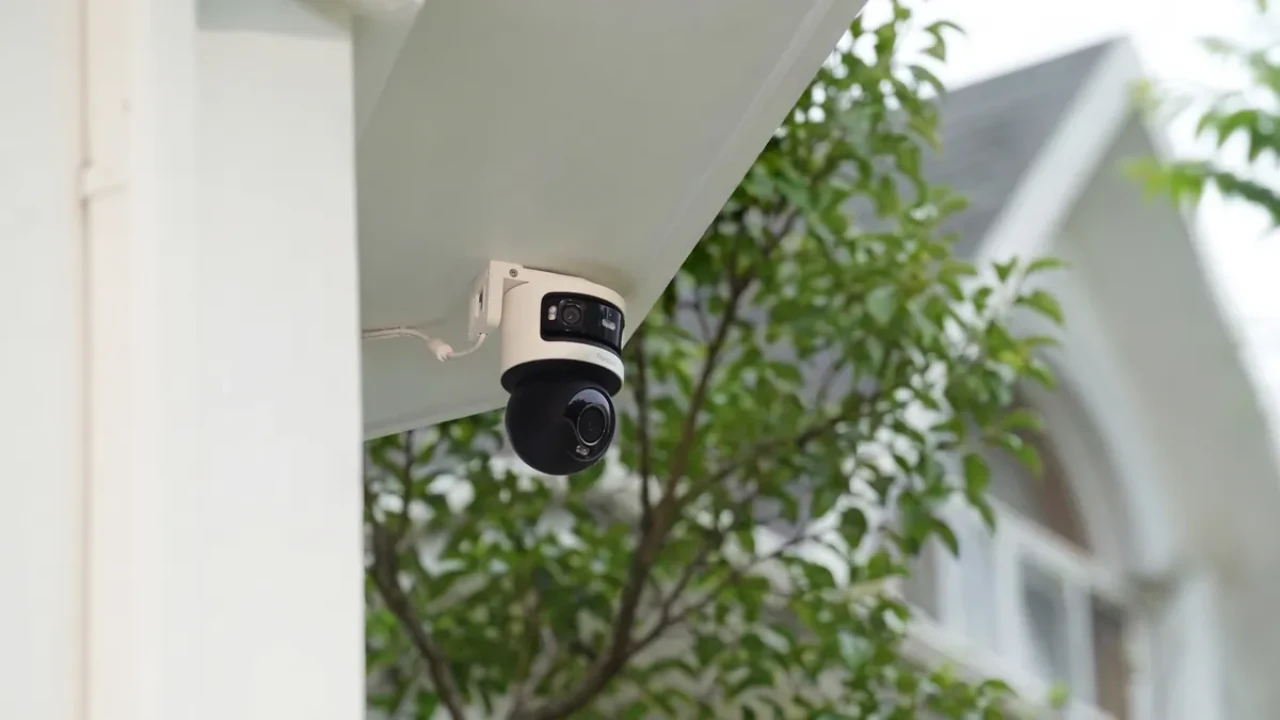
Product photos available on request — ask for samples or the full catalog.
Why PoE Security Cameras
Power over Ethernet cameras — one cable carries both power and data, so installs are cleaner, cheaper and faster than running separate power lines. Ideal for new sites, retrofits and any project where an integrator wants a single cable per camera.
- One cable per camera: power + data over a single Ethernet run
- IEEE 802.3af / 802.3at (PoE / PoE+) — up to 100m per run
- Central power management: cameras restart with the switch, no power bricks on walls
- PoE NVR systems with built-in switches for plug-and-play setups
- Full-color night vision available on the same PoE cable
WHAT IS POE
Power over Ethernet, Explained
1
One cable, two jobs
PoE sends power (48V DC) and data (Ethernet) over the same twisted pair. The camera plugs into one cable and gets everything it needs — no wall adapter, no separate power run, no electrician for low-voltage work.
2
Standardized and safe
IEEE 802.3af (PoE, 15.4W) and 802.3at (PoE+, 30W) define power budgets per port. Detection handshakes prevent damage to non-PoE devices — you can plug a laptop into a PoE port safely.
3
Central management
Power comes from the switch or NVR, so you can remotely reboot a stuck camera by cycling its port. One UPS on the switch protects every camera on it — a huge reliability win over wall-wart power.
POE VS ALTERNATIVES
PoE vs WiFi vs AHD: Which Fits Your Site
The "what is a poe security camera" question usually hides a bigger one: which camera architecture should my site use? The table below is the decision shortcut.
| Factor | PoE (wired) | WiFi (wireless) | AHD (coax) |
|---|---|---|---|
| Reliability | Best — no interference, constant bandwidth | Good — subject to signal and congestion | Best — dedicated coax |
| Cabling | One Cat5e/6 per camera (≤100m) | None (power still needed) | Coax + power (300m+) |
| Resolution | Up to 4K per channel | 2-4MP typical (bandwidth-bound) | Up to 5MP |
| Install speed | Moderate (run + terminate) | Fastest | Moderate |
| Best for | New installs, businesses, any site that can cable | Rentals, finished interiors, temporary coverage | Existing coax sites, long perimeters |
Rule of thumb: if you can run cable, run PoE. It is the most reliable and the easiest to expand — adding a camera later just means plugging into the next port.
WHERE POE WINS
Typical PoE Deployments
Retail and shops
4-16 cameras on a PoE NVR: tills, entrances, aisles, stockroom. One UPS protects the whole system, and the shop owner manages everything from the app.
Warehouses and factories
PoE+ for PTZ cameras with heaters, PoE for fixed units. Long runs stay under 100m with intermediate switches. 6KV surge protection on outdoor paths.
Offices and campuses
Cameras ride the existing network. A 64-channel NVR consolidates multiple buildings, and the IT team manages cameras like any other network device.
FACTORY DIRECT
OEM / ODM for Integrators and Distributors
FULLCOLORCAM manufactures PoE cameras and recorders directly. That means private label, custom firmware and volume pricing that retail brands cannot match:
- Private label: your brand on the camera and box; the Seetong app stays factory-standard
- OEM on existing lines: lead time confirmed per order, no MOQ for mixed orders
- ODM customization: firmware options, UI, logo splash
- Volume pricing 30-50% below retail brands at container scale
- Sample units at unit price before volume, pre-shipment inspection available
- Full shipping & product documentation tailored to your destination's clearance
FAQ
Questions Buyers Ask
What is a PoE camera, in one sentence?
A security camera that receives both power and network data through a single Ethernet cable, using the Power over Ethernet standard — no separate power adapter needed at the camera.
How far can a PoE camera run be?
100 meters (328 ft) per Ethernet segment per the standard. Beyond that you add a PoE switch or extender. Cat5e or Cat6 cable is recommended; the better the cable, the more reliable the power delivery.
Do I need a PoE switch or a PoE NVR?
Both work. A PoE NVR (recorder with built-in switch) is the simplest for 4-16 cameras — plug cameras into the back panel. A separate PoE switch plus a standalone NVR gives more flexibility for larger or mixed sites.
How much power does a PoE camera draw?
Typical IP cameras draw 5-12W. Standard PoE (802.3af) delivers up to 15.4W per port; PoE+ (802.3at) up to 30W — enough for cameras with heaters, PTZ motors or high-power IR arrays.
Can PoE cameras work with existing cabling?
If you already have Cat5/Cat5e/Cat6 runs, yes — PoE works over them directly. If you have coax (RG59), you would need converters or a re-cable; that is the case where AHD/DVR systems keep the existing coax.
What happens when the switch loses power?
Cameras lose power too, because PoE powers them. A UPS on the switch gives the whole camera system uptime during outages — one UPS for the switch protects every camera on it.
Is PoE safe for outdoor cameras?
Yes. PoE delivers low-voltage DC (up to 57V) that is safe to touch, and outdoor cameras connect through weatherproof Ethernet connectors. Look for 6KV surge protection on outdoor runs for lightning-prone sites.
Can I mix PoE and WiFi cameras in one system?
Yes. A PoE NVR records PoE cameras on its built-in ports and can also add wireless cameras over the network. Many sites do exactly this: wired PoE for critical coverage, WiFi for quick or temporary additions.