
WiFi Security Cameras
WiFi security cameras that pair with your existing router in minutes. No cabling, no monthly fees. Panorama views, wireless cameras with monitor, and 2.4GHz/5GHz band options — factory-direct from an OEM maker.
Sourced on demand through our supply network — this line is not part of our stocked range. Availability, configuration and lead time are confirmed per project: tell us the site, the quantity and the destination, and we come back with what can actually be supplied and when.
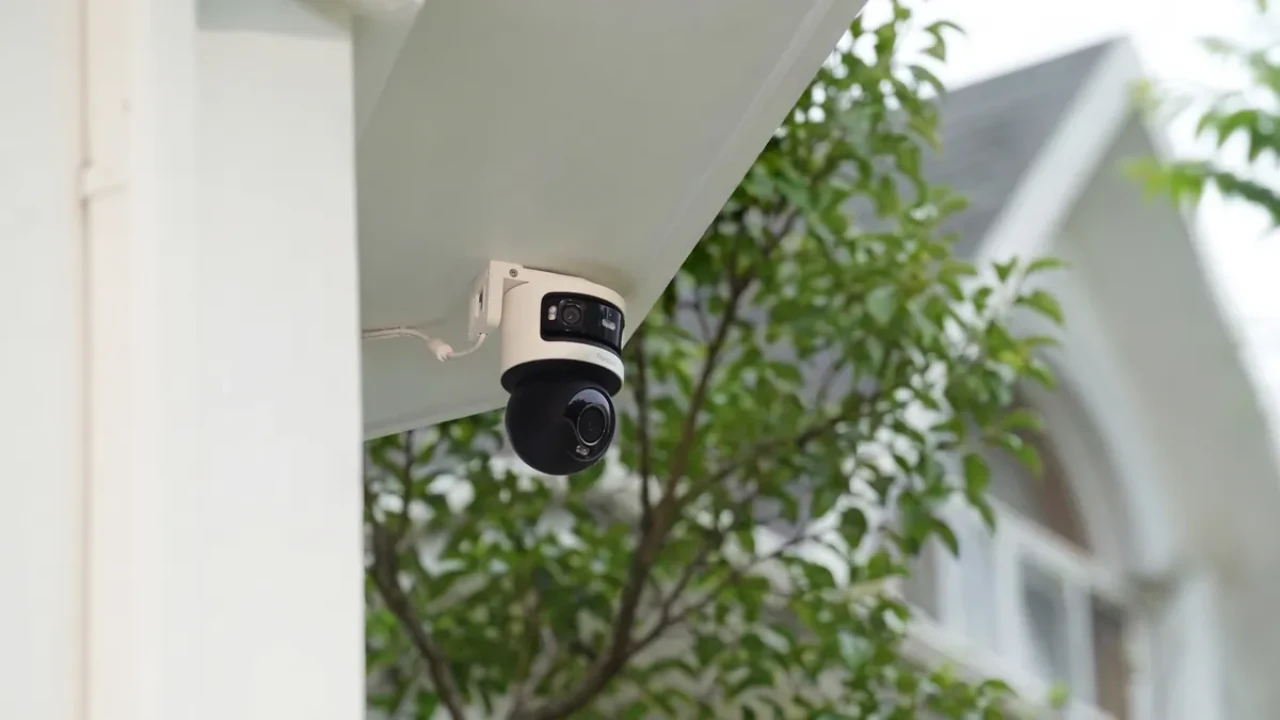
Product photos available on request — ask for samples or the full catalog.
Why WiFi Security Cameras
WiFi security cameras that pair with your existing router in minutes. No cabling, no monthly fees. Panorama views, wireless cameras with monitor, and 2.4GHz/5GHz band options — factory-direct from an OEM maker.
- Pair to an existing router in minutes — no cabling, no drills
- 2.4GHz and 5GHz band options: range or bandwidth, your choice
- Panorama and PTZ wireless models cover wide areas from one camera
- No subscription: record to SD card or an NVR on your network
- Battery and solar-powered options for placement anywhere
WHY WIFI
Why Buyers Choose Wireless Cameras
1
Install in minutes
A WiFi camera pairs to your router through the companion app and is live in under ten minutes. No drills, no cable runs, no electrician — ideal for finished interiors, rentals and temporary sites where wiring is not an option.
2
Place it anywhere
Battery and solar-powered models need no power outlet at all. Move a camera between shelves, walls or outdoor posts as coverage needs change. One router feeds the whole fleet — add a camera later without touching the network.
3
No monthly fees
Record to a local SD card or an NVR on your own network. Live view, playback and alerts stay free. Cloud storage is optional — many buyers look specifically for the best wireless security camera without subscription.
2.4GHZ VS 5GHZ
2.4GHz or 5GHz: Which Band for Your Cameras
Most camera connection problems trace back to the wrong band choice. This table is the shortcut most product pages skip — match your mounting distance and walls to a band.
| Factor | 2.4GHz | 5GHz |
|---|---|---|
| Range | Best — 30-50m through open air, further outdoors | Shorter — 10-20m typical indoors |
| Wall penetration | Good — lower frequency passes walls and floors | Weak — each wall cuts signal noticeably |
| Bandwidth | Adequate — handles 2MP streams, shared with neighbors | High — more channels, room for 4K and multiple cameras |
| Interference | Crowded — routers, microwaves, Bluetooth share it | Cleaner — less congestion in most buildings |
| Camera support | Universal — almost every WiFi camera supports it | Selective — check the spec sheet, not all models |
| Best for | Cameras far from the router or behind walls | Cameras close to the router streaming high bitrate |
Rule of thumb: within 10m of the router with no walls between — 5GHz is fine. Anything further, or across walls — pick 2.4GHz. Dual-band cameras switch automatically and are the safest choice for mixed sites.
KEY SPECS
Four Specs That Decide WiFi Camera Performance
Bandwidth
H.265 encoding keeps a 2MP stream at roughly 2-4 Mbps. A typical router link carries many cameras before slowing — bandwidth matters most when cameras share one 5GHz channel.
Wall penetration
Lower frequencies travel further through concrete and timber. A camera two rooms from the router usually holds a solid 2.4GHz link where 5GHz would drop to a stutter.
WPA3 security
Look for WPA3 support and a guest network for cameras. Camera traffic stays isolated from business devices, and modern encryption blocks casual access to the video stream.
Battery life
Battery models record on motion events, not continuously, to stretch runtime to weeks. Add a solar panel and placement is truly cable-free — a common choice for outdoor posts and farms.
FACTORY DIRECT
OEM / ODM for Integrators and Distributors
FULLCOLORCAM manufactures WiFi cameras and NVR kits directly. That means private label, custom firmware and volume pricing that retail brands cannot match:
- Private label: your brand on the camera and box; the Seetong app stays factory-standard
- OEM on existing lines: lead time confirmed per order, no MOQ for mixed orders
- ODM customization: firmware options, UI, logo splash
- Volume pricing 30-50% below retail brands at container scale
- Band and antenna tuning for your market's router mix
- Full shipping & product documentation tailored to your destination's clearance
Looking for a full system?
This line is sourced on demand. Our stocked range — bullet, dome and PTZ cameras, NVR recorders and complete PoE systems — is what we deliver today, with no MOQ on mixed solution orders.
FAQ
Questions Buyers Ask
Do wireless security cameras need WiFi?
Yes for remote viewing. A wireless camera still needs a network — it connects to your router over WiFi instead of a cable. Some battery models keep recording to an SD card even if the WiFi drops.
2.4GHz or 5GHz — which band should my cameras use?
Use 2.4GHz for cameras far from the router or behind walls, because it travels further. Use 5GHz for cameras close to the router that stream high bitrate video. Dual-band cameras pick the better band automatically.
What is a WiFi panorama camera?
A camera with an ultra-wide or fisheye lens that captures a full 360-degree room view in one frame. Many models also rotate (PTZ), so one panorama camera can replace two or three fixed cameras.
Can I watch a wireless camera on a monitor, not a phone?
Yes. Wireless camera kits with a dedicated monitor are common — the camera links to a small receiver screen with no phone setup. You can also view any WiFi camera on a PC, TV or NVR on the same network.
Do WiFi cameras require a subscription?
No. A WiFi camera works without any monthly fee when it records locally to an SD card or an NVR. Subscriptions only add cloud storage and extra features — they are optional, never required.
How far can a WiFi camera be from the router?
On 2.4GHz, expect roughly 30-50 meters in clear line of sight. Walls, floors and metal frames cut that distance sharply, so test the signal at the exact mounting spot before installing.
WiFi or wired — which is more reliable?
Wired is steadier: constant bandwidth, no interference. WiFi wins on installation speed and flexibility. Most sites mix both — wired cameras for critical coverage, WiFi cameras for quick additions.
Can WiFi cameras record to an NVR?
Yes. WiFi NVR kits bundle a recorder and cameras that join its own network, so the recorder stores footage without any cabling to each camera. The NVR adds motion alerts and multi-camera playback.