
IP Camera Systems for Schools: Coverage, Privacy and Compliance Guide (2026)

Table of Contents
The search "ip camera systems for schools" is really about trust: who can see what, where cameras point, and how long footage exists. Get the plan wrong and a campus ends up with blind spots at the playground gate. Parents, teachers and regulators can challenge the footage in the first week. Get it right and a typical 1,200-student school runs 40-80 camera points. They cut theft, resolve disputes and speed emergency response, without a single camera invading a classroom.
This guide walks through the full planning sequence for a school CCTV project. It covers zone-by-zone coverage for entrances, corridors, playgrounds and cafeterias. It covers classroom privacy rules, NVR channel and storage sizing, PoE network design, and role-based permission management. The compliance checks are the ones district lawyers actually ask about. You get a ready-to-use camera placement planner and the data points an integrator needs to quote a site in one visit.
Keep reading for more!
The Snapshot
- A typical 1,200-student school needs 40-80 camera points across entrances, corridors, stairwells, playgrounds, cafeteria and gym. Corridors are the biggest single group at roughly 25-35% of the total.
- Corridor cameras are spaced 20-30 m apart with a 2.8 mm lens at a 2.5-3 m mounting height, which gives full walkway coverage with identification at close range.
- Storage math: a 4MP camera at 15 fps with H.265+ records about 8-12 GB/day. A 32-camera school keeping 30 days needs a 12-16TB recorder; 16 cameras fit on 6-8TB.
- Privacy is the legal risk, not the technology: classroom audio is banned or restricted in many US states and under GDPR, and signage at every monitored entrance is mandatory in most jurisdictions.
- Role-based access keeps footage defensible: 3-5 user roles (administrator, operator, viewer, auditor) with per-camera rights and an audit log of every login, playback and export.
Why Schools Deploy IP Camera Systems
School districts install camera systems for four reasons, and every one of them shows up in the procurement conversation. First is the duty of care. Staff need to see who enters the building, who is on the playground, and what happened when an incident is reported. Second is loss prevention: school districts that monitor entrances, bike racks and storage rooms typically report 30-50% fewer theft and vandalism incidents in covered areas. Third is dispute resolution: clear footage settles bullying complaints, parent disputes and staff allegations in hours instead of weeks. Fourth is emergency response: a camera map that shows live coverage of gates and exits helps first responders understand a scene before they arrive.
The technology choice matters because schools are multi-building, multi-user sites with mixed networks. An IP system puts every camera on the same Ethernet backbone as the office network. One installer can manage 40-80 cameras from a single NVR. Teachers and the front office watch assigned zones from a web browser. The whole campus security camera network reports to one NVR per building and one VMS for the district. The district office can pull footage from any school without visiting the site. That is why IP camera systems, rather than analog CCTV, are now the default in almost every new school build and retrofit.
For an integrator, a school project is a repeatable contract. It means standardized zones, standardized cameras, and one NVR per building. The district gets a documented account matrix it can hand to a new facilities manager. The schools that buy well are the ones that plan the zone map before they buy hardware. The sections below give you that zone map, starting with the coverage plan.
Coverage Planning: Entrances, Corridors, Playgrounds and Cafeterias
Coverage planning starts from the question "what must this camera prove?" A camera at the main entrance proves who entered and when. A camera in a corridor proves who was where between classes. A camera on the playground proves what happened near the gate at recess. Work zone by zone, and record the answer on a site plan before ordering a single unit.
1. Entrances and exits
Entrances are the highest-priority zone because they capture faces and, at vehicle gates, license plates. Use a 5MP camera with a 2.8-4 mm lens mounted at 2.5-3 m. Angle it 15-30 degrees downward so the camera captures faces, not the tops of heads. Put one camera outside the door and one inside the lobby. The outside camera handles after-hours activity; the inside camera gives a clean, evenly lit face for identification. A single entrance should never rely on one camera, because a door-side camera loses its view the moment someone stands directly under it.
2. Corridors and stairwells
Corridors are where most school incidents are reported, and they are also the cheapest zone to cover. A 2.8 mm dome at 2.5-3 m height covers roughly 20-30 m of walkway. The spacing rule is simple: one camera every 20-30 m. Mount it at the end of a run or in the middle of a long straight section. Stairwells get one camera per landing, covering the door swing and the stairs themselves. Locker areas need a camera at each end so lockers are visible from two directions.
3. Playgrounds and outdoor fields
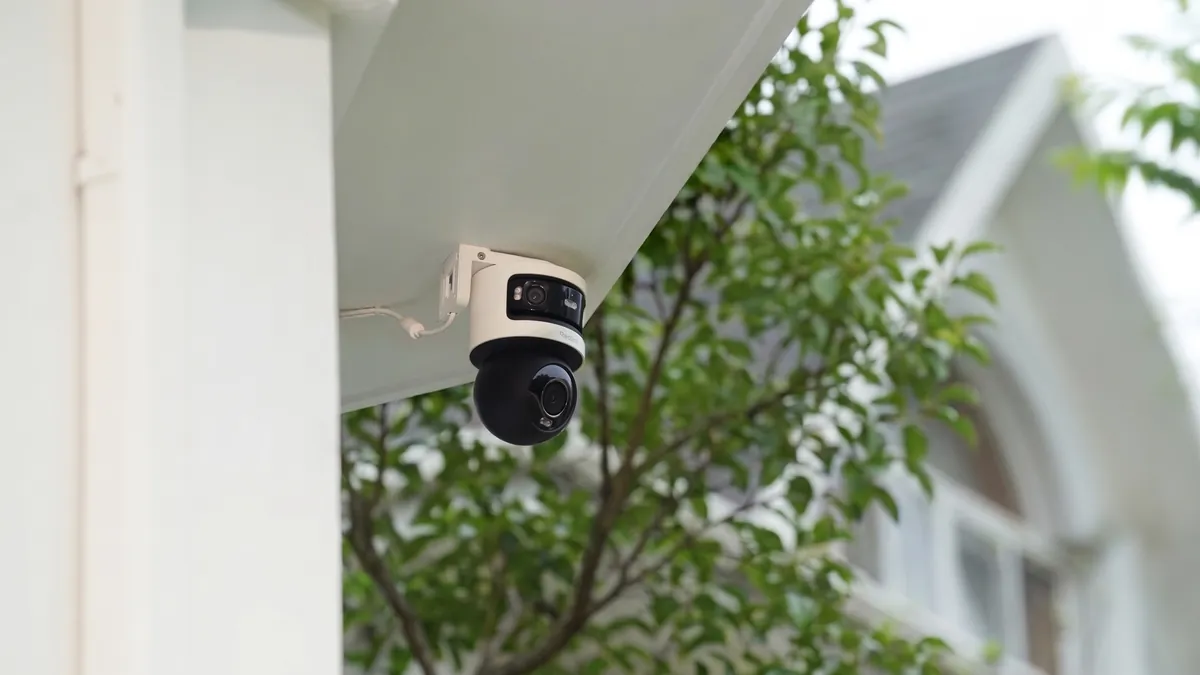
Outdoor zones need distance rather than density. A 5MP bullet with a 4-6 mm lens mounted on a 4-6 m pole identifies a person at 15-25 m. A typical field perimeter needs a camera every 40-60 m. Put cameras on building corners looking across the field, not in the middle of it, so the view is not blocked by play equipment. Large fields that host evening events justify one PTZ camera for operator-controlled coverage, but fixed cameras should carry the baseline recording.
4. Cafeteria, gym and shared halls
Cafeterias and gyms are large, open, high-traffic spaces where a wide-angle 4MP camera with a 2.8 mm lens covers roughly 100 m² per camera. Mount at 3-4 m in the cafeteria and 4-5 m in the gym, out of reach of balls and trays. Cover the serving line and the seating area, and keep a camera on the hall that connects the cafeteria to the exit doors. These zones rarely need face-grade resolution; they need proof of what happened and who was present.
School Camera Placement Planner
The table below is the school security camera placement planner an integrator can take to a site survey. Fill in the count column per building, and use the typical figures as the starting point for the quote.
| Zone | Recommended Camera | Lens | Mounting Height | Spacing / Count | Coverage Target |
|---|---|---|---|---|---|
| Main entrance (outside) | 5MP bullet, full-color night vision | 2.8-4 mm | 3 m | 1 per door | Face capture, gate and vehicle approach |
| Main entrance (lobby) | 5MP dome | 2.8 mm | 2.8 m | 1 per lobby | Clean face and body entry log |
| Corridor | 4MP dome | 2.8 mm | 2.5-3 m | Every 20-30 m | Full walkway coverage |
| Stairwell | 4MP dome | 2.8 mm | 2.8 m | 1 per landing | Door swing and stair flow |
| Playground / field | 5MP bullet or PTZ | 4-6 mm | 4-6 m pole | Every 40-60 m perimeter | Zone coverage with 15-25 m identification |
| Cafeteria | 4MP dome | 2.8 mm | 3-4 m | 1 per 100 m² | Serving line, seating, exit doors |
| Gym | 4MP dome | 2.8 mm | 4-5 m | 1 per 200 m² | Events and general activity |
| Bike racks / storage | 5MP bullet | 2.8-4 mm | 3 m | 1 per area | Theft deterrence and recovery |
| Classroom | Only per written policy | 4MP dome | 2.8 m | 1 per room | Check local law; signage required |
| Toilets / changing rooms | No camera | - | - | - | Privacy-restricted, generally prohibited |
← swipe to scroll →
The rule of thumb for a first-pass quote: count doors, corridors and stairwells, then add 15-20% for playgrounds and storage. On a typical 1,200-student school that lands at 40-80 points, which is the range districts budget for in a full retrofit.
Classroom Privacy Considerations
Classrooms are the zone where a school CCTV project most often goes wrong, and the failure is legal, not technical. Several US states restrict or ban cameras in instructional spaces without specific authorization. Under GDPR, a school must show a legitimate interest assessment before recording students in classrooms. Audio recording is even more restricted: about a dozen US states require all-party consent for audio, and many districts ban classroom audio outright. The safe default for most schools is no cameras in teaching spaces, and no audio anywhere.
Where a classroom camera is justified, the policy needs to be written before the camera is ordered. Typical justifications are special-needs safety, labs with expensive equipment, and after-hours access by cleaning staff. Each justification needs four things: a written policy approved by the school board, and signage at the classroom door. Access is restricted to named staff only. Retention runs no longer than the district standard. A camera added without those four elements is the one that surfaces in a parent complaint.
The practical alternative most districts choose: cover the corridor outside every classroom door, and leave the classroom itself unmonitored. The corridor camera proves who entered and when, which is what 90% of classroom disputes actually need. Toilets and changing rooms are never monitored, and staff-only areas such as the staff room are covered only with staff consultation and notice. Privacy by design is the cheapest compliance strategy: fewer sensitive cameras means fewer complaints, fewer access requests and a smaller legal exposure.
Choosing the Right Camera for Each School Zone
Camera selection follows the zone plan, and the two decisions that matter most are indoor versus outdoor and full-color versus IR. Indoor zones, which are most of a school, use 4MP domes: vandal-resistant, discreet and easy to mount on ceilings. Outdoor zones use 5MP bullets with IP66 housings, mounted under eaves or on poles. A dome camera covers corridors and lobbies; a bullet camera reaches across a playground.
Night coverage is where school sites are usually underspecified. A school is empty at night, but the parking lot, bike racks and equipment sheds are not. A full-color night vision camera with an F1.0 lens and a 1/1.8-inch sensor records usable color in zero light. An IR-only camera records grayscale silhouettes in the same scene. For outdoor school zones, full-color should be the default and IR-only the exception. Indoor corridors are lit all night in most buildings, so a standard 4MP camera at 15 fps is sufficient there.
Three specification checks protect the buyer on every camera. First, ONVIF conformance, so the cameras work with any NVR and the district is not locked to one brand. Second, H.265+ compression, which roughly halves storage against H.264. Third, the sensor size: on the same resolution, prefer the larger sensor (1/1.8-inch over 1/2.7-inch) because it records cleaner night images. A spec sheet that lists resolution but hides sensor size is incomplete for a school site.
NVR Selection and Storage Math
The NVR is the heart of a school camera system, and it is sized by three numbers: channel count, storage and retention. Channel count should match the zone plan plus 20-30% headroom for future cameras. A small elementary school of 16-24 points runs a 32-channel NVR. A secondary school of 40-80 points runs one 64-channel NVR per building, or two 32-channel units. Two units also give redundancy if one recorder fails.
Storage math is the same for every school, and it uses one anchor number. A 4MP camera at 15 fps with H.265+ records about 8-12 GB/day. Multiply by camera count and retention days, add 20% overhead, and round up to the next drive size. The table below shows typical NVR sizes for the retention standard of 30 days, which is the most common district requirement.
| Camera Count | Per Day (4MP, H.265+) | 30-Day Total | Recommended NVR |
|---|---|---|---|
| 8 cameras | ~80 GB | ~2.4 TB | 4TB recorder |
| 16 cameras | ~160 GB | ~4.8 TB | 6-8TB recorder |
| 32 cameras | ~320 GB | ~9.6 TB | 12-16TB recorder |
| 64 cameras | ~640 GB | ~19.2 TB | 24TB+ or RAID array |
← swipe to scroll →
Two notes for the integrator. H.264 footage runs about double those figures, so size the quote from H.265+ numbers, not the older calculators. And for sites where evidence matters, add a second drive bay or RAID 1 so a drive failure does not erase a week of footage. Most school NVRs also handle remote access. Confirm the recorder supports HTTPS, two-factor login and per-camera access rights before purchase. Those features are what the permission plan below depends on.
Network Design: PoE, VLANs and Bandwidth
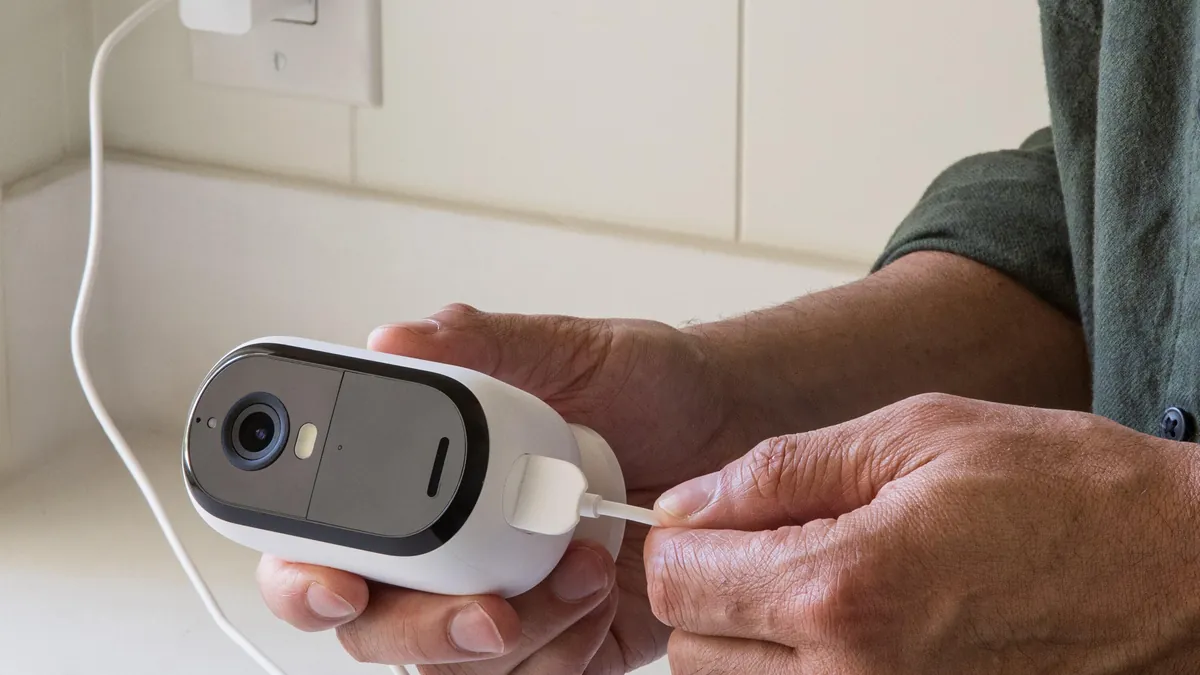
Every IP camera needs two things from the network: power and bandwidth. Power is delivered over the same cable using PoE, and the standard figures are simple. 802.3af supplies up to 15.4W per port. A typical 4MP camera draws 5-12W. A 250W PoE switch handles roughly 16-20 cameras at 12W. A 32-camera school therefore needs two 16-port PoE switches, or one 24-port with an uplink. Distribute them to wiring closets so no cable run exceeds the 100 m Cat5e/Cat6 limit.
Bandwidth is rarely the bottleneck on a school LAN. A 4MP camera at 15 fps streams 2-4 Mbps, so 32 cameras run about 100 Mbps continuous. The bottleneck is almost always the wrong network design. Put every camera on a dedicated VLAN, isolated from the staff and student networks, so a compromised laptop cannot reach the recorder. Block direct internet exposure of camera ports; use P2P or VPN for remote viewing instead of port forwarding. Reserve DHCP addresses per camera MAC so an IP conflict does not drop a camera silently. Point every camera and the NVR at the same NTP server. That keeps timestamps consistent for evidence.
For multi-building campuses, run a fiber uplink between buildings and terminate it at a managed switch per building. Keep the camera VLAN, the office VLAN and the guest Wi-Fi VLAN separate at the router. Set the firewall so only the NVR and the VMS server talk to the camera network. A site survey should verify cable paths, switch locations and power per closet before installation day. The network plan is what makes or breaks a 40-camera rollout.
Permission Management and Multi-User Access
A school system has more users than any other CCTV site. That is exactly why access rights must be designed before the system goes live. The standard model is four roles, each with a defined scope. An administrator configures the system and manages users. An operator views live and recorded footage across the site. A viewer sees only assigned cameras. An auditor reads the logs but never the footage. The principle is least privilege: every account gets the minimum rights its job needs, nothing more.
| Role | Rights | Typical Account Holder |
|---|---|---|
| Administrator | System config, user management, all cameras | IT or security manager |
| Operator | Live view and playback, all zones | Security staff |
| Viewer | Live view of assigned cameras only | Front office, principal |
| Auditor | Login and export logs only, no footage | District compliance officer |
← swipe to scroll →
The viewer role is how a school stays functional without becoming a surveillance state. The front-office receptionist sees only the entrance cameras. The principal sees the corridors during incident review. Nobody outside the security team can watch the playground live. Per-camera rights are a checkbox in every modern NVR and VMS, so there is no excuse for a shared admin password at the front desk.
Operational rules complete the model. Change default passwords before the first camera goes online, and rotate admin credentials every 90-180 days. Require two-factor authentication for admin and operator accounts. Enable the audit log that records who logged in, what they watched, and which clips they exported. When a staff member leaves, disable the account the same day. At handover, the integrator documents the full account matrix: every user, every role, every camera group, and the retention setting. That document is what a district shows a regulator when asked who can see the footage.
Compliance and Privacy Regulations for School CCTV
School CCTV sits at the intersection of several legal frameworks. Rules vary by country and state, so the numbers below are typical starting points, not legal advice. In the EU, GDPR treats school footage as personal data of minors. Large installations need a legitimate interest assessment and a data protection impact assessment. In the US, FERPA protects student education records. COPPA restricts online collection from children. State laws add their own rules, including consent requirements for audio recording. The pattern across all of them is the same: document the purpose, minimize the collection, and restrict the access.
The practical compliance checklist for a school project has seven items. One: written policy approved by the governing body, listing zones, purposes and the person responsible. Two: signage at every monitored entrance stating that CCTV is in operation, with a contact for inquiries. Three: retention set to the district standard, typically 30 days, with automatic deletion after that period. Four: no audio recording unless the jurisdiction and policy explicitly allow it. Five: restricted access per the role model above, with an audit log. Six: a process for subject access requests, because parents in many jurisdictions can request footage showing their child. Seven: data processor agreements with the integrator and any cloud VMS provider, stating where footage is stored and who can touch it.
Two questions dominate real procurement calls. Can footage be used as evidence? Yes, but only if the chain is clean: consistent timestamps, no tampering, documented access. And can parents request deletion? In many jurisdictions, yes for footage of their child where no incident is pending. Automatic retention limits are the best protection. If the footage is already deleted by policy, there is nothing to argue about. A school that follows the seven-item checklist above rarely loses a compliance conversation.
Step-by-Step School Deployment
The deployment sequence below is the order that keeps a school project on budget and out of the news. Skip a step and the rework shows up later, usually during the first parent complaint or the first audit.
1. Site survey and zone map
Walk every building with the floor plan. Mark doors, corridors, stairwells, playgrounds and storage areas, measure the long distances, and note where cable can run. The zone map from the survey is the document that the camera count, the switch count and the quote all come from.
2. Privacy policy before hardware
Decide which zones get cameras, whether any classroom gets one, and whether audio is used at all, then get the policy approved in writing. Ordering hardware before the policy is the most common mistake in school CCTV, and it is the one that produces the compliance problems described above.
3. Network and power design
Count cameras per wiring closet, size the PoE switches with 20% power headroom, and confirm every run is under 100 m. Plan the camera VLAN, the DHCP reservations and the NTP setting, and note the remote access method for the district office.
4. Install, configure and test
Mount at the planned heights and angles, focus each lens on the target distance, and enable ONVIF discovery so the NVR sees every camera. Then test at night: a full-color camera that cannot see the parking lot at 02:00 fails its only job. Verify timestamps, motion detection zones and the retention setting on the recorder before moving to the next building.
5. Handover with documentation
Deliver the account matrix, the zone map, the signage plan and a maintenance schedule. Train the administrator and the front-office viewer roles separately, and leave a one-page quick guide for the facilities manager. The handover document is the deliverable that survives staff turnover and makes the system defensible for a decade.
School IP Camera Questions Buyers Ask
How many cameras does a school need?
A typical 1,200-student school runs 40-80 camera points. Count doors, corridors and stairwells first, add 15-20% for playgrounds and storage, and let the zone map decide the final number. A small elementary school may land at 16-24 points.
Are cameras allowed in classrooms?
It depends on the jurisdiction and the written policy. Many US states restrict classroom cameras, and GDPR requires a legitimate interest assessment. The safe default is corridor coverage outside classroom doors, with no audio anywhere.
How long should a school keep footage?
Typical district retention is 30 days, with automatic deletion after that period. Some districts use 14-45 days depending on the zone and local law. Shorter retention is usually safer for compliance, and longer retention is justified only where incidents are frequent.
Can parents request footage of their child?
In many jurisdictions, yes. GDPR gives parents subject access rights to footage showing their child, and some US states have similar rules. The practical answer is a documented request process and automatic retention limits, so footage that is already deleted cannot become a dispute.
Should school cameras record audio?
Generally no. About a dozen US states require all-party consent for audio recording, and many districts ban it outright. Video-only recording covers the evidence needs of nearly every school incident, without the legal exposure of audio.
How much storage does a school NVR need?
Work from 8-12 GB per 4MP camera per day with H.265+ at 15 fps. A 32-camera school keeping 30 days needs a 12-16TB recorder. Double the figures for H.264, and add RAID where evidence must survive a drive failure.
What is the best camera for a school corridor?
A 4MP dome with a 2.8 mm lens, mounted at 2.5-3 m, spaced every 20-30 m. Domes resist vandalism and look neutral on a ceiling. For outdoor zones, move up to a 5MP full-color night vision bullet so the parking lot is visible after dark.
The Bottom Line
IP camera systems for schools succeed when the plan comes before the hardware. A zone map, a privacy policy and a permission model come first. Then cameras, NVR and network are sized to match. Cover entrances, corridors and stairwells first. Space corridor cameras 20-30 m apart. Keep classrooms out of the default plan. Record on 4MP H.265+ into an NVR sized for 30 days. Put the cameras on an isolated VLAN, and give every user the minimum role their job needs. The compliance checklist is short and non-negotiable: written policy, signage, retention limits, no audio, restricted access, and a documented request process.
At FULLCOLORCAM we build 4MP and 5MP full-color night vision IP cameras with 1/1.8-inch sensors, F1.0 lenses and H.265+ recording. We offer dome and bullet housings for every school zone. Every unit is ONVIF-conformant and tested before shipping. We work with integrators and district procurement teams on camera counts, NVR sizing and storage quotes for whole campuses. Send your zone map or floor plan to cj226144@gmail.com. We will return a per-zone camera recommendation and a storage estimate your board can review.
NEXT STEP
Ready to Upgrade to Full-Color Night Vision?
Send us your requirements — our team responds by email.
Written by
Ray ChanCCTV Buyer's Guide Author · Full-Color Night Vision Specialist. Ray helps global importers and integrators source factory-direct security cameras.