
IP Camera System Guide: Components, Setup and Buying Guide (2026)

Table of Contents
Most "ip camera system" projects fail during planning, not installation. A cable run stretched past 100 m drops the signal. A PoE switch without enough wattage leaves cameras rebooting at night. An 8-channel NVR runs out of ports by week two. Each of these mistakes is cheap to fix on paper and expensive to fix on site. That is why system design matters more than camera price.
This guide covers the full ip camera system picture. That means components, local network versus cloud, bandwidth math, PoE budgets, installation steps, a buying checklist and a budget breakdown. Every figure here is a typical value you can use for planning. For the camera-side deep dive, read the IP camera guide; for the recorder side, the NVR guide covers channel counts and storage in detail.
Keep reading for more!
The Snapshot
- An ip camera system is four parts: IP cameras, an NVR, a PoE switch and structured cabling. Skip any one and the whole deployment wobbles.
- NVRs come in 8, 16, 32 and 64 channel models. A 16-channel NVR costs only slightly more than an 8-channel unit, so most installers size one step up.
- A 4MP camera at 15 fps streams 2-4 Mbps with H.265 and 4-6 Mbps with H.264. Sixteen cameras need roughly 32-96 Mbps of switch and NVR throughput.
- PoE budgets are calculated in watts, not ports. A typical 250 W PoE switch powers 16-20 cameras drawing 5-12 W each.
- Every PoE run is limited to 100 m of Cat5e or Cat6 cable. Beyond that you need a PoE extender, a media converter or another switch.
What Is an IP Camera System?
An ip camera system is a security camera network where every camera is a device on the local network. Each camera encodes its own video and streams it over twisted-pair cable to a recorder. That is why the same architecture is often called a network camera system. The recorder, called an NVR, stores footage and manages playback, alerts and remote access.
The contrast with older gear is sharp. An analog cctv system sends raw video over coaxial cable to a DVR. An IP system sends compressed H.265 streams over Cat5e or Cat6 cable to an NVR. One cable carries power and data when the switch supports PoE. The result is easier expansion, sharper recordings and lower cabling cost per camera.
IP systems scale from two cameras to hundreds. Cameras from different brands work together when they conform to ONVIF. New cameras join the system by plugging into the same network. This is why most new cctv system projects are IP from day one, and why existing analog sites migrate to IP in stages.
Remote access completes the picture. Most modern ip camera systems offer P2P remote viewing, where the camera or NVR maintains an outbound connection to a relay service. The phone app connects through that relay, so no port forwarding and no static IP are needed. This is a genuine cost saving: a static IP and firewall rules add setup hours to every site.
System Components: Cameras, NVR, Switch and Cabling
Every ip camera system is built from four parts: cameras, an NVR, a PoE switch and cabling. Each part has one job, and each part is sized independently. The table below lists the four components with their typical specifications.
| Component | What It Does | Typical Spec |
|---|---|---|
| IP camera | Captures and encodes video, streams H.265 over the network | 4MP or 5MP, F1.0 lens, IP67, ONVIF conformant |
| NVR | Records, stores and manages footage from every camera | 8, 16, 32 or 64 channels; 4-10 TB HDD; H.265+ support |
| PoE switch | Delivers power and data to cameras over one cable | 8, 16 or 24 ports; 802.3af/at; 150-250 W budget |
| Cabling | Carries power and data to each camera | Cat5e or Cat6; maximum 100 m per run |
| Router | Connects the system to the internet for remote viewing | Wired LAN ports preferred, dual-band WiFi optional |
← swipe to scroll →
The camera is the part buyers obsess over, and for good reason. The lens, sensor and night capability decide whether footage is evidence or noise. A 5MP full-color night vision camera with an F1.0 lens records color in zero light, which beats any grayscale IR image in court. The NVR is the part buyers undersize most often. Channel count must cover future cameras, not just today's. The IP camera range and NVR recorders at FULLCOLORCAM are matched so a 16-camera site lands on one switch and one recorder.
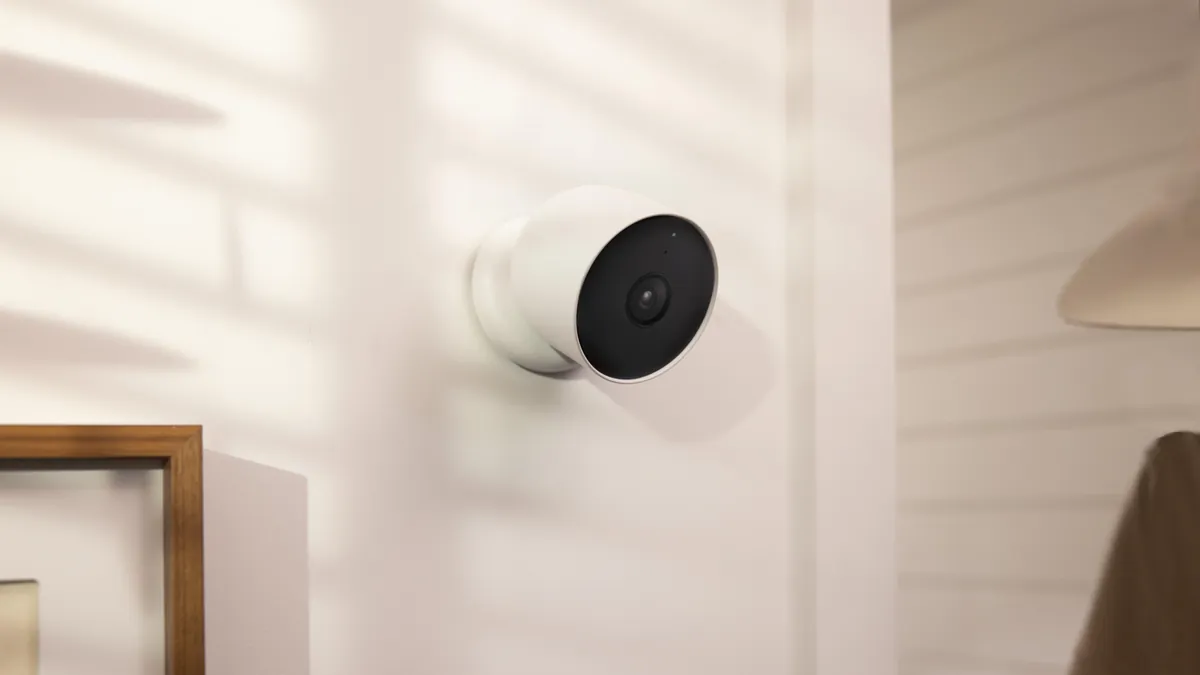
The wiring topology is simple and worth drawing before you order. Cameras run to the PoE switch. The switch runs to the NVR with one or two uplink cables. The NVR runs to the router for remote access. Every cable is Cat5e or Cat6, and every run stays under 100 m. That three-hop layout handles 64 cameras as easily as 8, because the switch is the point where ports scale.
Local Network vs Cloud: Where Footage Lives
The biggest architecture decision is where footage lives. A local system records onto the NVR hard drive at the site. A cloud system streams footage to the provider's servers. Most business deployments are local-first, with cloud used for backup or for single remote cameras.
The comparison table below shows the trade-offs. Bandwidth is the hidden cost of cloud. Each camera typically needs 2-4 Mbps of upload when streaming to a cloud service. A site with 16 cameras would need a business internet plan with serious upload capacity.
| Decision | Local NVR | Cloud Service |
|---|---|---|
| Where footage lives | On the NVR hard drive at the site | On the provider's servers |
| Monthly fee | None after purchase | Per-camera or per-storage subscription |
| Upload bandwidth | Not needed for recording | 2-4 Mbps per camera, typical |
| Uptime | Depends on site power and drive health | Depends on provider availability |
| Privacy | Footage never leaves the site | Footage travels over the internet |
| Best for | Multi-camera sites, warehouses, factories | Home use, remote sites, single cameras |
← swipe to scroll →
For a home ip camera system, cloud is tempting because setup is simple. For a business, local recording plus free P2P remote viewing usually wins. A wireless ip camera system sits in the middle. Cameras connect over WiFi to the local router, so they skip the cable run. The trade-off is reliability: WiFi shares bandwidth with phones and laptops, and a single weak signal zone can drop a camera offline.
Camera Types Inside the System
The camera family inside the system depends on the scene. Bullet cameras suit long sight lines and walls. Dome cameras suit ceilings and indoor areas. PTZ cameras cover large yards with one motorized head. Full-color night vision cameras suit any scene where evidence quality matters after dark.
Lens choice matters as much as the camera body. A 2.8 mm lens sees a wide angle and identifies a person at roughly 5-8 m. A 6 mm lens narrows the view and pushes identification to 12-15 m. For a fixed camera, choose the lens after measuring the site, not before.
The FULLCOLORCAM line concentrates on 5MP F1.0 full-color night vision cameras. They record usable color in zero light out to 20-30 m, which is the distance that matters at a gate or a loading bay. Mixed systems are common: full-color cameras at entry points, standard IP cameras in low-risk corridors.
Night capability is the second split inside the camera family. IR cameras light the scene with 850 nm LEDs and record grayscale. Full-color cameras use a larger sensor, an F1.0 aperture and a white-light fill to record color in zero light. For evidence purposes, color wins: a gray silhouette answers few questions, while a color frame identifies the vehicle and clothing. Most mixed systems put full-color units at entry points and IR units in corridors where only motion matters.
Bandwidth and Storage Planning
Bandwidth math starts with the bitrate of one camera. A 4MP camera at 15 fps streams 2-4 Mbps with H.265 and 4-6 Mbps with H.264. The rule of thumb for storage is simple: every 1 Mbps of average bitrate equals roughly 10.8 GB per day. Scene-aware H.265+ encoding records less on static scenes, so real averages sit at the low end.
Per-camera daily figures follow. At 4MP with H.265+, expect about 8-12 GB per camera per day. With H.264, expect 18-25 GB. A 16-camera site keeping 30 days therefore needs roughly 4-5 TB with H.265+ and 9-12 TB with H.264. This is why the compression choice shapes the whole budget.
Network sizing uses the same numbers. Sixteen 4MP cameras at 2-4 Mbps each need 32-64 Mbps of sustained throughput. A 1 Gbps switch and a mid-range NVR handle that easily. Sites with a limited uplink, like a solar or 4G deployment, should budget resolution against bandwidth first.
Retention math works backwards from the business need. A shop keeping 30 days needs one drive size; a factory keeping 90 days needs three times that. Write the retention policy before choosing the NVR, because the drive bays limit expansion. A 4-bay NVR with 10 TB drives holds roughly 80-120 days from 16 cameras at 4MP with H.265+ recording, which covers most business requirements.
PoE and Switch Planning
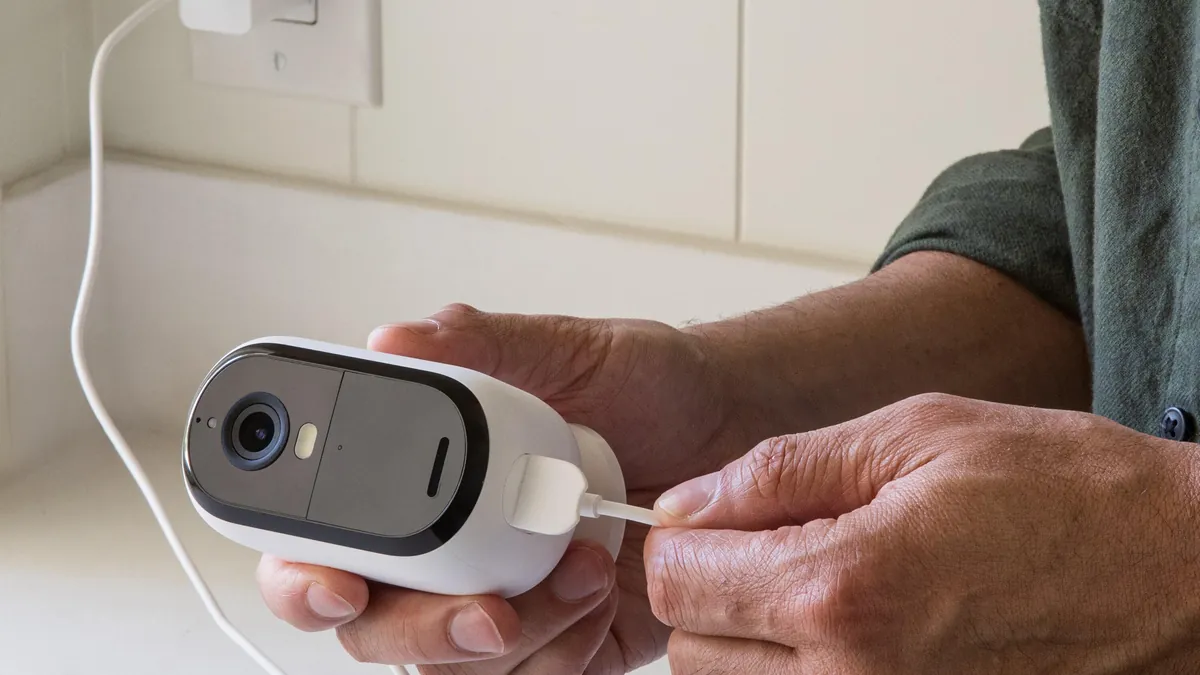
PoE planning is a wattage exercise, not a port-count exercise. An 802.3af port delivers up to 15.4 W. An 802.3at port delivers up to 30 W. A typical IP camera draws 5-12 W, and a full-color camera with a white-light fill draws at the top of that range. Add 20% headroom to the total for surge and startup.
A common example: a 250 W PoE switch carries 16-20 cameras drawing 10-12 W each. That same switch struggles with 24 cameras drawing 15 W. The budget is printed on the switch label; the math is on you. Count watts per camera, multiply by cameras, add headroom, then pick the switch from the PoE camera range.
A poe ip camera system wins on cabling cost because one cable does two jobs. The catch is distance: every PoE run is limited to 100 m of Cat5e or Cat6. Beyond 100 m, add a PoE extender, a media converter or an intermediate switch. NVRs with built-in PoE cover 8-16 cameras; beyond that, use a separate switch.
Installation Steps: From Cable Run to Go-Live
The ip camera setup flow is the same for 4 cameras or 64: survey, cable, mount, connect, configure, test. Six steps below. Each step has the numbers an installer actually checks.
1. Site survey
Measure the identification distances at every entry point. Note where cable can run and where it cannot. Mark mounting points 2.5-3 m high, angled down at the scene. Map the switch and NVR location before ordering cable lengths.
2. Cable and power
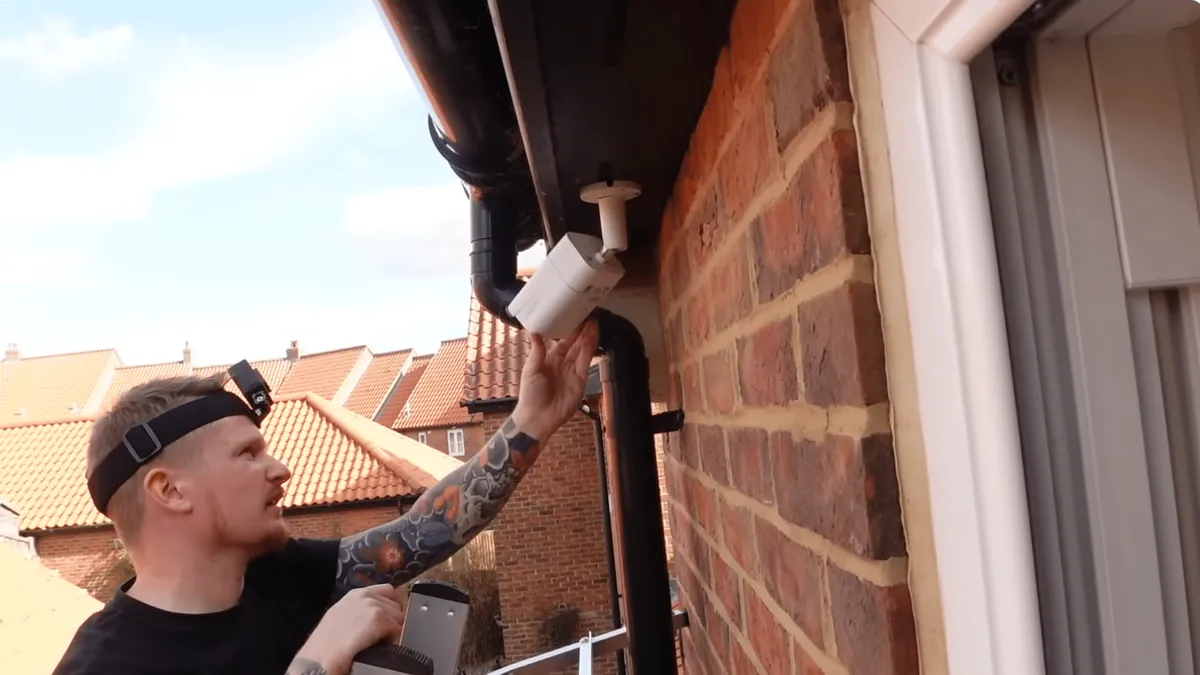
Run Cat5e or Cat6 from each camera position back to the switch. Keep every run under 100 m. Avoid running parallel to high-voltage lines. Use outdoor-rated cable for external runs and a drip loop at the camera end.
3. Mount and aim
Mount the camera, then aim it at the scene from the recorded view, not the ground view. Confirm the field of view covers the entry point plus a margin. Tighten all hardware, then move to the network step.
4. Connect the network
Plug cameras into the PoE switch, the switch into the NVR, and the NVR into the router. Cameras powered by the switch boot within about a minute. Check that every port LED shows a link before configuration.
5. Configure the NVR
Add channels one by one or use ONVIF auto-discovery. Set the recording schedule to continuous at 15 fps, or motion-only to stretch storage. Enable H.265+ on the recorder and cameras. Set the retention period, typically 30 days, and check the free space.
6. Remote access and test
Enable P2P remote viewing or set up a VPN. No port forwarding is needed with P2P. Walk the site at night and confirm full-color coverage at every entry point. Test playback from a phone and confirm alerts arrive. Hand the customer a login and a layout map.
Two checks complete the handover. Confirm the recording schedule covers the full 30-day retention before you leave the site. Verify that the NVR clock matches the camera clocks, so timestamps hold up as evidence. Then photograph the final layout: camera positions, cable paths and switch ports. That map saves hours on the first expansion.
NVR Configuration: Channels, Recording and Remote Access
The nvr system is the recording heart of the deployment. NVRs are sold by channel count: 8, 16, 32 and 64 are the standard steps. A 16-channel unit costs only slightly more than an 8-channel unit, so most installers size one step up. Channel count should cover future cameras, not just today's.
Dual streams matter more than buyers think. The main stream, 2-4 Mbps at 4MP, is recorded to disk. The sub stream, typically 0.5-1 Mbps, is used for live viewing on phones. This split keeps remote viewing fast without touching recording quality.
Recording schedules stretch storage. Continuous recording at 15 fps is the default for business sites. Motion-only recording cuts storage by 50-70% on quiet sites, at the cost of missing slow-moving events. H.265+ recording is the single biggest storage lever in the nvr system, and it should be on from day one.
Redundancy is a business decision, not a default. A single NVR with one drive loses footage if the drive fails. A second drive in RAID 1 mirrors the recording and doubles the drive cost. Sites that cannot lose an hour of footage, like cash rooms or evidence areas, should ask for the RAID option. Sites on a budget can accept single-drive risk and keep a maintenance contract instead.
Buying Checklist for IP Camera Systems
When a buyer asks which ip camera system to buy, run through this checklist in order. Each item prunes the option set before the next.
- Channel count. Count cameras today, add 25% for expansion, then pick the next NVR step (8, 16, 32 or 64).
- Resolution. 4MP is the workhorse; 5MP adds vertical detail for doorways and shelves. Avoid 2MP for new systems.
- Night strategy. Choose full-color night vision (5MP F1.0) for any scene where evidence matters after dark.
- PoE budget. Sum camera wattage, add 20% headroom, then match the switch. Ports are cheap; watts are not.
- Storage. Plan 8-12 GB per 4MP camera per day with H.265+, then multiply by cameras and retention days.
- Interoperability. Require ONVIF-conformant cameras so the system is not locked to one vendor.
- Supplier. Check the warranty, firmware update policy and minimum order quantity before ordering.
Many buyers shortcut the list with an ip camera kit. A kit bundles cameras, an NVR and a switch in one SKU, which simplifies ordering. Check that the bundle's PoE budget and storage actually cover the camera count. A 4-camera kit with a 6-channel NVR and a 60 W switch is fine; the same kit stretched to 8 cameras is not. Compare ready-made CCTV kits against a custom build before committing.
Budget Planning: Where the Money Goes
The budget breakdown below uses typical shares from real deployments. Camera cost dominates, which is why buyers negotiate there first. The smaller line items are the ones that silently grow: cabling, conduit and labor.
| Component | Typical Share | Planning Note |
|---|---|---|
| Cameras | 50-60% | Resolution and night performance drive the cost |
| NVR | 15-20% | Channel count and hard drive size set the price |
| PoE switch and cabling | 15-20% | Ports, wattage and cable quality |
| Installation and accessories | 10-15% | Labor, conduit, mounts and consumables |
← swipe to scroll →
As a planning figure, a complete system costs roughly 80-150 USD per camera installed. Resolution, night capability and cable distance move the number within that band. An ip camera kit trims 10-20% off component cost because one supplier covers the whole bill of materials. A home ip camera system with 4 cameras typically lands at 300-600 USD installed.
Wireless variants change the split. A wireless ip camera system removes cabling cost, but each camera still needs a power outlet or a battery plan. Full-color cameras with white-light fill draw more watts, so check the switch budget twice. Ask the supplier for a line-item quote; the line items expose where the money goes.
Two hidden costs deserve a line in the quote. Conduit and cable protection add up fast on outdoor runs, where UV-rated conduit is the difference between a 2-year and a 10-year installation. Second, spare capacity: a PoE switch with spare ports and an NVR with spare channels cost little now and save a full re-order later. Both items are cheaper at the design stage than after go-live.
IP Camera System Questions Buyers Ask
How many cameras can an NVR support?
NVRs come in 8, 16, 32 and 64 channel models. A 16-channel NVR with 8 cameras leaves headroom for expansion at almost no extra cost.
Do I need a separate PoE switch if the NVR has PoE ports?
Only if you exceed the built-in ports. NVRs with built-in PoE typically cover 8 or 16 cameras. Add a switch when the camera count grows beyond that, or when cameras sit far from the recorder.
Is local storage or cloud better for a business?
Local-first is the standard answer. Footage stays on site, there is no monthly fee, and remote viewing still works through P2P. Cloud adds a subscription and upload bandwidth of 2-4 Mbps per camera.
How much storage do I need for 30 days of footage?
Plan 8-12 GB per 4MP camera per day with H.265+. A 16-camera site needs roughly 4-5 TB. With H.264, double the estimate to 9-12 TB.
Can I mix wired and wireless cameras in one system?
Yes, when all cameras are ONVIF-conformant and join the same network. Wired cameras carry the critical zones; wireless cameras cover the spots that cannot be cabled. Test wireless signal strength before mounting.
The Bottom Line
An ip camera system is specified by four numbers: channel count, resolution, PoE wattage and storage. Size each one from the scene, not from the brochure. Add 20% headroom to the switch, one NVR step up, and H.265+ from day one. That combination survives expansion and delivers evidence-grade footage.
At FULLCOLORCAM we build 5MP F1.0 full-color night vision IP cameras and NVRs in Guangzhou. Every unit is tested before shipping, ONVIF-conformant and paired with free P2P remote access. Send your site plan and camera count to cj226144@gmail.com for a spec-matched quote. We will size the channels, PoE budget and storage your building actually needs.
NEXT STEP
Ready to Upgrade to Full-Color Night Vision?
Send us your requirements — our team responds by email.
Written by
Ray ChanCCTV Buyer's Guide Author · Full-Color Night Vision Specialist. Ray helps global importers and integrators source factory-direct security cameras.