
How to Size a Network Video Recorder: NVR Sizing Calculator Guide (2026)

Table of Contents
Most NVR sizing mistakes happen before the recorder is ordered. Buyers count cameras, guess at storage, and discover six months later that the drive overwrites footage every four days. Sizing a network video recorder is a calculation, not a guess. Channel count comes from the camera list plus redundancy. Storage comes from resolution, bitrate and retention days. PoE ports and bandwidth decide whether the recorder can serve the cameras you connect.
This guide walks through the sizing sequence in six steps: channel count, resolution support, storage math, HDD layout, PoE budget and bandwidth. It ends with a worked-example calculator you can copy for your own site, plus an upgrade path so the recorder grows with the business. The "network video recorder ip camera" pairing is the architecture this calculator assumes. Cameras encode on the network, and the recorder stores, plays back and serves remote view.
Keep reading for more!
The Snapshot
- Channel count equals cameras today plus 25-50% redundancy: a site with 14 cameras needs a 16ch recorder, and 40 cameras point at a 64ch unit, not a 32ch one.
- A 4MP camera on H.265+ records about 8-12 GB per day at 15 fps on a typical mixed scene; the same camera on H.264 writes 18-25 GB.
- The conversion factor is 10.8: one Mbps of average bitrate writes 10.8 GB per day, so total capacity equals cameras x GB per day x retention days.
- The PoE budget must cover every camera plus 20% headroom: ten 10W cameras need at least 120W of budget, not 100W.
- Buy one size up: 8/16/32/64 channel steps are the standard ladder, and adding NVR channels later means buying a new recorder.
How NVR Sizing Works: Five Numbers in One Order
NVR selection starts with the camera list, not the recorder. A supplier cannot size a recorder without three facts: how many cameras, what resolution, and how many days of footage you must keep. Four more numbers finish the job: per-camera bitrate, PoE consumption, network bandwidth and drive layout. These are the five numbers to choose NVR size by: channels, resolution support, storage, PoE budget and bandwidth.
The order matters because each number feeds the next. Camera count sets the channel count. Resolution and bitrate set the storage and bandwidth. Camera count and wattage set the PoE budget. Work the sequence top to bottom and the right recorder falls out of the math.
The cost of getting it wrong is concrete. An undersized recorder gets replaced early, an oversized one wastes capital, and an under-provisioned drive loses evidence at the worst moment. A 64-channel NVR with 8 SATA bays holds months of continuous H.265+ recording; a 4-channel unit is a different class of hardware entirely. Matching the class to the site is what this guide does.
If you are new to recorders, our complete network video recorder guide covers NVR vs DVR, recorder types and setup step by step. This guide assumes you know what an NVR is and focuses on the numbers that size it.
Step 1: Channel Count (Cameras Plus Redundancy)
The "how many cameras NVR" search is the most common sizing question we get from distributors. The answer is never the number of cameras installed today. It is that number plus the cameras you will add before the recorder gets replaced. The table below maps standard channel counts to typical sites and camera budgets.
| Channel count | Typical site | Camera budget example |
|---|---|---|
| 4ch | Small shop, apartment, single office floor | 4 bullet or dome cameras at entrances and tills |
| 8ch | Retail store, small warehouse, 2-floor office | 6-8 cameras: entrances, aisles, yard, cash office |
| 16ch | Medium business, school wing, parking lot | 12-16 cameras with 2 spare channels |
| 32ch | School, factory floor, multi-zone warehouse | 24-32 cameras across zones and shifts |
| 64ch | Large facility, campus, multi-site consolidation | 40-64 cameras, often clustered per building |
← swipe to scroll →
1. The headroom rule
Adding NVR channels later is a hardware purchase, not a setting. A 4ch recorder cannot become an 8ch recorder. The price gap between a 16ch and a 32ch recorder is small relative to replacing the unit mid-project. That is why buy-one-size-up is the standing advice. Count the cameras the site needs today, add 25-50% for growth, then step up to the next standard count.
2. One channel records one camera
One channel records one camera stream simultaneously. A 16ch recorder handles 16 cameras at once. Pairing two cameras into one channel with a multiplexer is an analog-era workaround that does not apply to IP systems. If you plan 16 cameras, the recorder needs 16 channels, full stop.
Step 2: Match the Recorder to Your Camera Resolution
The camera list decides the recorder's per-channel workload. A recorder that stores 4K streams at 25 fps is a different machine from one rated for 2MP. The first spec to check is per-channel bandwidth: how many Mbps the recorder accepts per channel and in total. The resolution comparison behind these figures is covered in our megapixel IP camera guide.
Codec support matters as much as resolution. FULLCOLORCAM's 5MP full-color night vision cameras encode with H.265+, and the recorder must decode the same codec to deliver the storage benefit. A recorder that only decodes H.264 forces cameras into H.264 and roughly doubles the drive bill. Our IP cameras all ship H.265+ as standard, so the pairing is straightforward.
1. Check total recording bandwidth
Look for the total recording bandwidth figure, for example 256 Mbps in on a 64ch unit. At 64 cameras x 4MP with H.265+, sustained recording uses roughly 130-260 Mbps. That is why enterprise NVRs ship dual Gigabit Ethernet with aggregation. A marketing resolution number without a bandwidth figure is incomplete.
2. Match frame rate to the scene
Frame rate is part of resolution support. A camera at 25 fps needs roughly double the bitrate of the same camera at 12 fps. For entrances and tills, 15 fps is the practical default. For license plate capture, 25 fps matters. Set the frame rate in the camera before you size storage.
Step 3: Storage Math (Resolution, Bitrate, Retention Days)
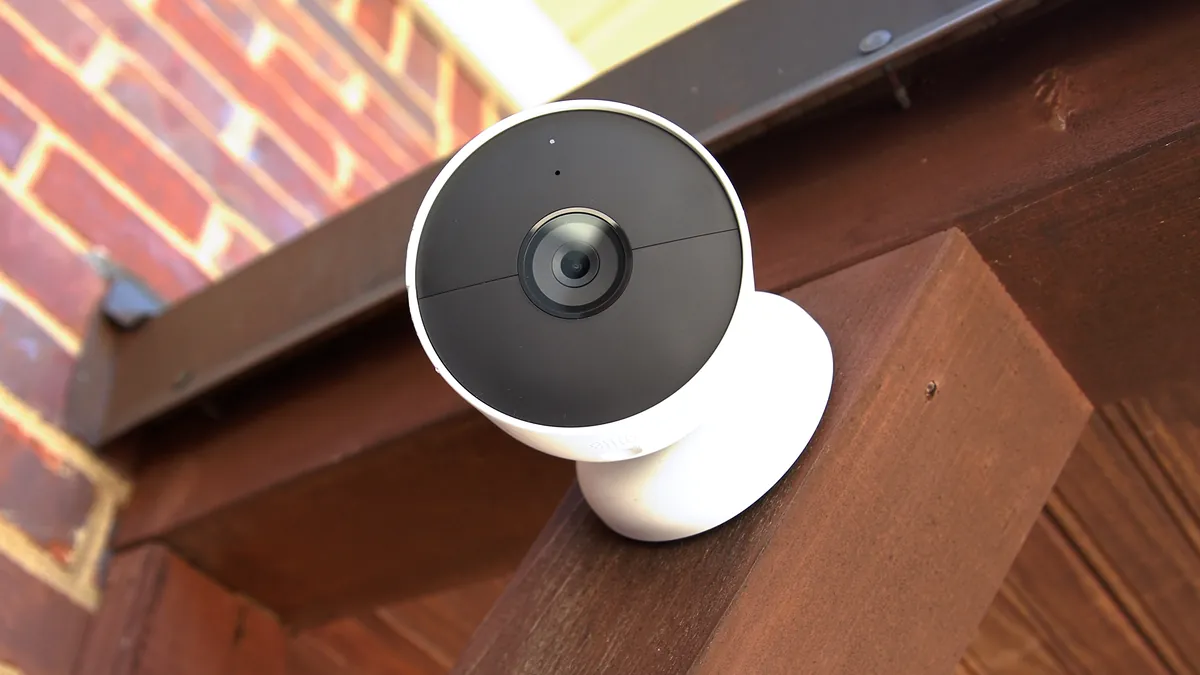
Storage is the number buyers most often guess, and the formula is simple. The conversion factor is 10.8: one Mbps of average bitrate writes 10.8 GB per day. Multiply cameras x GB per day x retention days, then add 20-30% headroom for filesystem overhead and bitrate spikes. The full calculation, including the H.264 and H.265 rows, lives in our CCTV storage guide.
1. GB per day by resolution
The table below is the reference for the sizing step. It shows per-camera GB per day at 15 fps with H.265+ on a typical mixed scene. The stream bitrate range and the 16-camera, 30-day result are included.
| Resolution | H.265+ GB/day (typical) | Stream bitrate (typical) | 16 cameras x 30 days |
|---|---|---|---|
| 2MP | 4-6 GB | 1-2 Mbps | 2-3 TB |
| 4MP | 8-12 GB | 2-4 Mbps | 4-6 TB |
| 5MP | 10-14 GB | 3-5 Mbps | 5-7 TB |
| 8MP | 16-24 GB | 6-10 Mbps | 9-12 TB |
← swipe to scroll →
The 4MP row is the anchor for most business sites: 8-12 GB per day at 15 fps with H.265+. The same camera on H.264 writes 18-25 GB per day, which is why codec support is part of Step 2. The configured bitrate cap gives the worst case. H.265+ scene-aware encoding writes only when the image changes. The sustained average is what fills the drive.
2. The retention days formula
Recording days equal usable capacity divided by the daily write volume. A 6TB drive formats to about 5.5 TB usable. At 16 cameras x 10 GB per day it holds roughly 34 days. For 30 days of retention on that site, one 6TB drive is the minimum, and a second drive in RAID 1 doubles the safety.
Step 4: HDD Capacity and Drive Layout
Drive layout decides both capacity and reliability. Count bays before drives: an 8ch recorder typically has 1-2 SATA bays, 16ch units have 2-4, and 32-64ch recorders carry 4-8 bays. The bay count sets the ceiling, and the maximum drive size per bay sets the total. A 64-channel NVR with 8 bays of 16TB supports up to 128TB raw.
1. Drive sizes and usable capacity
4TB, 6TB, 8TB and 16TB drives are the common steps. Formatting and filesystem overhead leave about 91% of the label capacity usable. An 8TB drive gives roughly 7.3 TB for recordings. Size the drive count from usable capacity, not the number on the box.
2. RAID for evidence
RAID 1 mirrors two drives and costs half the capacity. RAID 5 spreads parity across three or more drives and keeps (N-1)/N usable. At 16+ channels, RAID 1 or 5 is the B2B baseline. A dead drive without redundancy means lost footage, and footage is the whole point of the system.
Use surveillance-rated drives, not desktop drives. They are built for 24/7 write workloads of roughly 180 TB per year. Desktop drives are rated for about 8 hours a day, and their error-recovery routines can stall a recorder mid-write. The drive is the only moving part in the system; it deserves the rating.
Step 5: PoE Ports and Power Budget
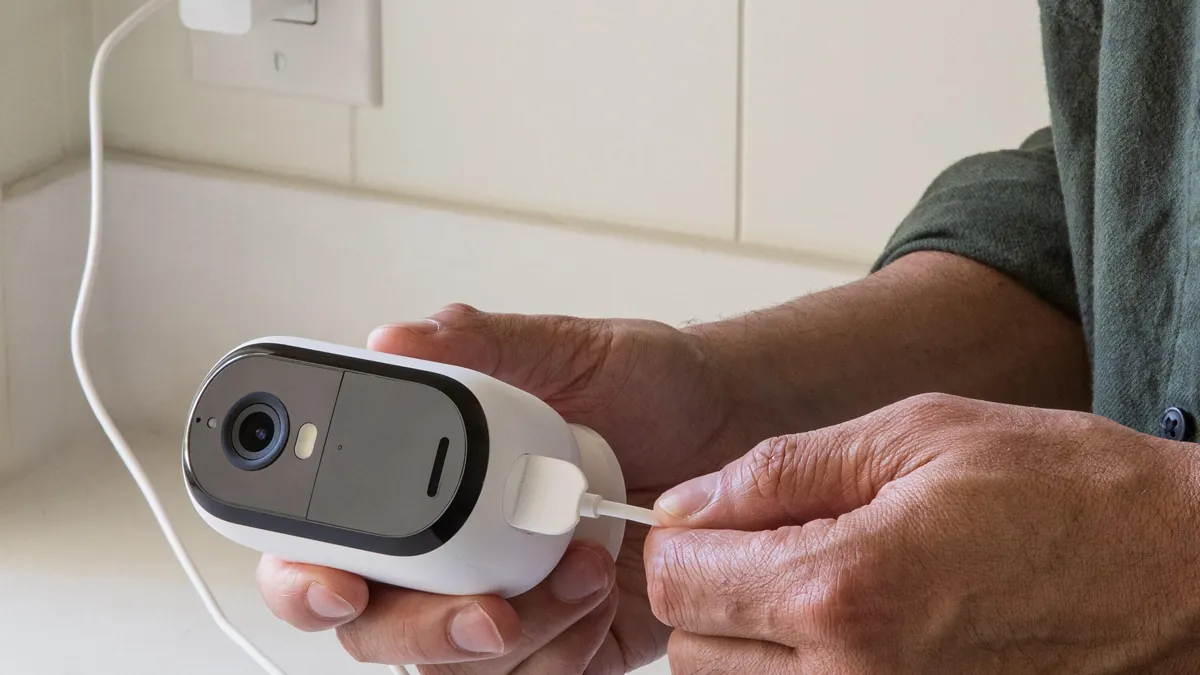
A PoE NVR powers each camera over the same Ethernet cable that carries data. The recorder's PoE budget must cover every camera plus headroom. Add the wattage of every camera, then multiply by 1.2 for the 20% margin. A camera that draws 10W counts as 12W in the budget.
802.3af delivers up to 15.4W per port and 802.3at up to 30W. Full-color night vision cameras with white-light fill typically draw 8-12W. Outdoor units with heaters draw 12-20W. The table below shows how many cameras typical PoE NVR budgets carry.
| PoE NVR ports | Typical budget | Cameras at 10W (20% headroom) | Cameras at 15W (20% headroom) |
|---|---|---|---|
| 8 ports | 80-120W | 6-9 | 4-6 |
| 16 ports | 150-250W | 12-20 | 8-13 |
| 32 ports | 250-400W | 20-32 | 13-21 |
← swipe to scroll →
If the camera count or wattage exceeds the built-in ports, the NVR runs in standalone mode and a separate PoE camera switch carries the power. The switch sizing follows the same 20% headroom rule, and the details are in our PoE switch guide. A typical 250W switch carries about 16 cameras at 12W.
Step 6: Bandwidth Budget
Two bandwidth budgets matter: the LAN side that carries recording streams, and the WAN side that serves remote viewing. Both come from the same bitrate numbers in the storage table.
1. LAN recording bandwidth
Sum the main streams: 16 cameras at 4MP with H.265+ average 2-4 Mbps each, so 32-64 Mbps sustained into the recorder. A single Gigabit port handles that easily. A 64ch site at 130-260 Mbps should use dual Ethernet with aggregation. Camera ports can run 100 Mbps; the recorder uplink should be Gigabit.
2. WAN remote viewing bandwidth
Remote viewing runs on sub-streams, typically 512 kbps to 1 Mbps per viewer. Eight remote viewers at 512 kbps need about 4 Mbps sustained upload. Most broadband handles it. Cellular sites need a data plan sized for it, and a solar or 4G deployment should budget resolution against uplink first.
The check: the NVR spec lists total recording bandwidth in and out, for example 256 Mbps in, 128 Mbps out. If your summed camera bitrate approaches that figure, the recorder is undersized even when the channel count matches.
The NVR Sizing Calculator: Three Worked Examples
Put the five numbers together and the sizing falls out. The calculator formula is: total capacity in TB equals cameras x GB per day x retention days, divided by 1000, plus 20-30% headroom. The three examples below cover the common B2B cases, from a shop to a campus.
| Scenario | Cameras | GB per camera per day | Retention | Raw total | Recommended recorder and drives |
|---|---|---|---|---|---|
| Small shop | 6 x 4MP | 10 GB | 30 days | 1.8 TB | 8ch PoE NVR, 1x 4TB drive |
| Retail store | 14 x 4MP | 10 GB | 30 days | 4.2 TB | 16ch PoE NVR, 1x 6TB drive |
| Campus | 40 x 5MP | 12 GB | 30 days | 14.4 TB | 64ch NVR, 4x 8TB RAID 5 (24 TB usable) |
← swipe to scroll →
Two checks before you order. First, confirm the channel count: 6 cameras on an 8ch recorder, 14 on a 16ch, 40 on a 64ch, each with spare channels for growth. Second, confirm the PoE budget. Six cameras at 12W draw 72W and fit an 8-port unit with a 100W budget. Fourteen at 12W draw 168W and need a 16-port unit with a 200W+ budget. Forty cameras at 12W draw 480W, which needs a 32-port PoE NVR plus an additional switch. Alternatively, use a standalone recorder with a managed PoE switch.
The math works when every number comes from the same camera list. Change one camera from 4MP to 5MP and the storage row moves from 10 to 12 GB per day. Change retention from 30 to 60 days and the drive count doubles. Run the formula again after every site change, not just at the start.
Upgrade Path: Sizing a Recorder That Grows
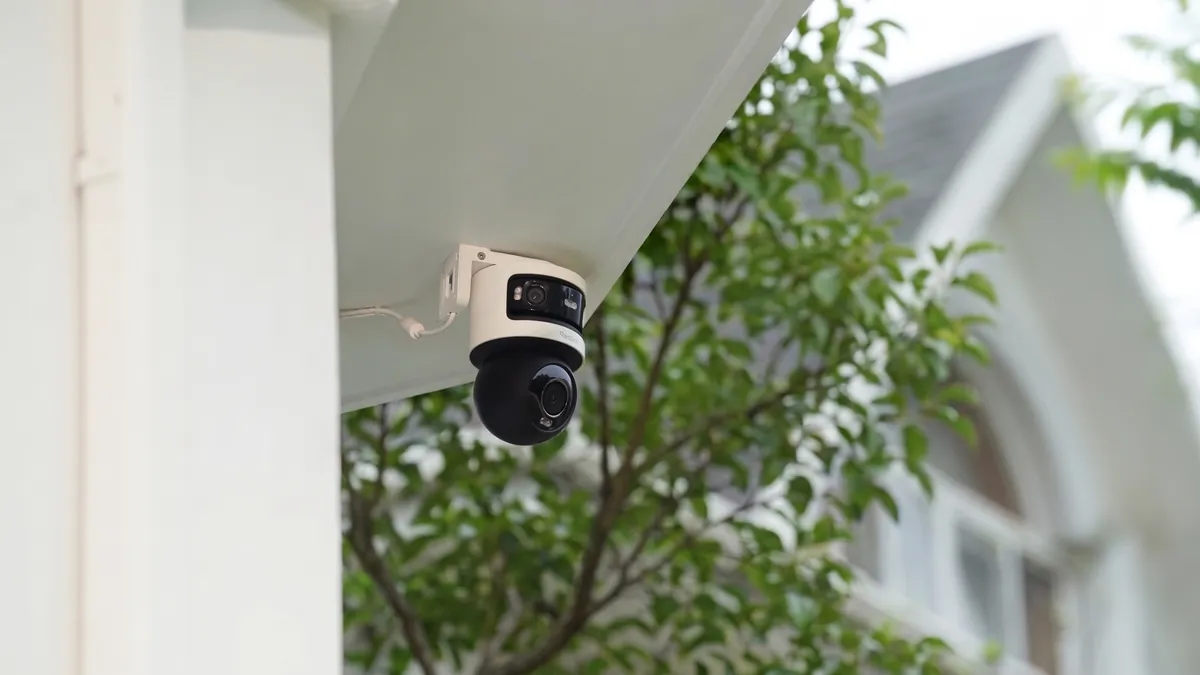
The cheapest NVR setup is the one you do not have to repeat. Sizing for growth is mostly about channels and bays, because those are the two things a recorder cannot gain later. Storage can grow: add a drive, replace a drive with a larger one, or move to RAID. PoE can grow: cameras beyond the built-in ports connect to a separate PoE switch, and the NVR records them in standalone mode.
1. The practical ladder
An 8ch recorder covers a shop that grows to 10 cameras with a second recorder or a swap to 16ch. A 16ch unit covers a store that adds a stockroom wing. A 32-64ch unit covers facilities that add buildings. The rule stays the same: step up before you run out.
2. Buy the bays now
Buy the channel count you need plus one step, and buy the bays now. Adding a 4TB drive later is a 10-minute job. Replacing a 16ch recorder with a 32ch unit is a full re-installation, with new cabling, new configuration and downtime. Bays are cheap insurance; channels are not.
ONVIF compliance keeps the upgrade path open across camera brands. If the recorder accepts ONVIF Profile S and G streams, future cameras from any vendor join the system without a recorder swap. That is the single most important compatibility line on the spec sheet. Compare recorders on our NVR product page with that line in hand.
Common Sizing Mistakes and How to Avoid Them
Six mistakes account for most failed NVR purchases. Each one costs the same way: an early replacement, a lost week of footage, or a second purchase. The checklist in the next section catches all six before the PO is signed.
- Sizing channels to today's camera count. Every site adds cameras. Count the next two years, then step up one size.
- Sizing storage from peak bitrate. The configured 2-4 Mbps cap on a 4MP camera is the worst case. The H.265+ average near 1 Mbps is the real number. Quote the average and keep the cap as margin.
- Forgetting the PoE headroom. Ten cameras at 10W need 120W of budget, not 100W. PoE budgets drop with cable length and temperature, so the 20% margin is mandatory.
- Buying desktop drives. A recorder writes 24/7. A desktop drive rated for 8 hours a day fails early and can stall the whole recorder.
- Ignoring the WAN uplink. Remote viewing rides the office upload. Eight viewers at 512 kbps need 4 Mbps sustained, which some broadband plans cannot hold.
- Choosing the recorder before the camera list. Every number in this guide derives from the cameras. Spec the cameras first, then size the recorder.
NVR Sizing Checklist for Buyers and Integrators
No NVR buying guide is complete without a supplier-facing checklist. Run it against every quote and demand a line for each item. A supplier that cannot answer these lines is selling boxes, not systems.
- Channel count: current cameras plus 25-50% headroom, stepped to 4/8/16/32/64
- Codec: H.265+ per channel, matching the cameras
- Per-channel bandwidth: recorder accepts the camera resolution at the planned frame rate
- Total recording bandwidth: summed camera bitrate below the spec, for example 256 Mbps in on a 64ch unit
- PoE budget: summed camera watts x 1.2 inside the recorder budget, per port and total
- SATA bays: enough bays for the retention plan, with RAID 1 or 5 at 16+ channels
- Drive class: surveillance-rated, 24/7 workload rating
- ONVIF: Profile S streaming and Profile G recording, for mixed-brand cameras
- Remote access: free P2P app, no per-camera subscription
- Warranty: a written warranty term with a documented RMA process
NVR Sizing Questions Buyers Ask
How many cameras can an 8-channel NVR record?
Eight cameras at once. Eight 4MP H.265+ cameras write about 8-12 GB per day each, creating 64-96 GB per day. A 4TB drive holds roughly 35-50 days of continuous recording.
How much storage do I need for 30 days of recording?
Cameras x GB per day x 30, plus 20-30% headroom. Sixteen 4MP cameras on H.265+ need about 4-6 TB. The same cameras on H.264 need 9-12 TB, which is why the codec choice matters.
Do I need a PoE switch if the NVR has PoE ports?
Only when the camera count or wattage exceeds the built-in budget. Sixteen cameras at 12W need a 200W+ budget. Beyond that, add a standalone PoE switch and run the NVR in standalone mode.
What happens when I add cameras later?
The recorder records them if channels remain and the bandwidth and PoE budgets hold. If the recorder is full, the upgrade is a new recorder, so leave 25-50% channel headroom at purchase time.
Is H.265+ worth it for storage?
It cuts the drive bill by 60-70% versus H.264 at the same quality. On a 16-camera site that is the difference between a 4-6 TB recorder and a 9-12 TB recorder. It also means a smaller drive footprint for the same evidence.
Can I mix camera brands on one NVR?
With ONVIF compliance, yes. Confirm Profile S and G support and test one third-party camera before the full order. Core recording works across brands; advanced events may vary by vendor.
The Bottom Line
Size the NVR from the camera list: channels from camera count plus redundancy, storage from resolution, bitrate and retention days. PoE and bandwidth come from the same numbers. Work the six steps in order, keep 20-30% headroom on storage and PoE, and step up one channel size before you run out. The recorder that fits this math records for years; the one that does not gets replaced in two.
At FULLCOLORCAM in Guangzhou we build 5MP F1.0 full-color night vision IP cameras. Our H.265+ NVRs run from 8 to 64 channels, with 8 SATA bays on the flagship model. Every unit ships with ONVIF compliance and free P2P remote access. Send your camera list and retention target to cj226144@gmail.com. We will return the channel count, PoE budget and drive layout your site actually needs, plus a factory-direct quote.
NEXT STEP
Ready to Upgrade to Full-Color Night Vision?
Send us your requirements — our team responds by email.
Written by
Ray ChanCCTV Buyer's Guide Author · Full-Color Night Vision Specialist. Ray helps global importers and integrators source factory-direct security cameras.