
Megapixel IP Camera Guide: Resolution Explained for CCTV Buyers (2026)

Table of Contents
The question "what is megapixel camera" sounds simple, but the answer separates a working CCTV system from a wall of dead pixels. Most CCTV buyers choose resolution by the number on the box — and then discover too late that an 8MP camera with a small sensor records worse at night than a 4MP camera with a large one. A megapixel IP camera's resolution sets the maximum detail you can capture, but sensor size, lens and compression decide whether that detail survives in the real world: in low light, on a 100 m cable run, and on a hard drive that has to store 30 days of footage.
This guide explains what a megapixel IP camera actually is, compares 2MP/4MP/5MP/8MP in the scenes that matter, walks through the bandwidth and storage math line by line, shows why H.265+ halves the storage bill, and gives a scene-by-scene recommendation table plus a business buyer checklist. By the end you will be able to specify cameras by pixels-per-degree and sensor size instead of megapixel marketing numbers.
Keep reading for more!
The Snapshot
- A megapixel IP camera is any network camera whose sensor captures more than one million pixels — 2MP (1920×1080), 4MP (2560×1440), 5MP (2560×1920) and 8MP (3840×2160) being the common CCTV steps.
- Resolution sets the ceiling, sensor size sets the floor: a 4MP camera with a 1/1.8-inch sensor captures roughly 2.3× the light per pixel of an 8MP camera with a 1/2.7-inch sensor — so the 4MP unit often delivers clearer night footage.
- Storage math: a 4MP camera at 15 fps with H.265+ records about 8-12 GB/day; the same camera with H.264 records 18-25 GB/day. Over a 16-camera, 30-day deployment that is the difference between a 4TB and a 10TB recorder.
- Pixels per degree, not total pixel count, decides identification distance: a 6 mm lens on a 4MP sensor identifies a person at roughly 15 m; the same sensor with a 2.8 mm lens only at about 5 m.
- Megapixel marketing ignores night performance: a 5MP full-color night vision camera with an F1.0 lens records usable color in zero light, where a higher-megapixel IR-only camera produces grayscale shapes that fail in court. The 5MP full-color unit is the stronger security purchase at the same price.
What Is a Megapixel IP Camera?
A megapixel IP camera is a network security camera whose image sensor captures more than one million pixels per frame — "mega" meaning million. The term became standard in CCTV marketing around 2009 when IP cameras first passed the one-megapixel mark, and today the common steps are 2MP, 4MP, 5MP and 8MP. When buyers search "megapixel IP camera" or "megapixel security camera", they are almost always comparing these standard resolution grades for an installation.
Resolution is expressed as width × height in pixels. A 2MP camera produces 1920×1080 (the same as HDTV). A 4MP camera produces 2560×1440, sometimes sold as "2K". A 5MP camera produces 2560×1920, a 4:3 aspect frame that CCTV installers favor because it captures more vertical scene — a doorway, a shelf row, a truck bay. An 8MP camera produces 3840×2160, sold as "4K UHD". Each step doubles or nearly doubles the pixel count, which is why storage and bandwidth requirements climb steeply with each grade.
The reason "megapixel" matters to a security buyer is identification distance: more pixels on a given scene means a smaller object — a face, a license plate, a logo on a jacket — spans more pixels, and more pixels is what makes it readable when you zoom into the recording. A camera that cannot put enough pixels on the target produces footage that is sharp-looking at full width but a blur when you need the detail. That is the entire game: matching megapixels to the identification distance of the scene.
It is equally important to know what a megapixel rating does not tell you. It does not tell you the sensor's physical size, which governs low-light sensitivity. It does not tell you the lens field of view, which decides how many pixels land on the target. It does not tell you the compression standard, which decides the storage cost. A specification that lists only "8MP" is incomplete; the megapixel number is the start of the conversation, not the end.
Resolution Comparison: 2MP vs 4MP vs 5MP vs 8MP
The practical differences between resolution grades show up in identification distance, storage cost and low-light behavior. The table below summarizes the standard CCTV grades with typical pixel counts and their realistic use cases.
| Grade | Resolution | Aspect | Identification (2.8mm lens) | Best For |
|---|---|---|---|---|
| 2MP | 1920×1080 | 16:9 | ~3-5 m | Entry-level, budget sites, indoor corridors |
| 4MP | 2560×1440 | 16:9 | ~5-8 m | General retail, offices, most business deployments |
| 5MP | 2560×1920 | 4:3 | ~6-9 m | Doorways, shelves, loading bays (tall scenes) |
| 8MP | 3840×2160 | 16:9 | ~8-12 m | Open areas, parking lots, wide coverage |
← swipe to scroll →
Two patterns stand out. First, the jump from 2MP to 4MP roughly doubles identification distance for the same lens, which is why 2MP is fading from serious B2B deployments. Second, the jump from 4MP to 8MP only adds ~50-60% more identification distance while doubling storage and bandwidth — diminishing returns that the sensor-size discussion below explains.
For most CCTV sites — retail, warehouse, office, school — the practical sweet spot is 4MP or 5MP: enough pixels for identification at typical distances, without the storage and low-light penalties of 8MP. A site with genuinely large open areas (a parking lot, a yard) may justify 8MP cameras with long lenses, while a site that must identify faces at doorways benefits more from 5MP's taller 4:3 frame than from 8MP's width.
Sensor Size Matters More Than Megapixels
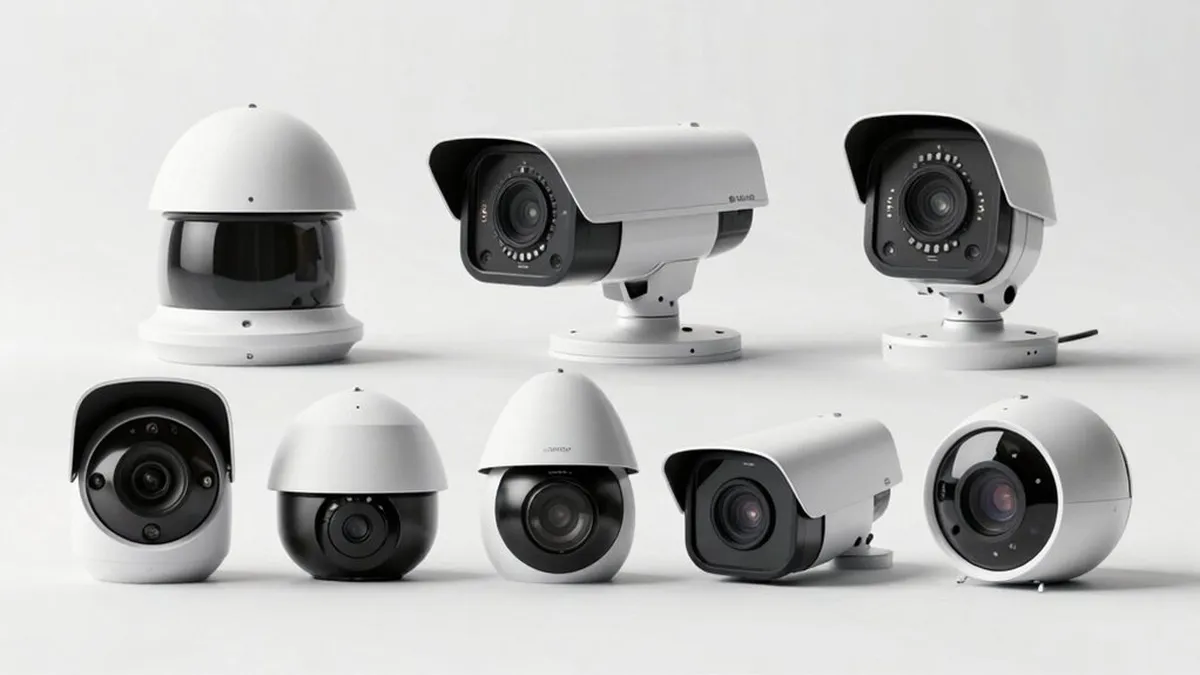
The single most misunderstood fact in CCTV resolution is that the sensor's physical size — not the megapixel count — governs low-light performance. A larger sensor with the same pixel count means each pixel has a larger light-collecting area, which means less noise and better color in dim scenes. The industry shorthand is that a 1/1.8-inch sensor is "large", a 1/2.7-inch sensor is "small", and the difference is roughly a 2× light-per-pixel gap at the same resolution.
Consider a practical comparison: an 8MP camera with a 1/2.7-inch sensor versus a 4MP camera with a 1/1.8-inch sensor. The 8MP unit packs more pixels into a smaller area — each pixel is smaller and receives less light. In a dim warehouse aisle at 21:00, the 4MP camera typically produces a cleaner, more usable image; the 8MP unit shows more noise, more smear and earlier color loss. This is why the megapixel rating alone is a poor predictor of night quality.
For buyers, the check is simple: ask for the sensor size in the specification sheet. A camera spec that lists resolution but hides the sensor size is incomplete. On the same resolution, prefer the larger sensor. Between a higher-megapixel small-sensor camera and a lower-megapixel large-sensor camera, the large sensor usually wins where light is imperfect — which, for security cameras, is most of the time.
Bandwidth and Storage Math
Every megapixel upgrade multiplies the data a camera must push across the network and write to disk. The relationship is close to linear: an 8MP stream carries roughly twice the pixel data of a 4MP stream at the same frame rate and compression, so it needs roughly twice the bandwidth and storage. For a multi-camera site these numbers decide both the network switch size and the recorder drive capacity.
Typical per-camera daily recording at 15 fps with H.265+: 2MP ≈ 4-6 GB/day, 4MP ≈ 8-12 GB/day, 5MP ≈ 10-14 GB/day, 8MP ≈ 16-24 GB/day. With H.264 those figures roughly double. For a 16-camera site keeping 30 days, 4MP cameras need about a 4-5TB recorder; 8MP cameras need 9-12TB — a recorder that costs meaningfully more and a higher per-drive failure surface.
Bandwidth tells the same story. A 4MP camera at 15 fps with H.265+ typically streams 2-4 Mbps; an 8MP camera streams 6-10 Mbps. Sixteen 8MP cameras saturate a 1 Gbps switch port group far faster than sixteen 4MP cameras. Sites with limited uplink (a remote building, a solar-4G deployment) should budget resolution against available bandwidth first.
H.265+ and Compression: Making Higher Resolution Affordable
Compression is the lever that makes megapixel recording affordable. H.265 (HEVC) roughly halves the bitrate of H.264 at the same quality, and the enhanced "H.265+" mode adds scene-aware bitrate control: static scenes (an empty corridor at night) record at a fraction of the bitrate of busy scenes. The practical effect is 30-60% further savings on top of H.265's halving — the difference between a 4TB and a 10TB recorder on a 16-camera site.
Concretely: the same 4MP camera at 15 fps might record 18-25 GB/day with H.264, 9-13 GB/day with H.265, and 6-10 GB/day with H.265+ on a typical mixed scene. Over a year, one camera's storage need drops from roughly 7TB (H.264) to 3TB (H.265+). For a buyer comparing megapixel grades, compression choice can matter as much as the resolution choice itself.
The practical rule: choose H.265+ capable cameras and recorders, then size storage from the H.265+ figures, not the H.264 figures that older calculators still quote. This is how a 16-camera 4MP site fits on a 4TB drive instead of a 10TB drive — and why "megapixel is too expensive to store" is usually a compression problem, not a resolution problem.
Lens Focal Length and Pixels Per Degree
Megapixels decide the ceiling; the lens decides how many of those pixels land on the thing you need to identify. The right mental model is pixels per degree (PPD): a 2.8 mm lens on a typical sensor sees roughly a 100° horizontal angle, while a 6 mm lens sees about 50°. Spread 4 million pixels over 100° and each degree gets 40,000 pixels; spread them over 50° and each degree gets 80,000 — double the identification power.
In practice, a 4MP camera with a 2.8 mm lens identifies a person at roughly 5-8 m; the same camera with a 6 mm lens pushes that to 12-15 m; with a 12 mm lens, 25-30 m. This is why a loading bay needs a 6-12 mm camera pointed at the door, not a wide-angle camera covering the whole wall. The identification distance is a function of focal length and sensor, not of total megapixels alone.
For sites with variable distances — a yard where trucks park at 5 m and 30 m — a motorized varifocal lens (2.8-12 mm) lets the installer tune the field of view on site. The megapixel spec stays the same; the lens decides what the camera can actually deliver.
Night Performance: Why 5MP Full-Color Beats 8MP Grayscale
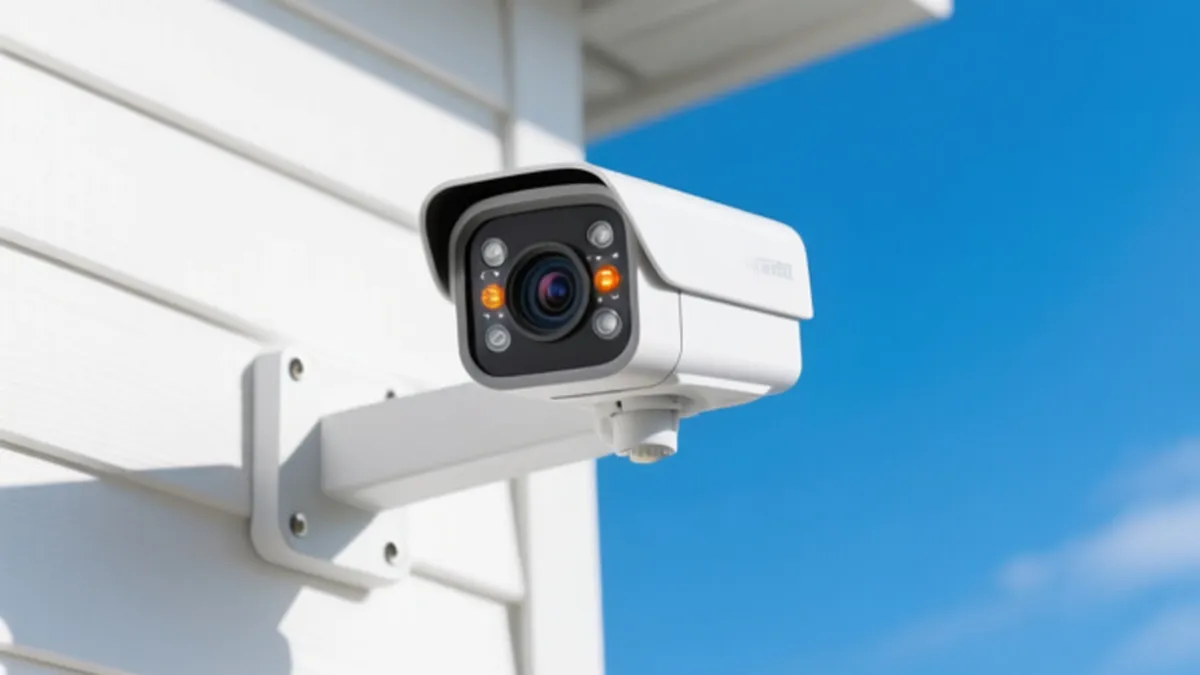
Most theft happens after dark, and the megapixel number says nothing about what a camera records at night. Two different camera families dominate the night question. IR (infrared) cameras illuminate the scene with 850 nm LEDs and record grayscale — a shape, not a description. Full-color night vision cameras use a large sensor, an F1.0 aperture and a built-in white-light fill to record continuous color in zero light, typically to 20-30 m on a fixed camera.
For evidence quality the difference is decisive. Grayscale footage cannot answer "what color was the vehicle?" or "what color was the jacket?" — the details a police report needs. A 5MP full-color night vision camera records those details; an 8MP IR camera records silhouettes. For a business site — car park, yard, loading bay, construction perimeter — full-color night vision should be the default, and megapixel count should be chosen within the full-color family.
The practical comparison: an 8MP IR camera and a 5MP full-color camera at the same price point — the 5MP full-color unit produces court-ready color footage in zero light, while the 8MP IR unit produces grayscale. On the megapixel-vs-night trade, night wins for security purposes. When buyers search "best megapixel camera", what they usually need is "the most usable pixels at night" — which points back to sensor size, aperture and full-color capability.
Which Megapixel Rating for Which Scene
The scene-by-scene recommendation below distills the analysis into a quick reference for specifying an installation.
| Scene | Recommended Grade | Lens | Why |
|---|---|---|---|
| Corridor / aisle (indoor) | 4MP | 2.8 mm | Wide coverage, identification at close range |
| Doorway / entrance (face ID) | 5MP | 2.8-4 mm | Tall 4:3 frame captures face + body |
| Loading bay / gate (plate ID) | 4MP | 6-12 mm | Pixels-per-degree for distance |
| Parking lot / yard (open area) | 8MP | 4-6 mm | Coverage of large area, zoom-able detail |
| Construction site (remote, solar) | 4MP | 2.8 mm | Balances bandwidth on 4G uplink |
| Retail floor (loss prevention) | 4MP | 2.8 mm | Coverage + storage economy at scale |
← swipe to scroll →
The recurring pattern: 4MP is the workhorse for most indoor and business scenes, 5MP wins where vertical detail matters (doorways, shelves), and 8MP earns its cost only where a large open area needs wide coverage with zoom-able detail — and even then only with a large sensor and H.265+ storage.
How to Choose: Checklist for Business Buyers
When a buyer asks "which megapixel IP camera should I buy", walk through this checklist in order — each item prunes the option set before the next.
- 1. Identify the scene distances. Measure the farthest point where you must identify a face or plate. That distance drives the lens, which drives the megapixel need.
- 2. Choose sensor size before megapixels. Prefer 1/1.8-inch or larger sensors. Reject specs that omit sensor size.
- 3. Match resolution to the lens. Compute pixels per degree: for identification beyond 10 m, 4MP with a 6 mm lens beats 8MP with a 2.8 mm lens.
- 4. Decide night strategy. For outdoor or after-hours sites, choose full-color night vision; treat IR-only as the fallback.
- 5. Size storage with H.265+. Use the H.265+ per-camera figures (8-12 GB/day at 4MP) and add 20% headroom.
- 6. Check the recorder and network. Confirm the NVR supports the camera count at the chosen resolution and the switch has headroom on the port.
Every item on this checklist maps to a specification line you can demand from a supplier. A supplier that cannot state sensor size, lens focal length and H.265+ bitrate for its "megapixel" cameras is selling marketing, not specification. The megapixel camera meaning buyers actually need is the usable one: megapixel resolution that survives the scene's light, distance and storage budget — not the highest pixel count a price sheet can print.
For integrators, the distinction between security camera resolution grades matters twice: once at the sale and once at the handover when the customer zooms into footage. An ip camera resolution spec that reads "4MP / 1/1.8-inch / F1.0 / H.265+" is a promise the image will hold up; a spec that reads only "8MP" is a promise of pixels, not pictures. When customers ask about megapixel cctv performance, the honest answer is the pairing of sensor and lens — which is why the checklist above starts with scene distance and sensor size, not with the marketing grade.
Megapixel IP Camera Questions Buyers Ask
What is a megapixel camera?
A megapixel camera is any camera whose sensor captures more than one million pixels (mega = million). In CCTV it covers the standard grades 2MP, 4MP, 5MP and 8MP — and the megapixel camera meaning in practice is the amount of detail the recording holds for identification.
Is HD the same as megapixel?
HD (1080p) is exactly 2MP — 1920×1080 pixels. The hd vs megapixel question usually compares 1080p (2MP) against 4MP/5MP/8MP cameras: every grade above 2MP is "more than HD", with 4MP ≈ 2× HD, 5MP ≈ 2.4× HD and 8MP ≈ 4× HD.
Is 4MP or 8MP better for security cameras?
For most scenes, 4MP with a good sensor is the better balance: enough detail for identification, lower storage cost and better low-light performance. 8MP earns its cost only for large open areas where you need wide coverage with zoom-able detail — and then only with a large sensor and H.265+ recording.
What does 5MP mean in a security camera?
5MP means the sensor captures 2560×1920 pixels (about five million), in a 4:3 frame. The 4:3 aspect captures more vertical scene than 16:9, which makes 5MP popular for doorways, shelf rows and loading bays where height matters.
How much storage does a 4MP camera need per day?
At 15 fps with H.265+, roughly 8-12 GB per camera per day. With H.264 it is about 18-25 GB. A 16-camera site keeping 30 days needs about a 4-5TB recorder with H.265+.
Is higher megapixel always better for night vision?
No. Higher megapixels on the same sensor size means smaller pixels and less light per pixel, so night quality can drop. Sensor size, aperture and full-color capability matter more than the megapixel number after dark.
What is the difference between 4MP and 2K?
They are the same thing. A 4MP camera produces 2560×1440 pixels, and "2K" is the marketing label for that resolution. 5MP and 8MP are the next steps up.
The Bottom Line
A megapixel IP camera is specified by pixels-per-degree, sensor size and compression — not by the megapixel number on the box. Choose 4MP as the workhorse for most business scenes, 5MP where vertical detail matters, and 8MP only for large open areas with a large sensor. Pair every choice with an F1.0-class lens and H.265+ recording, and prefer full-color night vision where evidence quality matters after dark.
At FULLCOLORCAM we build 4MP and 5MP full-color night vision IP cameras with 1/1.8-inch sensors, F1.0 lenses and H.265+ recording — every unit tested before shipping, ONVIF-conformant and with free P2P remote access. Send us your site distances and camera count for a spec-matched quote: we will tell you the resolution, lens and storage your building actually needs, not the biggest number we can sell.
NEXT STEP
Ready to Upgrade to Full-Color Night Vision?
Send us your requirements — our team responds by email.
Written by
Ray ChanCCTV Buyer's Guide Author · Full-Color Night Vision Specialist. Ray helps global importers and integrators source factory-direct security cameras.