
School CCTV System Guide: Hardware, Storage and Budget Planning (2026)

Table of Contents
The search "cctv cameras for schools" is really about hardware that matches the building. The right camera type for each zone, a recorder sized for retention, and a budget the board can approve are the three decisions that matter. Most school projects fail on selection, not on camera quality. The district orders a 64-channel recorder for a 20-camera building. Or it buys outdoor bullets for indoor corridors. Then the first parent complaint reveals the classroom camera was never allowed. Get the hardware plan right and a typical 1,200-student school runs 40-80 camera points. The recorder, budget and cabling plan then survive an audit.
This guide covers the full school CCTV system, from the camera map to the budget table. It explains which camera types belong in which zone, and how to estimate the camera count before the first quote. It covers NVR versus DVR, storage sizing for a 30-day retention standard, and classroom privacy compliance. It links the cameras to door access control and shows a realistic line-item budget. The companion guide on the IP network side of the same project is school IP camera guide, which covers VLANs, PoE switches and bandwidth. This one is about the system as a whole.
Keep reading for more!
The Snapshot
- A school camera system is a hardware chain, not a box of cameras. It runs camera, recorder, network, power, storage, monitor, door controllers and intercoms, and every link must be sized from the same zone plan.
- A typical 1,200-student school needs 40-80 camera points. Count doors, corridors and stairwells first, add 15-20% for playgrounds and storage, then size the recorder with 20-30% channel headroom.
- NVR for new IP builds, DVR or hybrid XVR for coaxial retrofits. An IP NVR supports 4MP and 5MP full-color cameras; an AHD DVR reuses existing RG59 coax at 1080p to 5MP; a hybrid XVR runs both during a phased migration.
- Storage math is the same for every school. A 4MP camera at 15 fps with H.265+ records about 8-12 GB/day, so 32 cameras at 30 days need a 12-16TB recorder, and H.264 runs roughly double.
- Privacy is a hardware decision. No cameras in classrooms and no audio anywhere is the safe default, with signage at every monitored entrance and automatic deletion at the retention limit.
What a School CCTV System Includes
A school camera system is more than cameras. It is a chain of hardware that starts at the lens and ends at the person who reviews footage. The main links are cameras, the recorder, cabling, power, storage drives, the monitoring screen, door controllers and the intercom at the gate. Plan the whole chain before ordering any single unit, because each link sets the requirements of the next one. A 5MP camera at the entrance demands an NVR that accepts 5MP streams. It also demands a switch with enough PoE budget and a drive sized for the extra data.
The best way to think about a school CCTV system is by zone and function. Entrances need face-grade cameras and an intercom for visitors. Corridors need wide-angle domes spaced along the walkway. Playgrounds need weatherproof bullets on poles. The recorder sits in a secure server room, and the door controllers sit at each protected door. Every zone gets a camera type, a mounting height, a lens and a count. The sections below walk through each one in plan order.
Two families of systems exist today, and the choice shapes everything after it. An IP system runs digital cameras on Ethernet with PoE power, and it is the default for new school builds. An analog-over-coaxial system, sold as AHD or HD-TVI, reuses the RG59 coax that many older schools already have in the walls. The upgrade path matters: a school that keeps its coaxial cable can move to a hybrid recorder now and add IP cameras building by building. Complete recorder plus camera bundles for both families are compared in our CCTV kit guide.
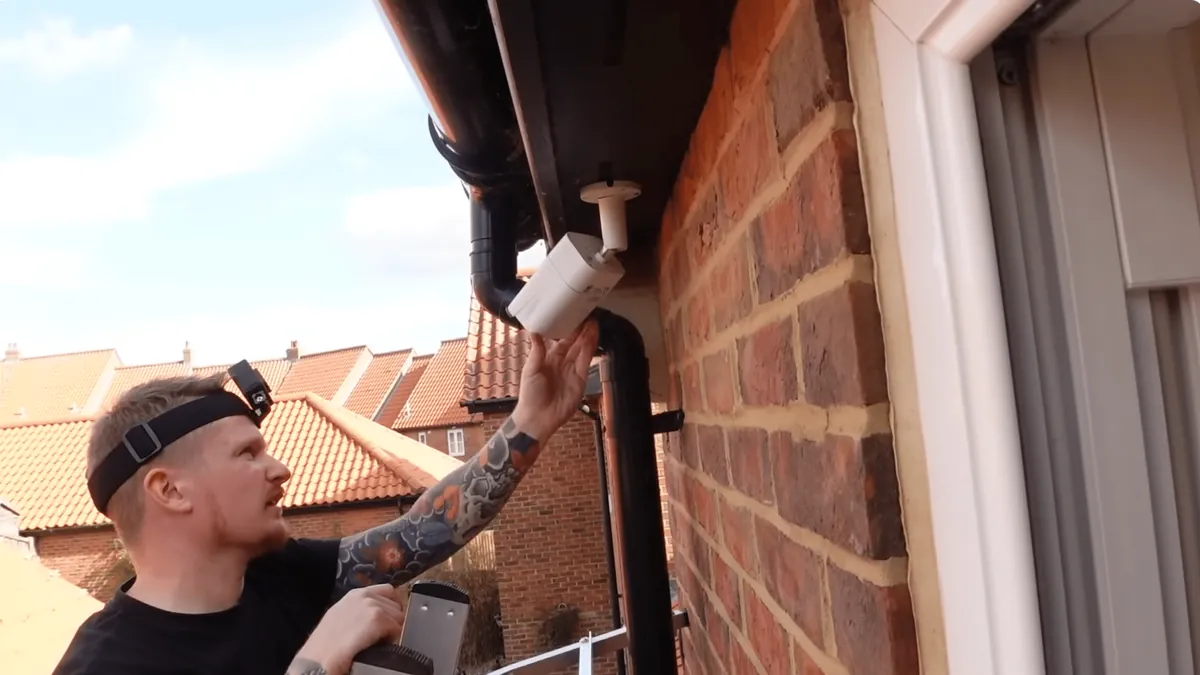
Camera Types for Each School Zone
Camera type follows the zone plan, and schools use a surprisingly small set of hardware. Four families cover almost every school zone. Dome cameras suit indoor spaces, bullets suit outdoor areas, PTZ units cover fields and gyms, and fisheye cameras handle open lobbies. A dome camera is vandal-resistant and neutral on a ceiling, which makes it the default for corridors, stairwells and cafeterias. A bullet camera reaches farther and handles weather, which makes it the default for playgrounds, parking lots and gates.
Night coverage is where school specifications usually fall short. A school is empty at night, but the parking lot, bike racks and equipment sheds are not. A full-color night vision bullet with an F1.0 lens and a 1/1.8-inch sensor records usable color in zero light. An IR-only camera records grayscale shapes in the same scene, and grayscale cannot answer "what color was the vehicle?". For outdoor school zones, full-color should be the default and IR the exception. Indoor corridors stay lit all night in most buildings, so a standard 4MP dome at 15 fps is sufficient there.
| Camera Type | Best School Zones | Typical Lens | Mounting | Typical Resolution |
|---|---|---|---|---|
| Dome (indoor) | Corridors, stairwells, cafeteria | 2.8 mm | Ceiling, 2.5-3 m | 4MP |
| Dome (entrance) | Lobby, reception, inside doors | 2.8-4 mm | Ceiling, 2.8-3 m | 5MP |
| Bullet (outdoor) | Playground, parking, gates | 4-6 mm | Wall or pole, 3-6 m | 5MP full-color |
| PTZ | Field, gym, after-hours events | 2.8-12 mm varifocal | Pole or wall bracket | 4MP or 5MP |
| Fisheye | Open lobby, large halls | 1.2 mm | Ceiling, 3 m | 6MP or 8MP |
| Budget dome | Offices, staff areas per policy | 2.8 mm | Ceiling, 2.8 m | 2MP |
← swipe to scroll →
Three specification checks protect the buyer on every camera. First, ONVIF conformance, so the cameras work with any recorder and the district is not locked to one brand. Second, H.265+ compression, which roughly halves storage against H.264. Third, the sensor size: at the same resolution, prefer the larger sensor because it records cleaner night images. A spec sheet that lists resolution but hides sensor size is incomplete for a school site.
Estimating Camera Count for Your School
Camera count is the first number a board asks for. It comes from a simple exercise: walk the building with a floor plan, then apply a count rule to each zone. The rules below are typical values used by integrators on school sites. They produce a defensible number before any hardware is quoted.
1. Count rules per zone
Entrances get one camera outside and one inside per door. Corridors get one camera every 20-30 m of walkway. Stairwells get one camera per landing. Playgrounds get one camera every 40-60 m of perimeter, mounted on building corners. Cafeterias get one camera per 100 m² and gyms one per 200 m². Bike racks and storage rooms get one camera per area, pointed at the access point.
| Zone | Counting Rule | Typical 1,200-Student School |
|---|---|---|
| Main entrance | 1 outside + 1 inside per door | 4-6 |
| Secondary doors | 1 per door | 4-8 |
| Corridors | 1 per 20-30 m | 12-20 |
| Stairwells | 1 per landing | 6-10 |
| Playground / field | 1 per 40-60 m perimeter | 4-8 |
| Cafeteria / gym | 1 per 100-200 m² | 4-6 |
| Bike racks / storage | 1 per area | 2-4 |
| Total before staging | Add 15-20% staging margin | 36-62 |
← swipe to scroll →
2. Channel headroom and staging
Size the recorder channels from the count plus 20-30% headroom. A building that measures 24 points today will add cameras when the district funds phase two. A 32-channel recorder covers 16-24 current points with room to grow. A 64-channel recorder covers 40-60 points and is the standard choice for a full secondary school. A small elementary school of 16-24 points fits a 32-channel unit, and two recorders give redundancy if one fails. The final number always comes from the zone map, not from a budget guess.
NVR vs DVR: Choosing the Recorder
The recorder is the heart of a school camera system, and the first decision is which family it belongs to. An NVR records IP cameras over the network and supports the 4MP and 5MP full-color units that school entrances and playgrounds need. A DVR records analog or AHD cameras over coaxial cable and is the low-cost choice when the school already has RG59 in the walls. A hybrid XVR recorder accepts both signals, which makes it the standard pick for phased migration.
The choice follows the camera plan, not fashion. New builds with no existing cabling go IP end to end, because 5MP full-color night vision only exists in IP cameras. Retrofits with usable coaxial runs keep the cable. They move to an AHD DVR at 1080p or 5MP over the same RG59, saving the cost of pulling new cable through occupied buildings. Most school districts standardize on one recorder family across sites so a single maintenance team and one spare-parts kit covers every building. Full recorder selection, channel math and remote access are covered in our NVR guide, and complete systems are compared in the CCTV kit guide.
| Recorder Type | Signal | Typical Resolution | Channels | Best School Use |
|---|---|---|---|---|
| NVR (IP) | Ethernet / PoE | 4MP-8MP per channel | 16 / 32 / 64 | New builds, full-color IP cameras |
| DVR (AHD) | Coaxial RG59 | 1080p to 5MP AHD | 8 / 16 / 32 | Reusing existing coax cable |
| XVR (hybrid) | IP + AHD + analog | Mixed | 8-32 | Phased migration between families |
← swipe to scroll →
Whichever family the district picks, four recorder features are non-negotiable for a school. The recorder must support per-camera access rights, because staff see only assigned zones. It must log every login, playback and export for the audit trail. It must support two-factor login for admin accounts. And it must allow automatic deletion at the retention limit, so footage does not accumulate beyond policy.
Storage Sizing and Retention Rules
Storage math is the same for every school. One anchor number drives it: a 4MP camera at 15 fps with H.265+ records about 8-12 GB per day. A 5MP camera records about 10-14 GB/day at the same settings, and a 2MP camera about 4-6 GB/day. With H.264 those figures roughly double, which is why H.265+ should be the default everywhere. Multiply the per-camera figure by the camera count and the retention days, add 20% overhead, and round up to the next drive size.
Retention is a policy decision before it is a storage decision. The most common district standard is 30 days, with automatic deletion after that period. Some districts run 14-45 days depending on the zone and local law. Shorter retention is usually safer for compliance, and longer retention is justified only where incidents are frequent, such as a bus yard. For evidence-grade sites, add a second drive bay or RAID 1 so a drive failure does not erase a week of footage.
| Camera Count | Per Day (4MP, H.265+) | 30-Day Total | Recommended Recorder |
|---|---|---|---|
| 8 cameras | ~80 GB | ~2.4 TB | 4TB recorder |
| 16 cameras | ~160 GB | ~4.8 TB | 6-8TB recorder |
| 32 cameras | ~320 GB | ~9.6 TB | 12-16TB recorder |
| 64 cameras | ~640 GB | ~19.2 TB | 24TB+ or RAID array |
← swipe to scroll →
An AHD DVR at 1080p records similar numbers to a 2MP IP camera, about 4-6 GB/day. The same table scales down for coaxial retrofits. The NVR recorder range at FULLCOLORCAM ships with drive bays sized for these configurations. The storage walkthrough in our NVR guide covers the per-codec detail.
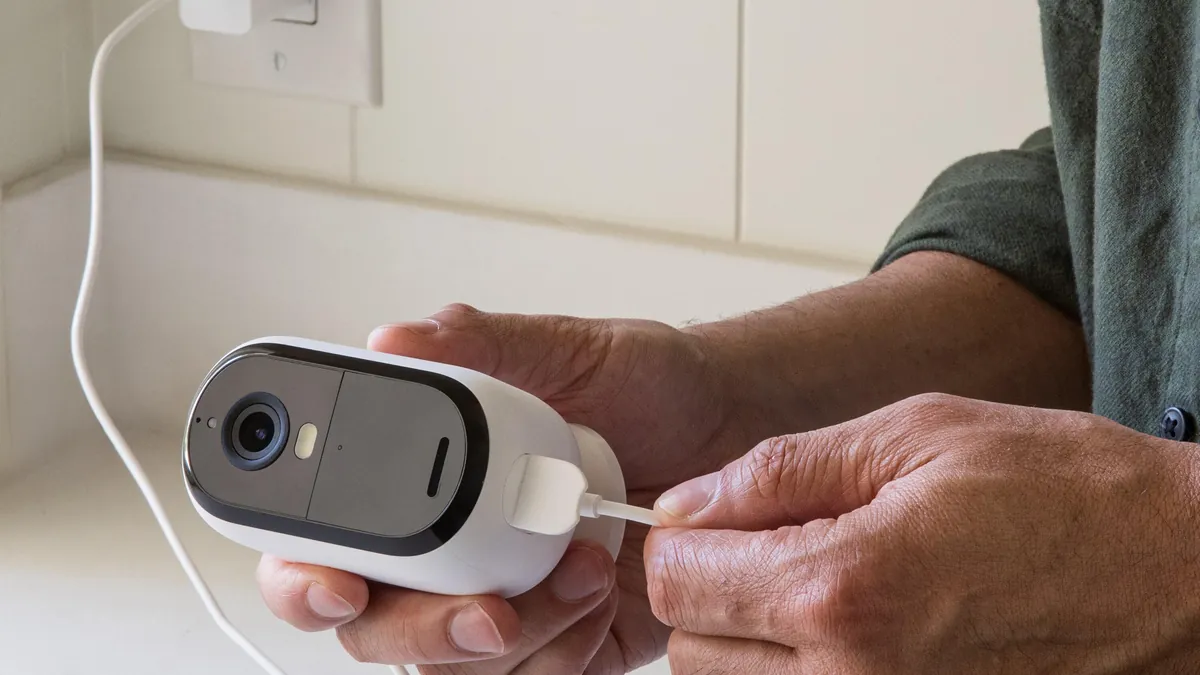
Cabling and Power Design
Cabling and power are where a school CCTV project either lands under budget or eats it in rework. The rules are simple and standard. An IP camera runs on Cat5e or Cat6 Ethernet, with a maximum run of 100 m from the switch. Power comes over the same cable with PoE. 802.3af supplies up to 15.4W per port, and a typical 4MP camera draws 5-12W. A 250W PoE switch handles roughly 16-20 cameras at 12W, so a 32-camera building needs two 16-port switches, distributed to wiring closets.
An AHD camera runs on RG59 coaxial cable with a separate 12V supply. Coaxial runs reach 200-300 m typical before signal loss, which is why AHD suits large campus layouts. Keep the 12V supply within 30 m of the camera to limit voltage drop. Each camera pair should share a fused power point, not one overloaded adapter. For both families, keep the recorder and switches on a UPS sized for 30-60 minutes so footage survives a power cut without corruption.
Plan the cable paths before installation day. Mark where cable can run, keep runs under the length limits, and terminate everything in a secure wiring closet per floor. Every cable run that exceeds 100 m on Ethernet should have been caught at the survey, not discovered on the ladder. The network side of an IP installation, including VLAN separation and remote access, is covered in the school IP camera guide.
Classroom Privacy and CCTV Compliance
Classrooms are the zone where a school CCTV project most often goes wrong, and the failure is legal, not technical. Several US states restrict or ban cameras in instructional spaces without specific authorization. Under GDPR, a school must show a legitimate interest assessment before recording students in classrooms. Audio recording is even more restricted: about a dozen US states require all-party consent for audio, and many districts ban classroom audio outright. The safe default for most schools is no cameras in teaching spaces and no audio anywhere.
1. The privacy default
The practical alternative most districts choose is corridor coverage outside every classroom door, with the classroom itself unmonitored. The corridor camera proves who entered and when, which is what most classroom disputes actually need. Toilets and changing rooms are never monitored. Staff rooms are covered only with staff consultation and notice. Where a classroom camera is genuinely justified, such as a special-needs room or an equipment lab, the policy must be written and approved first. Signage goes at the door and access is restricted to named staff.
2. Hardware choices that support compliance
Compliance is decided partly in the spec sheet. Choose cameras with a disabled or removable audio input so audio cannot be recorded by accident. Pick domes for corridor doors so the camera covers the walkway, not the classroom interior through an open door. Set the recorder to delete footage automatically at the retention limit. Restrict per-camera rights so only named staff can view sensitive zones, and enable the audit log that records who watched what. Privacy by design is the cheapest compliance strategy: fewer sensitive cameras means fewer complaints, fewer access requests and a smaller legal exposure.
Access Control and Door Integration
A complete school security system ties the cameras to the doors. Door controllers, electric strikes, video intercoms and the alarm panel all integrate with the recorder. That integration turns cameras from evidence into prevention. The typical setup links every exterior door to a controller, a badge reader and an electric lock. The camera above the door records every entry attempt.
The integration points are straightforward. When a door is forced open or held too long, the door controller signals the recorder and the camera writes an event-tagged snapshot. When a visitor calls the video intercom at the gate, the front office sees the camera view of the caller before pressing the release button. When the lockdown button is pressed, every exterior door locks and the recorder flags the event with a timestamp for the incident log. The rule is that every door event produces a camera event, and every camera event is searchable.
| System | What It Does | Integration Point |
|---|---|---|
| Door controller | Opens locks with badge or code | Sends entry event to recorder |
| Electric strike / maglock | Releases door on valid credential | Alarm input triggers camera snapshot |
| Video intercom | Visitor call at gate or door | Camera view pops up on call |
| Lockdown button | Locks all exterior doors | Event flagged with timestamp |
| Alarm panel | Detects intrusion after hours | Arms camera recording schedules |
← swipe to scroll →
Plan the access control count before the quote. A typical school needs door control on the main entrance, secondary doors, the server room and storage. Badge readers go on the staff entrance and the gym. Video intercoms go at the main gate and the front office door. The recorder channel plan should reserve one camera per controlled door, because the camera above the door is the evidence for every badge event.
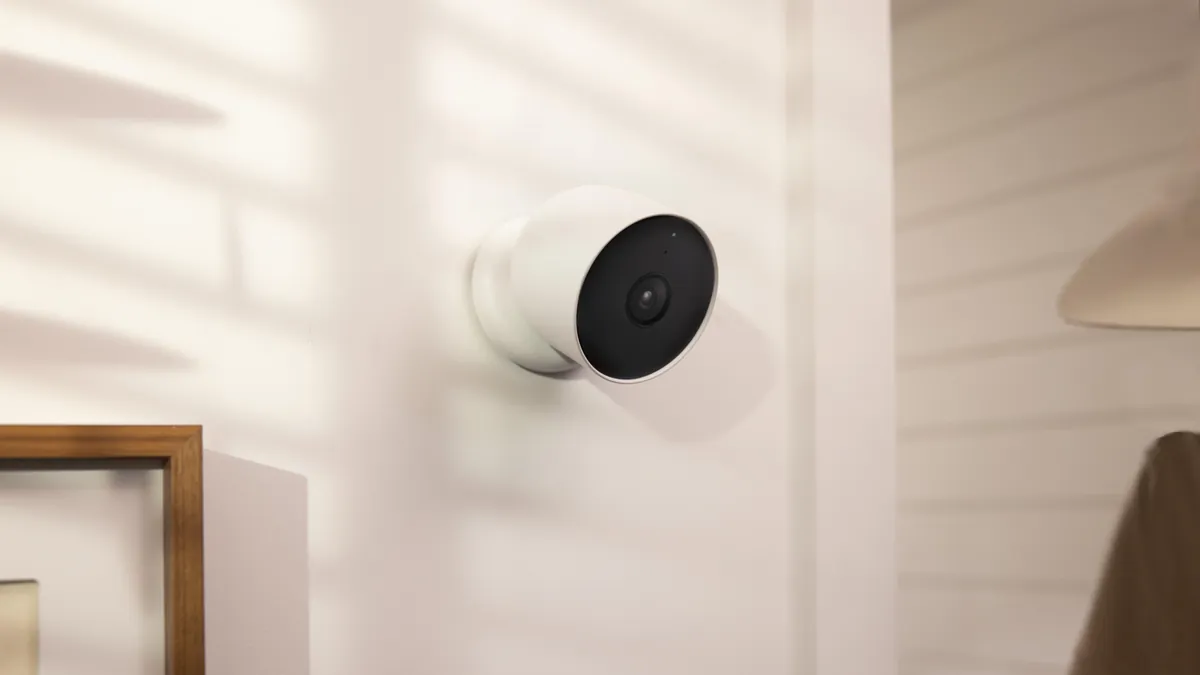
School CCTV Budget Planner
The budget table below is a planning tool, not a price list. Figures are typical wholesale or installed ranges for the product class, because exact prices depend on region, volume and the current drive market. The line items are the ones that appear on every school CCTV quote, and the notes column shows what moves each line.
| Line Item | Typical Cost | Notes |
|---|---|---|
| 4MP indoor dome | $25-45 each | Bulk pricing drops at 20+ units |
| 5MP full-color bullet | $30-60 each | F1.0 lens and large sensor cost more |
| NVR 32-channel | $120-250 | Without drives |
| Storage drive 4TB | $70-110 | Surveillance-rated drives last longer |
| PoE switch 16-port | $80-150 | Managed adds VLAN control |
| Cabling and fittings | $1-3 per meter | Cat6, conduit and connectors |
| Access control per door | $150-400 | Controller, reader, strike, cabling |
| Installation per camera | $50-150 | Higher on brick and long cable runs |
← swipe to scroll →
1. The total picture
Put the line items together and a 32-camera school project lands at about $8,000-15,000. That includes hardware, cabling, access control on six doors and installation. The hardware portion is usually 55-65% of the total, and installation and cabling make up the rest. A 16-camera elementary retrofit with existing cable runs lands closer to $4,000-7,000. A 64-camera campus with new access control can reach $20,000-30,000.
2. What moves the total
The two biggest cost levers are cabling and camera count, not camera price. A school that reuses existing coaxial cable skips most of the pull-through cost. A zone map that trims ten corridor cameras saves more than any per-unit discount. Buying drives and cameras in one order, standardizing one camera model per zone, and staging installation by building all reduce the total. The CCTV kit range bundles cameras, recorder and cabling for fixed per-channel pricing, which is the fastest way to get a board-ready number.
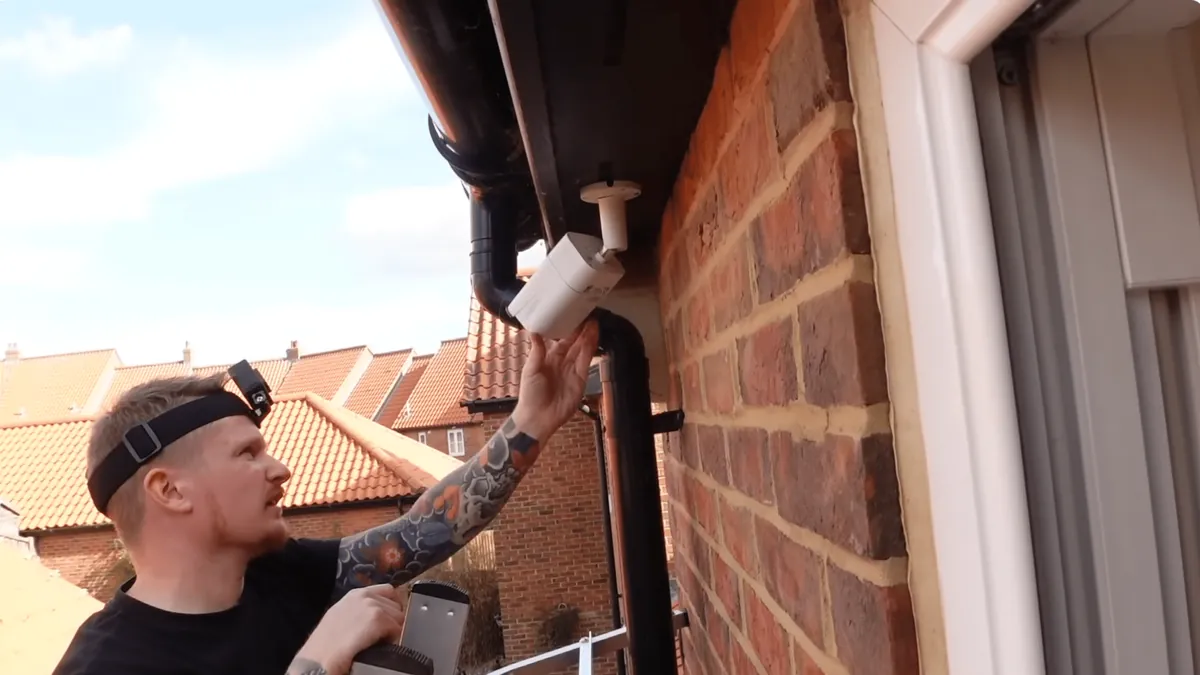
Step-by-Step School Deployment
The deployment sequence below is the order that keeps a school CCTV project on budget and out of the news. Skip a step and the rework shows up later, usually during the first parent complaint or the first audit.
1. Site survey and zone map
Walk every building with the floor plan. Mark doors, corridors, stairwells, playgrounds and storage areas, measure the long distances, and note where cable can run. The zone map from the survey is the document that the camera count, the recorder size, the switch count and the quote all come from.
2. Privacy policy before hardware
Decide which zones get cameras, whether any classroom gets one, and whether audio is used at all, then get the policy approved in writing. Ordering hardware before the policy is the most common mistake in school CCTV, and it is the one that produces the compliance problems described above.
3. Order and staging plan
Order one standard camera model per zone, the recorder sized with channel headroom, and drives sized for the retention standard. Stage the rollout by building so the district can fund phase two later without changing the architecture. Confirm ONVIF conformance on every model so the second phase can mix suppliers.
4. Install, configure and test
Mount at the planned heights and angles, focus each lens on the target distance, and enable ONVIF discovery so the recorder sees every camera. Then test at night. A full-color camera that cannot see the parking lot at 02:00 fails its only job. Verify timestamps, motion zones, door event triggers and the automatic deletion setting before moving to the next building.
5. Handover with documentation
Deliver the account matrix, the zone map, the signage plan and a maintenance schedule. Train the administrator and the front-office viewer roles separately, and leave a one-page quick guide for the facilities manager. The handover document is the deliverable that survives staff turnover and makes the system defensible for a decade.
School CCTV Questions Buyers Ask
How many cameras does a school need?
A typical 1,200-student school runs 40-80 camera points. Count doors, corridors and stairwells first, add 15-20% for playgrounds and storage, and let the zone map decide the final number. A small elementary school may land at 16-24 points.
Should a school use an NVR or a DVR?
New builds with no existing cabling should use an IP NVR, because 4MP and 5MP full-color cameras are IP-only. Retrofits with usable coaxial runs can use an AHD DVR at 1080p to 5MP. Or a hybrid XVR runs both families during a phased migration.
How long should a school keep CCTV footage?
Typical district retention is 30 days, with automatic deletion after that period. Some districts use 14-45 days depending on the zone and local law. Shorter retention is usually safer for compliance, and longer retention is justified only where incidents are frequent.
Are cameras allowed in classrooms?
It depends on the jurisdiction and the written policy. Many US states restrict classroom cameras, and GDPR requires a legitimate interest assessment. The safe default is corridor coverage outside classroom doors, with no audio anywhere.
How much does a school CCTV system cost?
A typical 32-camera project lands at about $8,000-15,000 including hardware, cabling, access control on six doors and installation. A 16-camera retrofit with existing cable runs comes in closer to $4,000-7,000. The two biggest cost levers are cabling and camera count.
Can school CCTV integrate with door access control?
Yes, and it should. Door controllers, electric strikes, video intercoms and the alarm panel all link to the recorder. The rule is that every door event produces a camera event. A forced door, a badge entry or a lockdown is then searchable in the footage.
Do school cameras need audio?
Generally no. About a dozen US states require all-party consent for audio recording, and many districts ban it outright. Video-only recording covers the evidence needs of nearly every school incident, without the legal exposure of audio. Choose cameras with the audio input disabled.
The Bottom Line
A school CCTV system succeeds when the hardware plan comes before the purchase order. Build the zone map first, then match camera types, recorder family, storage and budget to it. Use domes indoors, full-color bullets outdoors, and a PTZ only where an operator watches a large field. Count doors, corridors and stairwells first, add staging margin, and size the recorder with 20-30% channel headroom. Record on 4MP H.265+ into an NVR sized for 30 days, or reuse existing coax with an AHD DVR. Keep classrooms out of the default plan, disable audio, and delete footage automatically at the retention limit. Link the cameras to the door controllers so every entry event is searchable, and quote from a line-item budget the board can approve.
At FULLCOLORCAM we build 4MP and 5MP full-color night vision cameras with 1/1.8-inch sensors and F1.0 lenses. We also make NVR recorders, AHD DVRs and CCTV kits for school projects. Every unit is ONVIF-conformant and tested before shipping. We work with integrators and district procurement teams on camera counts, recorder sizing and budget tables for whole campuses. Send your floor plan or zone list to cj226144@gmail.com. We will return a per-zone camera recommendation, a storage estimate and a budget breakdown your board can review.
NEXT STEP
Ready to Upgrade to Full-Color Night Vision?
Send us your requirements — our team responds by email.
Written by
Ray ChanCCTV Buyer's Guide Author · Full-Color Night Vision Specialist. Ray helps global importers and integrators source factory-direct security cameras.