
5 Common CCTV Mistakes and How to Avoid Them (2026)

Table of Contents
Most cctv mistakes are installed, not manufactured. A camera picked for its megapixel number often fails within its first year. So does one bolted five meters up a wall, or fed through 150 m of unprotected cable, or never checked after dark. Sensor quality will not save it. The five cctv mistakes below cause most of the rework call-backs we see on real sites, from single-camera home jobs to 32-camera warehouse projects.
Each mistake gets the same treatment: what goes wrong, what it costs, and how to avoid cctv errors on the next job. The fixes are simple and the numbers are typical values you can check against any spec sheet. By the end you will have a checklist that covers the five common cctv problems before they turn into failed footage.
Wholesale buyers and integrators see the same pattern repeated: the camera itself is rarely the reason a system gets replaced. The spec, the mount, the storage plan, the night settings and the cable run are. On a typical 16-camera site, fixing one of these five after sign-off costs more than the camera it ruined. The footage lost in between cannot be recovered.
Keep reading for more!
Key Facts at a Glance
- Sensor size beats megapixels: a 5MP camera with a 1/1.8-inch sensor captures about 2.3x the light per pixel of an 8MP unit with a 1/2.7-inch sensor
- Mount height: 2.5-3 m typical with a 15-30 degree downward tilt for readable faces
- Storage: a 4MP camera on H.265+ writes 8-12 GB per day, and a 128-256 GB microSD card holds about a week
- Night vision: full-color cameras with F1.0 lenses record color to 20-30 m, while IR-only units record grayscale
- Cabling: Cat5e and Cat6 runs hold signal to 100 m, and a drip loop plus waterproof boot stop most connector failures
Mistake 1: Judging a Camera by Megapixels, Not Sensor Size
What goes wrong: Buyers pick the biggest pixel count on the price sheet, then discover the night footage looks like noise. An 8MP camera with a small 1/2.7-inch sensor packs millions of tiny pixels into a tiny area, and each pixel collects less light. In a dim warehouse aisle at 21:00 the image smears, colors drop and faces become unreadable. The same scene with a 4MP or 5MP camera on a 1/1.8-inch sensor typically stays clean. Each pixel has roughly twice the light-collecting area. Buying on the megapixel number instead of the sensor is one of the most common security camera errors we see on wholesale orders.
How to avoid: Read the sensor size line before the resolution line. Prefer 1/1.8-inch or larger sensors at 4MP to 5MP for most scenes. Check the aperture too. An F1.0 lens lets in about twice the light of an F2.0 lens, and that matters more than extra pixels after dark. Match the lens to the identification distance with pixels per degree. A 6 mm lens on a 4MP sensor identifies a person at roughly 12-15 m, while a 2.8 mm lens only reaches 5-8 m. If a spec sheet hides the sensor size, treat the camera as a gamble.
Typical rework for a wrong spec: swapping a whole camera batch costs parts plus 2-4 labor hours per unit. Add the footage you lost in between. The fix is free if you ask the right question at the quote stage. A 5MP full-color night vision camera with a 1/1.8-inch sensor and F1.0 aperture costs about the same as an 8MP IR camera. It records usable color in zero light, where the 8MP unit records grayscale.
Identification distance is where megapixel marketing meets physics. The rule of thumb: a face needs about 100-160 pixels across its width to be identifiable, and a license plate needs a similar budget. A wide-angle 2.8 mm lens spreads the pixels over a 100 degree view, so a 4MP camera identifies a face at only 5-8 m. The same camera with a 6 mm lens reaches 12-15 m. Choose the lens for the distance, then let the resolution match the lens.
When you read a spec sheet, look for three numbers in this order. First the sensor size: 1/2.7-inch is small, 1/1.8-inch is the workhorse, and 1/1.2-inch is large. Second the aperture: F1.0 collects about twice the light of F2.0 at the same sensor size. Third the compression: H.265+ roughly halves the bitrate of H.264 at the same quality. A camera that lists all three lines is worth quoting. A camera that lists only megapixels is a picture of a number, not a specification.
Mistake 2: Wrong Mounting Height and Angle
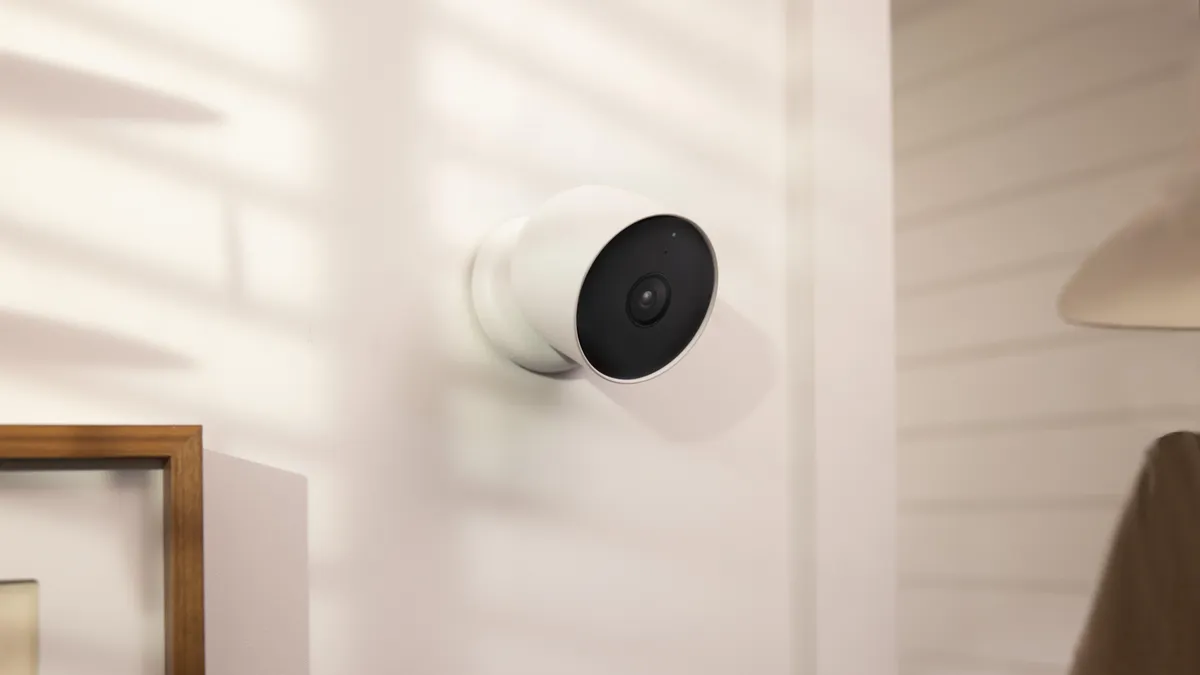
What goes wrong: Cameras mounted above 4-5 m turn people into tops of heads. Faces become unreadable beyond 8 m even at 5MP, so identification fails exactly when the footage matters. Aiming the lens into a bright window or a lit doorway creates backlit silhouettes instead of faces. Both are installation mistakes that look fine on a ladder and fail on playback.
How to avoid: Mount at 2.5-3 m typical and tilt the lens down 15-30 degrees for face capture. Keep the sun and bright windows behind the camera, not behind the subject. For long sight lines use a varifocal lens and zoom for the zone that matters. Secure the bracket to the wall structure, not just the eave lip, and use an adjustable bracket so the angle can be tuned after mounting. At entrances, mount to the side of the door rather than straight across from it. Re-check angles each season if the sun path shifts.
Typical rework for a bad height or angle: 1-2 labor hours per camera plus a new bracket. The same camera, correctly aimed, covers the zone you actually care about. If the site demands height for overview coverage, pair a high overview camera with a lower identification camera instead of one compromise mount. This also keeps IR or white-light fill from washing out the closer zone.
Backlight is the angle mistake that hides until late afternoon. Wide dynamic range typically lifts a backlit scene by 10-20 dB, but it cannot recover a subject that is fully black. Test the camera at the worst light hour of the day, not at 14:00 when the sun is high. If the doorway faces west, expect the worst frame at 18:30 in summer and plan the mount accordingly.
Mounting angle also decides IR performance. Keep 0.5-1 m clearance between the lens and any flat surface. Infrared light bounces off walls, railings and signs, and floods the sensor. Aim along railings instead of across them, and clear spider webs weekly during the active season. A flush-mounted camera on a white wall shows washout within days.
Mistake 3: Under-Sized Storage
What goes wrong: The recorder overwrites old footage every few days, and an incident on day six is gone by day nine. Retention promises on quotes rarely survive contact with reality, because nobody ran the storage math. On existing sites this is one of the most common cctv problems we audit. The drive was sized for the camera count, not for the resolution times the retention days.
How to avoid: Calculate per camera. A 4MP unit on H.265+ writes 8-12 GB per day at typical bitrates, and the same camera on H.264 writes 18-25 GB. A 5MP camera on H.265+ writes 10-14 GB per day. A local-storage camera writing to microSD needs a 128-256 GB card to hold a week of continuous footage. The planning formula is simple: channels x daily rate x retention days. An 8-camera site at 4MP on H.265+ fits about 24 days on a 4TB drive. A 16-camera site keeping 30 days needs a 4-5TB recorder.
| Resolution | Typical daily rate (H.265+) | Typical daily rate (H.264) | 7 days, 8-camera site |
|---|---|---|---|
| 2MP | 4-6 GB | 8-12 GB | about 280 GB |
| 4MP | 8-12 GB | 18-25 GB | about 560 GB |
| 5MP | 10-14 GB | 20-28 GB | about 672 GB |
| 8MP | 16-24 GB | 32-48 GB | about 1.1 TB |
← swipe to scroll →
Match the drive to the retention promise, not the box label. Check kits sold with bundled drives, and cameras sold with bundled microSD cards. A motion-only schedule can stretch the same drive two to three times further, because an empty corridor records almost nothing. Add 20% headroom on top of the math so firmware updates and events do not eat the buffer. Typical fix for under-sized storage: a larger drive plus a rebuild pass, 1-3 labor hours.
The recorder matters as much as the drive. A 4MP camera at 15 fps with H.265+ typically streams 2-4 Mbps. Sixteen cameras need roughly 48 Mbps of sustained write speed plus 20% headroom. A low-end recorder that advertises 8 channels may still stutter when all eight cameras switch to full bitrate at night. Confirm the NVR supports the camera count at the chosen resolution. Confirm the hard drive is rated for continuous recording rather than desktop use. A surveillance-rated drive survives the 24/7 write pattern far longer.
Cameras with edge storage give you a second copy. A 4MP camera writing to microSD keeps rolling footage even if the recorder fails, a cheap insurance layer on single-point sites. Match the card class to the write rate. A Class 10 or U3 card keeps up with continuous 4MP recording, while slower cards drop frames under load.
Mistake 4: Ignoring Night Vision
What goes wrong: Most theft happens after dark, and a camera that records grayscale silhouettes cannot answer the questions a police report needs. What color was the vehicle? What color was the jacket? IR-only cameras illuminate with 850 nm LEDs and record monochrome shapes. Add a white-out frame from IR reflection off a nearby wall, and the night channel is useless. Sites that never test after dark discover this a week after the incident that mattered.
How to avoid: Choose full-color night vision for outdoor and after-hours scenes. A full-color camera with a large sensor and an F1.0 lens records continuous color in zero light. Typical range is 20-30 m on a fixed unit. Keep 0.5-1 m clearance between the lens and any flat surface so the fill light does not bounce back into the sensor. Walk every channel after dark before you sign off, and verify faces are readable at the distances the client cares about. Confirm motion zones are not firing on trees and passing cars.
Typical cost of skipping the night test: a full rework pass, 4-8 labor hours across the site. A 5MP full-color night vision camera is the stronger purchase than a higher-megapixel IR unit at the same price. Usable color evidence survives in court, and grayscale does not. For wholesale orders, ask the supplier for the night sample footage at the distances you plan to cover.
Night range varies by camera family. IR-only bullets typically reach 30-50 m in the dark, but record monochrome. Full-color cameras with white-light fill typically reach 20-30 m in continuous color, and 940 nm invisible fill extends further with less disturbance. Match the night range to the scene. A parking lot 40 m deep needs long-range IR or an added light source, while a doorway needs color detail at close range. Ask for the night sample at the actual distance before you buy.
Evidence quality is the real cost of ignoring night vision. Color footage records the vehicle color, the jacket color and the direction of travel; grayscale records shapes. If the incident ends up in a police report, the missing color is a missing fact. Full-color night vision is not a premium extra, it is the difference between a description and an identification.
Mistake 5: Poor Cabling and Protection
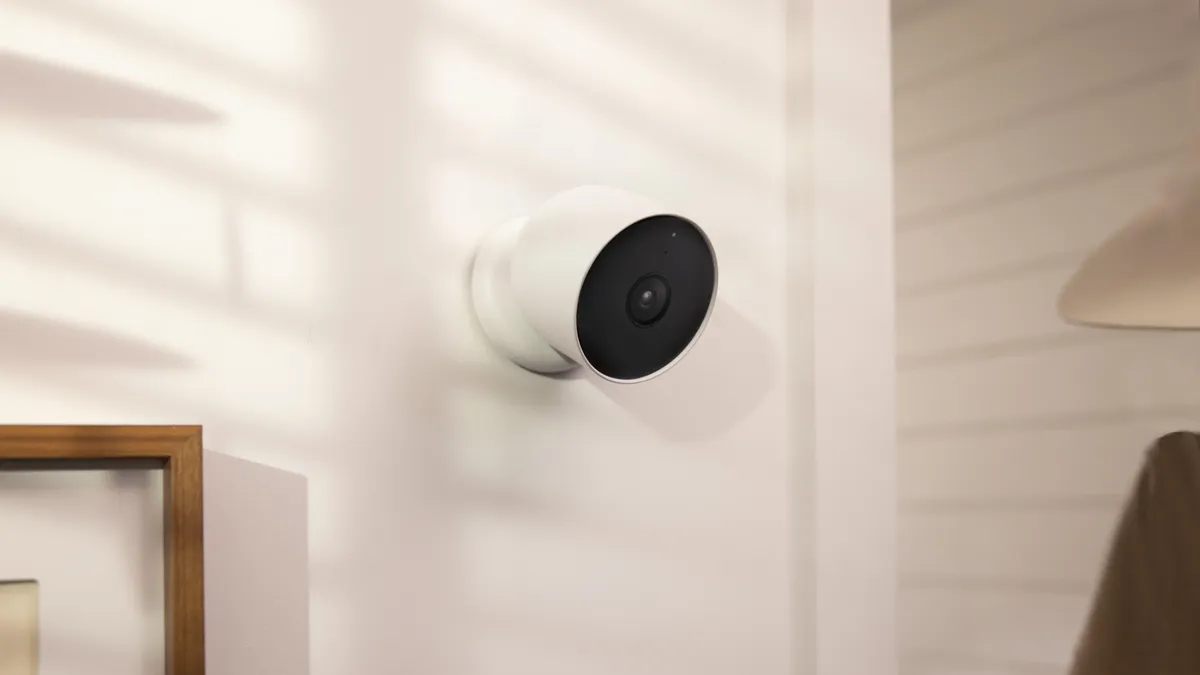
What goes wrong: Water finds the connector. One season of rain corrodes pins, shorts PoE, or fills a dome with condensation. Cable runs past 100 m drop below the signal level the receiver needs, so the channel flickers or dies. Indoor-rated cable pulled through an unsealed wall penetration fails exactly the same way. A camera that cannot get clean power and data is a camera that does not exist.
How to avoid: Keep Cat5e or Cat6 runs under 100 m per segment. For longer distances use a PoE extender, a switch in a weatherproof enclosure, or fiber for runs beyond 100 m. Leave a drip loop below each connector so water runs off the cable, not into the plug. Fit the supplied waterproof boot, or wrap outdoor RJ45 with self-amalgamating tape. Seal every wall penetration with silicone. Budget PoE power per camera. A typical PoE camera draws 5-8 W. An 802.3af port delivers 15.4 W, and a 250 W budget switch feeds roughly 24 cameras with margin. Add surge protection at the building entry point on every exterior run.
Typical fix for a failed cable run: replace the connector or the cable segment, parts plus 1-2 labor hours per run. Pull a spare cable on every new install while the ladder is up. The second pull later costs the same labor again, with a worse angle. Label every run at both ends, and record the measured length on the handover sheet.
PoE power planning follows the same 100 m rule. A typical PoE camera draws 5-8 W. An 802.3af port delivers up to 15.4 W, while 802.3at delivers 30 W for heaters, PTZ motors or longer IR banks. Count the watts, not the ports. A 250 W budget switch feeds roughly 24 standard cameras, but only 8 high-draw PTZ units. Run power and data on separate conduits from high-voltage lines, and keep cable away from motors and ballasts that cause electrical noise.
Cable quality shows up at distance. Pure copper Cat5e carries PoE further than copper-clad aluminum, which loses more voltage and runs hotter on long pulls. For outdoor runs, use outdoor-rated cable with a gel filler or direct burial rating, and avoid splicing mid-run. Every splice is a future failure point.
What Each Mistake Costs
Rework labor is the hidden line item on every install. The table below shows the typical cost to fix each mistake after sign-off, based on standard installer rates.
Every line in the table is avoidable at the design stage. The rework cost is what you pay after sign-off; the prevention cost is usually a checklist and a night walk. On multi-site contracts, the difference between the two compounds across every site, which is why the acceptance sheet below is worth printing.
| Mistake | Typical rework | Typical cost to fix |
|---|---|---|
| Megapixel marketing over sensor size | Re-spec or replace the camera batch | Parts plus 2-4 hours per unit |
| Wrong mounting height or angle | Relocate and re-aim cameras | 1-2 labor hours plus bracket |
| Under-sized storage | Upgrade the drive | Drive cost plus 1-3 hours |
| Ignored night vision | Night rework pass across the site | 4-8 labor hours |
| Poor cabling and protection | Replace connectors or cable segments | Parts plus 1-2 hours per run |
← swipe to scroll →
Installer Acceptance Checklist
For installers, integrators and wholesalers, this list is the acceptance sheet. Run it on every job, and hand the signed copy to the client with the night-test photos.
- Sensor size and aperture confirmed on every spec sheet (1/1.8-inch or larger, F1.0 typical)
- Resolution matched to identification distance, not to the biggest number
- Mount height 2.5-3 m and tilt 15-30 degrees verified on every camera
- No camera faces the sun, a bright window, or a lit doorway
- Storage math done: channels x daily rate x retention days fits the drive
- Night test walked after dark, with every channel verified on the recorder
- Cable runs under 100 m, with drip loop, waterproof boot and silicone seal on every outdoor joint
- PoE power budget below switch capacity with 20% headroom
- Surge protection fitted at the building entry point
- Serial numbers, IP addresses and firmware versions recorded, and admin passwords changed
For wholesale and multi-site work, keep one checklist per site in the project file. It turns the five mistakes into a repeatable process, and it gives the client a defensible record if a claim ever comes back. Print the list and take it on the ladder. A camera fixed for height usually needs its angle re-tuned, and re-tuning can change the fill-light clearance on the same mount.
Quick Answers
What is the best height to install a CCTV camera?
2.5-3 m typical, tilted down 15-30 degrees. Higher mounts work for overview coverage, but identification footage needs the closer range. Pair a high overview camera with a lower identification camera when the site demands height. Measure the scene distance first, then pick the lens that puts enough pixels on the target.
How much storage do I need for a week of footage?
Run the math. Four cameras at 10 GB per day (4MP, H.265+, typical) equals 40 GB per day, or about 280 GB for 7 days. A 1TB drive covers it with room to spare. A 4MP camera writing to microSD typically needs a 128-256 GB card for a week.
Why is my camera white or blank at night?
Usually fill-light reflection off a nearby wall, railing or sign, or a spider web across the lens. Check 0.5-1 m clearance, clean the glass, and look for webs in the frame. If the image stays dark, night mode may not be switching on, or the camera is an IR-only unit pointed past its range. For full-color cameras, check that the white-light LEDs actually switch on in night mode.
The Bottom Line
Five mistakes, one pattern: most camera mistakes are decided before power-on. Choose the sensor before the megapixels. Mount at face height with the light behind the camera, run the storage math, demand full-color night vision, and protect every cable run. Fix these five at install time and the system runs for years. For buyers, ask the installer which of the five they verified, and ask to see the night footage before you sign.
At FULLCOLORCAM we build 4MP and 5MP full-color night vision cameras in Guangzhou with 1/1.8-inch sensors, F1.0 lenses and H.265+ recording. Every unit is tested before shipping, ONVIF-conformant, and comes with free P2P remote access. Send your site distances and camera count to cj226144@gmail.com for a spec-matched quote. We will tell you the resolution, sensor, lens and storage your building actually needs.
NEXT STEP
Ready to Upgrade to Full-Color Night Vision?
Send us your requirements — our team responds by email.
Written by
Ray ChanCCTV Buyer's Guide Author · Full-Color Night Vision Specialist. Ray helps global importers and integrators source factory-direct security cameras.