
What Is AHD? HD-Over-Coax Camera Guide for CCTV Buyers (2026)

Table of Contents
The coax cable in your wall can already carry HD video — the only question is whether the cameras on it are using it. "What is AHD" is usually asked by a business owner staring at a grainy analog monitor and a quote for a full IP rip-and-replace. AHD (Analog High Definition) transmits 720p, 1080p and 5MP video over the same RG59 coax that has been running the old cameras for ten years. The upgrade is new cameras and a new DVR — no rewire, no network switches, no cable contractor. Most integrators under-sell this path because IP is easier to quote; the owner who understands AHD keeps thousands in the budget.
This guide explains what AHD is, how the signal travels over coax, the three AHD versions (1.0, 2.0 and 3.0) and their resolution limits, how AHD compares with TVI and CVI, when AHD beats IP and when it does not, how to match cameras to a DVR, the step-by-step path for upgrading an analog system, and a supplier checklist for buying AHD systems in volume.
Keep reading for more!
The Snapshot
- AHD stands for Analog High Definition — an HD-over-coax transmission standard that carries 720p, 1080p and up to 5MP over existing RG59/RG6 coax without an IP network.
- Distance is the killer feature: typical coax runs of 300-500m, versus the 100m Ethernet limit of IP cameras.
- AHD, TVI and CVI are incompatible standards: a camera and DVR on different standards show no picture — buy matched kits or an auto-detect DVR.
- Storage stays modest: a 1080p AHD camera with H.265 records about 5GB per day, so a 4-channel system holds 30 days on a 1TB drive.
- The cost gap is 3-4x: an 8-camera AHD upgrade typically runs $400-900, while an equivalent IP rewire runs $1,200-3,500.
What Is AHD? The HD-Over-Coax Standard
AHD (Analog High Definition) is a video transmission standard that pushes HD resolution over traditional analog coax cable. Developed around 2012 by a consortium of chipmakers built around the Nextchip AHD encoder, it was designed for one purpose: let the enormous installed base of coax cabling jump from blurry analog to HD without replacing a single meter of cable. When buyers search "what is ahd", "ahd camera" or "analog hd camera", they are almost always running an existing coax site and deciding whether to upgrade or rip everything out.
AHD belongs to the family called HD over coax — a group of standards that modulate HD video onto the 75Ω coax cable that analog CCTV already uses. Before AHD, analog video was CVBS: one composite signal capped at roughly 480i, which is why old monitors look soft. AHD replaces the CVBS encoding with a higher-bandwidth modulated signal that carries 720p or 1080p color video, and in later versions up to 5MP. The camera encodes the signal, the DVR decodes it, and both ends must speak the same standard.
What does "analog HD" mean for a buyer? Three things. First, it means the cable is not the bottleneck: RG59 coax installed for a 2003 analog system carries AHD 1080p without issue. Second, it means the recorder must change: an old analog DVR cannot decode AHD. Third, it means the upgrade is a swap, not a project — cameras and DVR come out of the box, plug into the existing BNC connectors, and the picture is HD the same afternoon.
How AHD Works: Signal, Coax and Distance
Understanding how AHD works explains both why it is cheap and where its limits are. Old analog CCTV sends a CVBS composite signal — brightness, color and sync on one wire, with maximum useful detail around 480 lines. AHD instead sends a digitally modulated HD signal over the same physical wire. The camera encoder converts the sensor image into an AHD signal; the DVR decoder converts it back into pixels for recording and display. Because the modulation uses the coax bandwidth far more efficiently, full 1080p color arrives with the same one-cable simplicity the old system had.
The physical layer matters more than most buyers expect. AHD is designed for 75Ω coaxial cable — the same impedance as the RG59 and RG6 runs that dominate existing installations. On good RG59 with clean BNC terminations, typical transmission distances run 300-500m. Compare that with Ethernet, which stops at 100m per segment. This single difference is why AHD remains the default for long perimeters, farm boundaries and large grounds.
Power travels the same way it always has: a separate 12V supply, or power-over-coax (POC) on many modern AHD cameras and DVRs, which sends DC power and video on the same coax pair through the same BNC connector. Both options are typical in current kits, and POC simplifies installs because there is one cable per camera instead of two. The result is a system an electrician can wire and an owner can maintain.
AHD 1.0 vs 2.0 vs 3.0: Resolution Generations
AHD has evolved through three main versions, and most "ahd resolution" questions are really "which version do I need". Each version raised the maximum resolution the coax can carry, at the cost of a slightly shorter maximum run. The table below shows the typical grades as sold today.
| Version | Max Resolution | Frame Rate | Typical Max Run |
|---|---|---|---|
| AHD 1.0 | 720p (1280×720) | 25/30 fps | ~500m |
| AHD 2.0 | 1080p (1920×1080) | 25/30 fps | ~300m |
| AHD 3.0 | 5MP (2560×1920) | ~20 fps | ~250-300m |
← swipe to scroll →
The math behind the resolution steps is worth knowing. 720p is 1280×720, or 921,600 pixels. 1080p is 1920×1080, or 2,073,600 pixels — about 2.25 times the detail of 720p. 5MP is 2560×1920, roughly 4.9 million pixels, in a 4:3 frame that captures more vertical scene than 16:9. At the same distance, 1080p identifies a face or a license plate noticeably further away than 720p, which is why 1080p is the baseline recommendation for nearly every site.
AHD 3.0's 5MP grade earns its cost where identification distance matters — loading bays, gates, long driveways — because it puts roughly 2.3 times the pixels of 1080p on the same scene. For tight indoor spaces, 1080p is usually enough and cheaper. The practical rule: 720p only for the tightest budgets, 1080p as the default, and 5MP where you would otherwise consider an IP camera with a long lens.
AHD vs TVI vs CVI: The Three Coax HD Standards
AHD is not the only HD-over-coax standard. Two rivals exist — TVI and CVI — and they are incompatible with each other and with AHD. The three standards were backed by different manufacturers: AHD by the Nextchip chipset consortium, TVI by Hikvision, and CVI by Dahua. A camera and DVR must be on the same standard, or connected to an auto-detect DVR port that negotiates the format.
| Standard | Backer | Max Resolution (typical) | Notes |
|---|---|---|---|
| AHD | Nextchip consortium | 1080p / 5MP | Most common in budget-to-mid kits, deepest ecosystem |
| TVI | Hikvision | 1080p / 4K (8MP) | Hikvision's standard; 4K over coax possible |
| CVI | Dahua | 1080p / 4K | Dahua's standard; similar capability to TVI |
← swipe to scroll →
The practical rule is simple: match everything from one standard. An AHD camera on a TVI port shows nothing or a rolling image. Most modern DVRs auto-detect the standard per port, which is the safe buy for retrofit work where existing cameras may be mixed. Buyers searching "ahd vs tvi" are usually comparing kit prices across ecosystems; buyers searching "ahd vs cvi" usually already own Dahua-brand cameras and want to know whether they must switch.
Which standard should a new buyer pick? AHD for price and ecosystem depth; TVI if you are tied to Hikvision gear or need 4K over coax; CVI if Dahua is your existing brand. For a clean new install, IP remains the better long-term bet — but if the building is already coax, AHD is the pragmatic winner.
AHD vs IP: Where Each Wins
The AHD vs IP decision is a site question, not a religion. AHD wins where coax already exists, runs are long, or the budget is tight. IP wins where resolution above 5MP, deep analytics, or many cameras per switch matter. The two systems do not even compete on the same field: AHD is the upgrade path of the analog world, while IP is a network world with its own cabling rules.
| Factor | AHD (Coax HD) | IP (Network) |
|---|---|---|
| Cabling | Existing RG59/RG6 coax | Cat5e/6 Ethernet or WiFi |
| Max cable run | 300-500m typical | 100m per PoE segment |
| Resolution ceiling | 5MP typical | 8MP/4K and beyond |
| Analytics | Basic motion on DVR | In-camera AI, ANPR, people counting |
| Typical 8-camera cost | $400-900 | $1,200-3,500 |
← swipe to scroll →
For the sites that matter most to AHD buyers — an existing building with coax, a long perimeter, a budget-conscious shop — AHD delivers roughly 80% of the result at a third of the cost. When a site needs 4K detail, license plate recognition or people counting, IP wins outright and the cabling cost is justified. Our separate comparison of IP cameras versus analog cameras walks through that decision in detail.
DVR Compatibility: Matching Camera and Recorder
The DVR is where HD-over-coax lives or dies. "Ahd dvr" searches usually mean "which recorder works with my AHD cameras", and the answer is: the one that decodes AHD. Old analog DVRs cannot — the decoder is built into the recorder hardware. If your current recorder predates HD-over-coax, it will show a distorted image or nothing when fed an AHD signal. The upgrade is camera plus DVR together, and the only thing you keep is the cable.
AHD DVRs typically accept AHD, TVI and CVI inputs with per-port auto-detection, compress with H.265, and offer HDMI plus VGA output with free P2P remote viewing. Channel count should cover your current cameras plus 25-50% headroom. Hybrid DVRs add a few IP ports for mixed sites where you want to add network cameras later. Compare recorders against the AHD DVR range before you commit to a channel count.
The single most common AHD failure is a standard mismatch: an AHD camera on a TVI port, or a camera and DVR from different standards showing no picture. Factory-matched kits remove this risk entirely, which is why they dominate the market for retrofit buyers.
Upgrading an Existing Analog System to AHD
Upgrading an analog system to AHD is the fastest CCTV project most integrators run. The whole sequence is: audit the coax, swap the cameras, swap the DVR, verify. Nothing else changes — no new cable, no network configuration, no wall chasing.
- 1. Audit the coax. Confirm the RG59/RG6 runs are continuous and cleanly terminated. A bad BNC crimp is the number one cause of "no picture" after an upgrade. Runs over 300m may need RG6 instead of RG59.
- 2. Choose cameras. 1080p as the baseline, 5MP where identification distance matters. Bullets suit perimeters; domes suit interiors where tamper resistance counts.
- 3. Swap the DVR. An AHD DVR with H.265 and auto-detect ports, sized to your channel count plus headroom.
- 4. Reuse the cable. Connect the new cameras to the existing BNC drops, add 12V power or use POC single-cable runs.
- 5. Configure and verify. Set resolution per channel, motion zones and recording schedule, register the P2P remote app, and check every channel at night before handover.
The job typically takes half a day to one day for an 8-camera site, versus 2-4 days for a full rewire. For the complete walkthrough including kit contents and channel-storage math, read the DVR and AHD camera guide. And if you want a single-box order, an AHD CCTV kit bundles matched cameras, recorder, cables and power from one factory.
Installation and Cabling for AHD
Installation quality decides whether AHD delivers its rated distance and clean image. Four details separate a professional AHD install from a support ticket.
- Cable: RG59 for runs under 300m, RG6 beyond. Both are 75Ω. Terminate BNC connectors cleanly — a poor crimp causes intermittent or missing video.
- Power: 12V per camera, or POC over the coax for single-cable runs. Size the power supply for total draw plus 20% headroom; a marginal PSU drops cameras at peak demand.
- Mounting: 2.5-4m height, aimed for face capture and away from backlight. AHD bullets for perimeters, domes for interiors.
- Protection: 6KV surge protection on outdoor runs, and a grounded PSU for the DVR. Lightning damage is the top cause of premature coax camera failure.
Full-color AHD cameras exist and change the night equation: the same large-sensor, F1.0 aperture technology used in full-color IP cameras is available in coax form, recording color at 0.1 lux instead of IR grayscale. For the full breakdown of RG59 versus RG6, BNC termination and distance rules, see the CCTV cable selection guide.
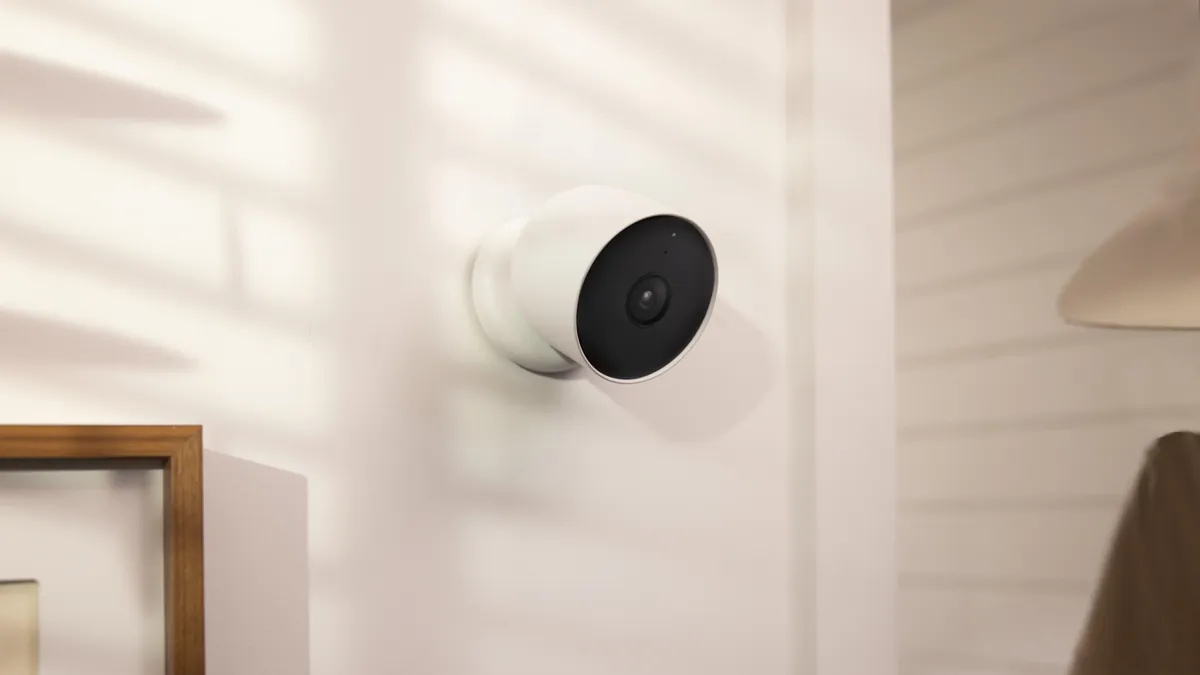
Where AHD Makes Sense: Scenes and Sites
AHD CCTV systems are not a relic. Four site classes keep buying DVR plus AHD cameras because the alternative does not fit.
1. Long perimeters and large grounds. Coax runs 300-500m without repeaters; Ethernet stops at 100m per segment. A factory perimeter, farm boundary or parking lot edge can be covered with AHD cameras at distances that would force an IP site to add switches, fiber or PoE extenders.
2. Finished buildings with existing coax. Re-cabling a finished office, shop or school means chasing walls and lifting floors. If coax is already in place — even decade-old RG59 — an AHD swap needs no structural work at all. This is the most common trigger for an AHD purchase.
3. Budget-conscious small businesses. A small shop, restaurant or clinic needs deterrent coverage and usable evidence, not 4K analytics. A 4-channel AHD kit with 1080p cameras, a 1TB DVR and remote app access costs less than one high-end IP camera alone, and the owner maintains it without an integrator.
4. Regional resellers and distributors. For B2B buyers, AHD kits are the inventory workhorse: low cost per SKU, high turnover, and no compatibility surprises because the kit is factory-matched. Distributors stock AHD kit lines at MOQ 10-50 units and quote coax HD first for retrofit customers — it closes faster.
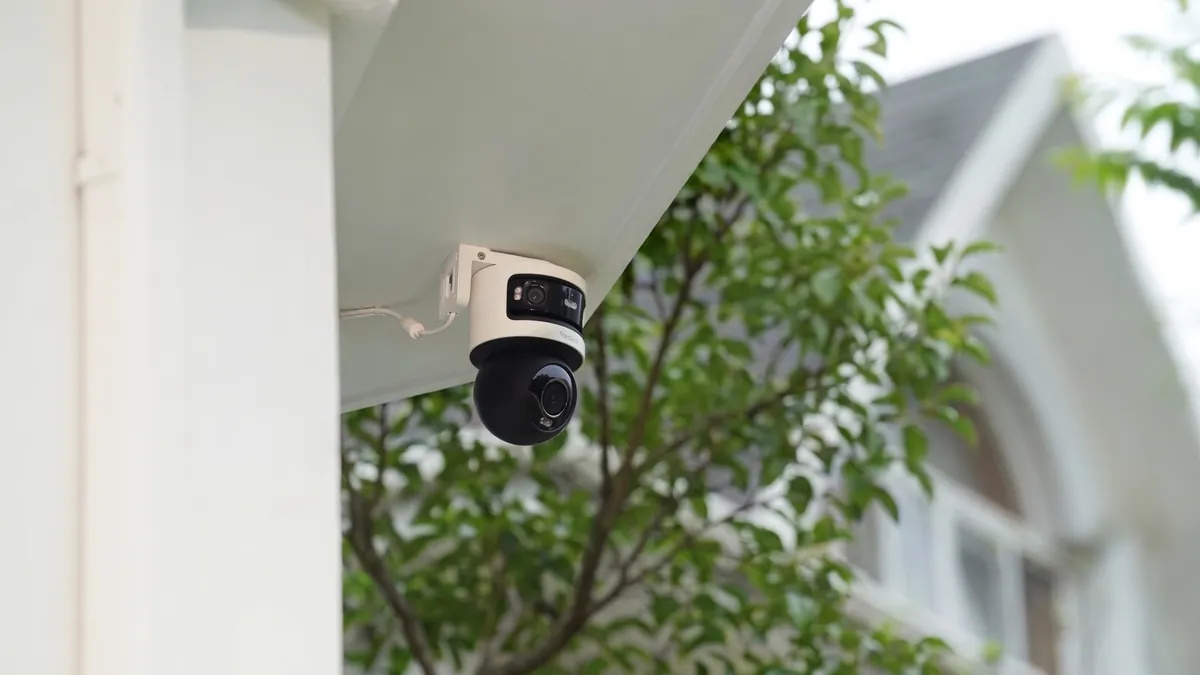
AHD Buying Checklist: What to Demand from a Supplier
Use this checklist when comparing AHD quotes, whether for one site or a wholesale container. Compare every line against the concrete DVR and camera range, and demand a spec sheet that answers each item in writing.
- Standard match: cameras and DVR on the same AHD/TVI/CVI standard, or an auto-detect DVR for mixed retrofit sites
- Resolution: 1080p baseline; 5MP (AHD 3.0) where identification distance matters
- Codec: H.265, not just H.264 — it halves the storage bill at equal quality
- Channels: current camera count plus 25-50% headroom
- Storage: confirm whether the HDD is included, plus SATA bays and max capacity
- Distance: state your longest run; verify it against RG59/RG6 limits before buying
- Night performance: full-color F1.0 optics if evidence quality matters after dark
- Wholesale terms: MOQ, mixed-SKU kitting, lead time and warranty in writing, sample testing before container order
Camera form factor follows the scene: bullet cameras for perimeters and long sightlines, dome cameras for interiors where tamper resistance matters, and complete kits when you want one matched order. A supplier that cannot state the standard, resolution and codec of its "ahd camera" line in writing is selling marketing, not specification.
AHD Questions Buyers Ask
What is AHD?
AHD stands for Analog High Definition. It is an HD-over-coax transmission standard that carries 720p, 1080p and up to 5MP video over the same RG59/RG6 coax cable that old analog CCTV uses. The camera encodes the signal and the DVR decodes it, so no IP network or rewire is needed.
What is the difference between AHD 720p and 1080p?
1080p is 1920×1080 (2,073,600 pixels), about 2.25 times the detail of 720p (1280×720). At the same distance, 1080p identifies a face or license plate noticeably further away. The price gap between 720p and 1080p AHD cameras is small, so 1080p is the baseline recommendation.
How far can AHD cameras run?
Typically 300-500m on good 75Ω RG59/RG6 coax with clean BNC terminations. Higher resolutions shorten the practical maximum — 720p reaches further than 1080p, which reaches further than 5MP. This distance advantage is why AHD suits long perimeters.
Can I keep my old DVR when upgrading to AHD?
Usually not. Old analog DVRs cannot decode AHD/TVI/CVI signals because the decoder is built into the recorder. To go HD, both the cameras and the DVR must change. The one thing you keep is the cable — which is exactly why AHD upgrades are cheap.
Can I mix AHD and TVI cameras on one DVR?
Only on a multi-standard or auto-detect DVR, which negotiates the format per port. On a single-standard DVR, a camera from a different standard shows nothing or a rolling image. Factory-matched kits avoid the question entirely.
Do AHD cameras work at night?
Yes. AHD cameras are available with IR LEDs for grayscale night video, and with full-color night vision: a large sensor with an F1.0 aperture that records continuous color at 0.1 lux. For evidence quality after dark, full-color AHD beats IR-only in the same way it does for IP cameras.
Is AHD better than IP?
It depends on the building. AHD wins where coax already exists, runs exceed 100m, or the budget is tight — it delivers about 80% of the result at a third of the cost. IP wins where you need 4K detail, in-camera analytics or many cameras per switch. Coax exists: AHD. Fresh build: IP.
Do I need new cable for AHD?
No. AHD is designed for the 75Ω RG59/RG6 coax already in most buildings. Check that the runs are continuous and the BNC connectors are cleanly terminated; replace only damaged sections. RG6 is preferred for runs over 300m.
The Bottom Line
If the building has coax, AHD is the upgrade path that saves thousands: keep the cable, swap the cameras and recorder, and get HD the same day. Choose 1080p as the baseline, 5MP where identification distance matters, match the standard between camera and DVR, buy H.265, and size the drive for your retention target. If you are starting from zero cable, IP remains the better long-term investment — but for the world's existing coax, AHD is the quiet champion.
At FULLCOLORCAM we manufacture 5MP F1.0 full-color night vision AHD cameras and matched AHD DVR kits in Guangzhou, factory-direct for importers and integrators — every unit tested before shipping, with free P2P remote access and no per-camera subscription. Send your site plan and camera count to cj226144@gmail.com for a spec-matched quote: we will tell you the resolution, standard and storage your building actually needs, not the biggest number we can sell.
NEXT STEP
Ready to Upgrade to Full-Color Night Vision?
Send us your requirements — our team responds by email.
Written by
Ray ChanCCTV Buyer's Guide Author · Full-Color Night Vision Specialist. Ray helps global importers and integrators source factory-direct security cameras.