
6 Key Parameters for a No-Subscription Security Camera (2026)
Table of Contents
Most "no monthly fee" cameras quietly push you back to a subscription within a year — through cloud-only storage, app-locked features, or firmware that stops updating. The six parameters below are what actually decide whether a camera system stays subscription-free for its whole life. They apply whether you are buying one unit or sourcing a line for resale.
Keep reading for more — each parameter with the numbers that matter, what to ask the supplier, and a comparison checklist you can reuse for any quote.
Key Facts at a Glance
- Local storage: microSD or NVR — data stays on your site
- Night vision: full-color (0.1 lux, F1.0) vs IR (30-50m typical)
- Connectivity: PoE > WiFi for reliability; P2P free remote
- Compression: H.265+ halves storage vs H.264
- Firmware: check update policy before ordering
Parameter 1: Local Storage
The single most important no-subscription parameter. A camera that records only to the cloud is a subscription camera with a free trial. What you want:
- microSD slot: 64-256GB typical, edge recording keeps working if network drops
- NVR compatibility: ONVIF Profile S/T so it records to a local recorder, not just its own app
- Continuous + event recording: continuous local recording plus motion-triggered clips
Ask the supplier: "Does recording continue locally when the app server is unreachable?" If the answer needs qualification, keep looking.
Typical ranges to compare between quotes:
| Storage option | Typical capacity | Approx. retention (4MP, H.265+) |
|---|---|---|
| Camera microSD card | 64-256 GB | ~3-30 days per camera |
| NVR hard drive (4TB, 4 cameras) | 1-16 TB per bay | ~25-40 days of continuous recording |
| NAS / network server | 4-24 TB and up | Months to years, with RAID |
Parameter 2: Night Vision
Night performance is where cheap cameras fail. Two technologies, two questions:
- Full-color low-light: needs 0.1 lux ambient light (street lamp, wall light) to stay in color. Sensor 1/2.7" or larger, aperture F1.0-F1.6
- IR: works in total darkness, black & white, typical range 30-50m (up to 80-100m on premium)
Ask: "What is the minimum lux for usable color footage?" A spec sheet that lists 0.001 lux with a small sensor is marketing — test the actual footage at night.
Typical specs to compare between quotes:
| Specification | Typical range | What it means |
|---|---|---|
| Minimum sensitivity (color) | 0.1-0.01 lux | Usable color with moonlight or a street lamp |
| IR range | 30-50m (up to 80-100m premium) | Black & white in total darkness |
| Lens aperture | F1.0-F1.6 | F1.0 lets in ~4x more light than F2.0 |
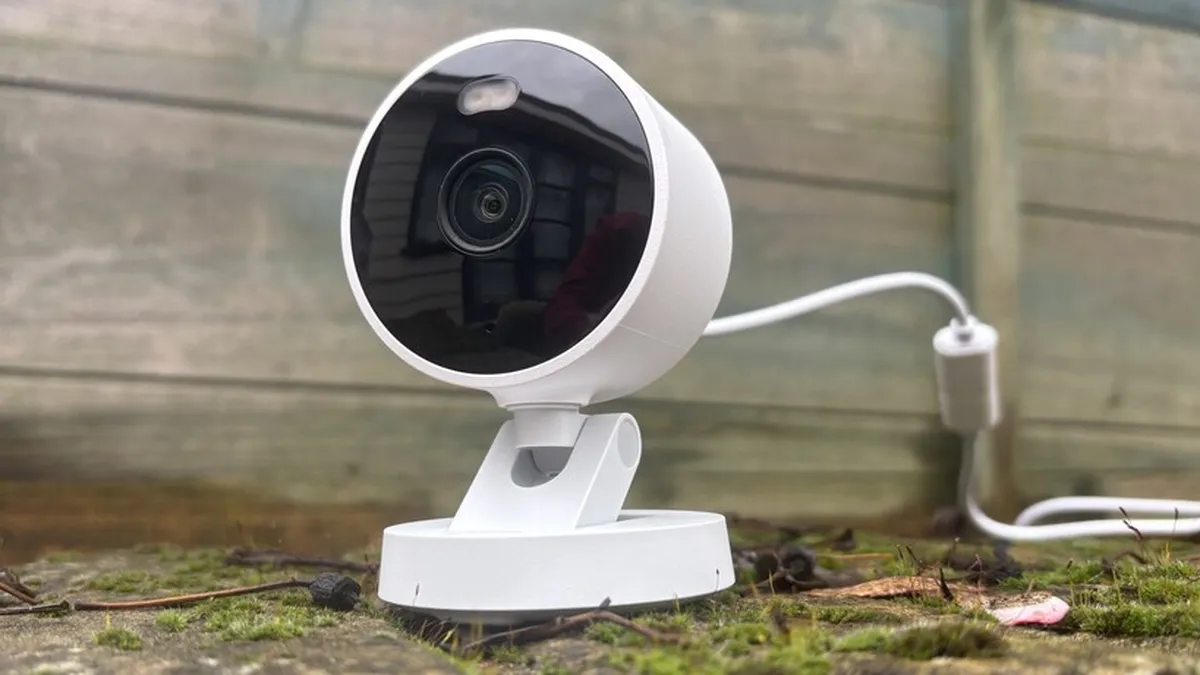
Parameter 3: Connectivity
How the camera connects decides reliability and who is in control:
- PoE (wired): one cable for power + data, no WiFi dependency, max 100m run — the B2B default
- WiFi: faster install, needs good signal; check 2.4GHz band support (5GHz has shorter range)
- P2P remote access: free NAT traversal through vendor relay — no port forwarding, no subscription. Confirm it stays free after the first year
Reliability by connection type:
| Connection | Reliability | Best use |
|---|---|---|
| PoE (wired) | High — dedicated physical link | New installs, 24/7 recording, commercial sites |
| WiFi | Medium — depends on signal quality | Retrofit, rentals, temporary sites |
| P2P remote access | Free and permanent (verify) | Phone viewing without opening ports |
Parameter 4: Power Source
Power decides where the camera can live and what it costs to run:
- PoE: 12V/0.5-1A equivalent delivered over cable, UPS-able with the switch
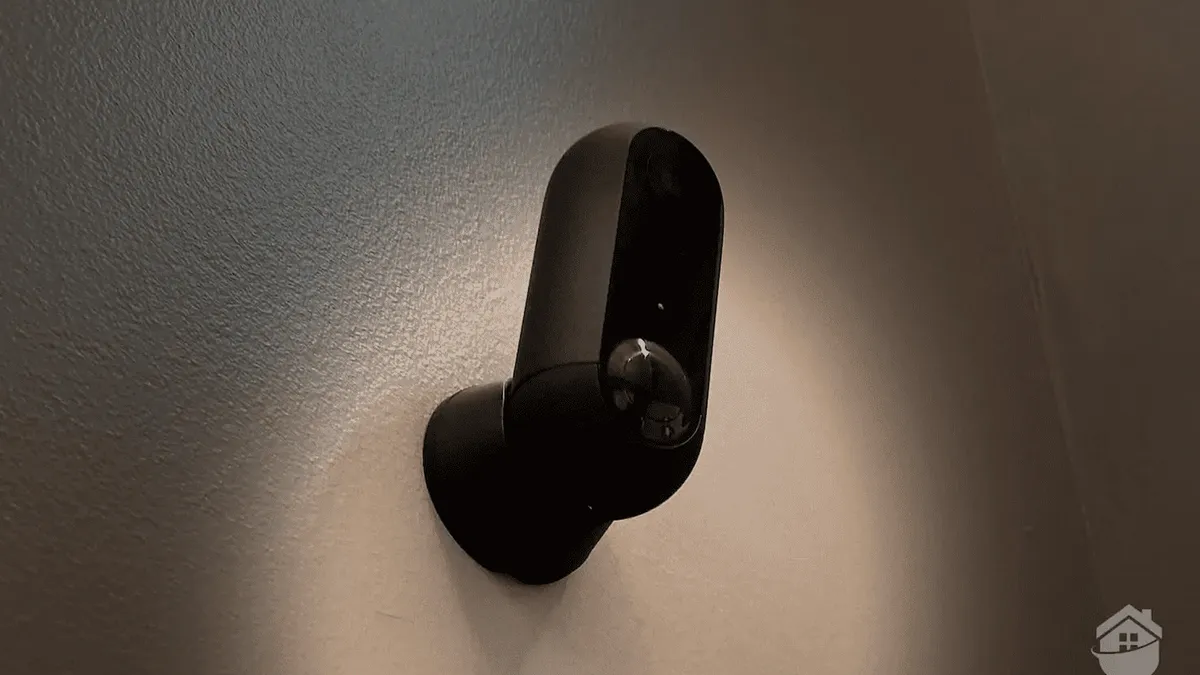
- Battery/solar: zero cabling, but motion-triggered only (continuous recording drains fast); check solar panel wattage and battery chemistry (LiFePO4 typical for longevity)
- DC 12V: simple, but needs a power adapter per camera and a dry location
For resellers: a PoE system is one SKU stack (camera + switch/NVR) and easier support than mixed battery units.
Typical consumption and power options:
| Power source | Typical consumption | Notes |
|---|---|---|
| PoE 802.3af | 5-12W per fixed camera | Up to 15.4W per port |
| Battery | 0.1-0.3W in deep sleep | 2-6 months per charge in event mode |
| Solar panel | 2-6W panel | Extends battery life indefinitely in sunny areas |
Parameter 5: Compression
Compression decides storage cost and bandwidth. H.265+ (smart encoding) typically halves storage vs H.264 at the same quality — a 4MP camera at 43 GB/day drops to ~21 GB/day. Ask for the bitrate at your resolution, not just the codec name.
For a 4-camera system on a 1TB drive recording continuously: H.264 ≈ 6 days, H.265+ ≈ 12 days. Event-only recording stretches that several times over. That is the real no-subscription storage math.
| Codec | Typical bitrate (4MP) | Storage per camera / day | 1TB drive, 4 cameras, continuous |
|---|---|---|---|
| H.264 | ~4 Mbps | ~43 GB | ~6 days |
| H.265+ | ~2 Mbps | ~21 GB | ~12 days |
Parameter 6: Data Security
No subscription should not mean no security. Check:
- Default password policy: forced change on first login (not a printed default)
- Firmware updates: vendor publishes updates and security patches — ask for the policy in writing
- Encryption: HTTPS for remote access, TLS for streams
- Data residency: local storage means your footage never leaves the site unless you want it to
Spec Comparison Checklist
- Local recording works without cloud/app server
- microSD size supported; NVR/ONVIF compatible
- Night footage tested at the actual site — not spec-sheet numbers
- P2P remote access free and permanent
- H.265+ bitrate stated at your resolution
- Firmware update policy in writing
- Default password forced change
No-Subscription FAQ
Do "no monthly fee" cameras really stay free forever?
Only if three things hold: local storage that works without a cloud account, P2P remote access that stays free after year one, and a firmware update policy that keeps the device patched. Ask the supplier for each in writing — the promise survives on paper, not in marketing.
What happens if the vendor's app server goes down?
Local recording keeps working — that is the point of local storage. Only remote viewing through the vendor app is affected until the server returns. If a camera records only to the cloud, an outage means no footage at all.
Is local storage enough for a business site?
Yes, when sized correctly. A 4-camera system on a 1TB NVR holds roughly 6 days of continuous H.264 or 12 days of H.265+ recording; event-only recording stretches that several times over. Larger sites scale the NVR drives or add a NAS.
Do these cameras need a cloud account to set up?
Setup may use the vendor app, but a cloud account should never be required for recording. Confirm the camera records to microSD or NVR locally and that ONVIF works with a third-party recorder — that is the real no-subscription test.
The Bottom Line: A genuinely subscription-free camera is defined by local storage, real night performance, free P2P, efficient compression and an honest firmware policy. Check these six parameters against any quote — from a single unit to a wholesale line — and the "no subscription" promise will survive year two.
NEXT STEP
Ready to Upgrade to Full-Color Night Vision?
Send us your requirements — our team responds by email.
Written by
Ray ChanCCTV Buyer's Guide Author · Full-Color Night Vision Specialist. Ray helps global importers and integrators source factory-direct security cameras.